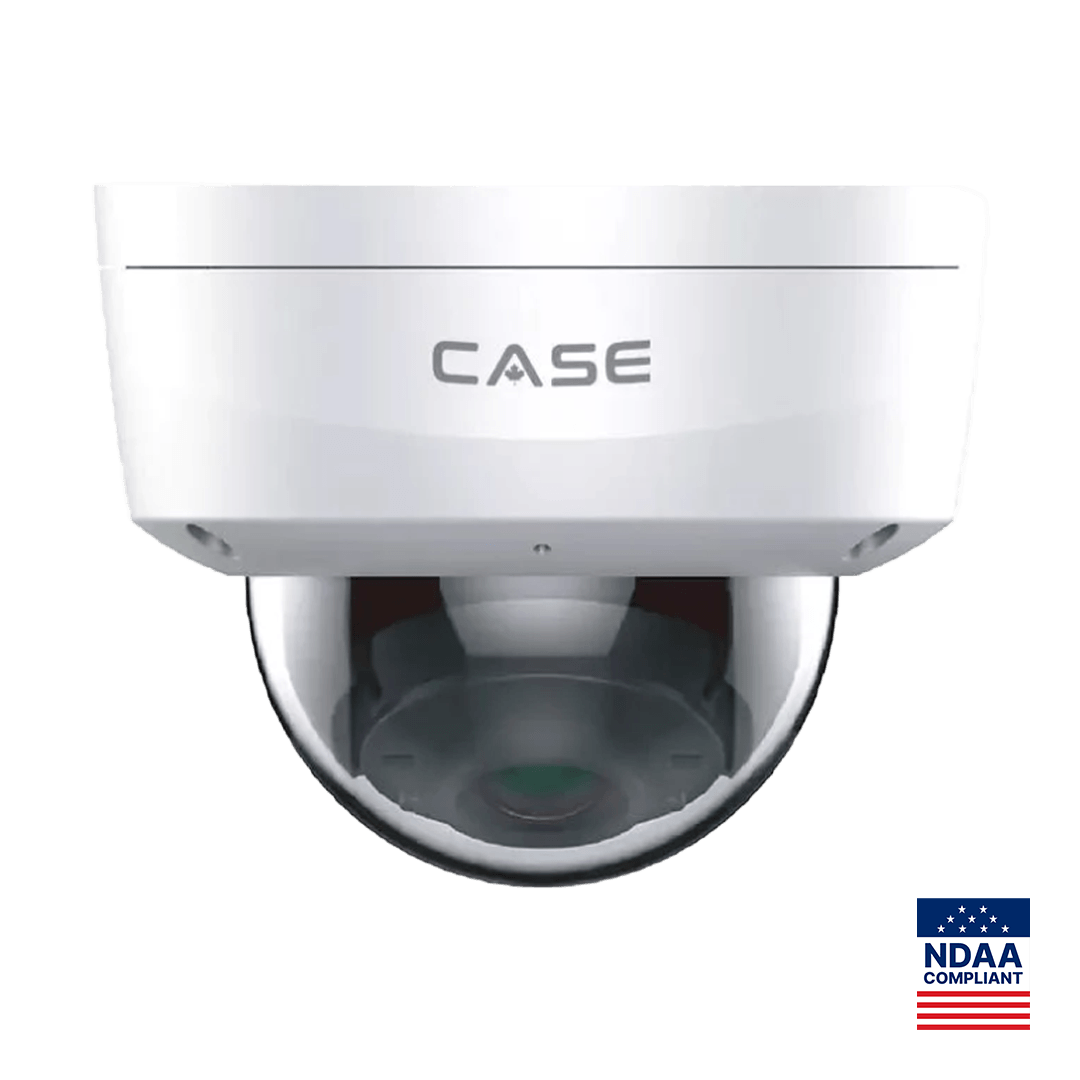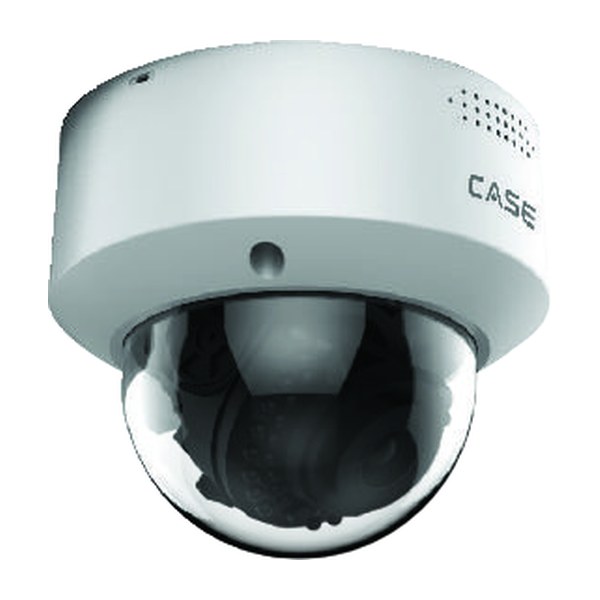
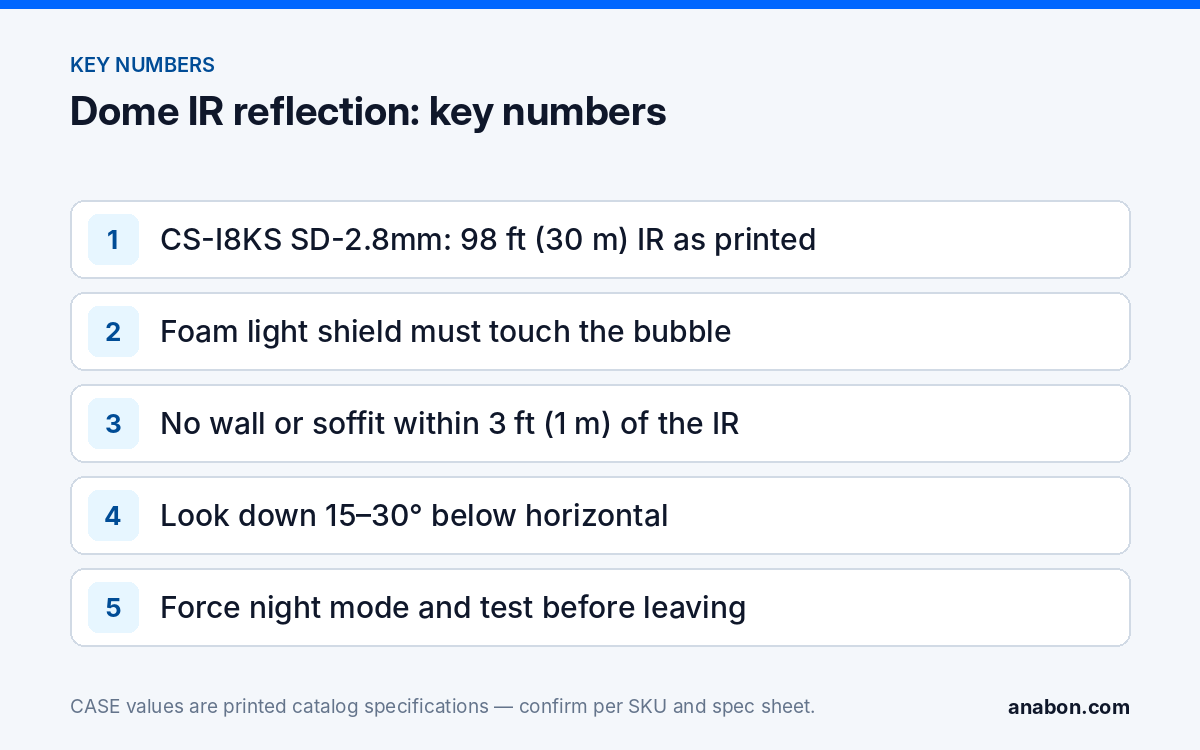
Quick answer: Dome camera IR reflection is the milky, washed-out night image that appears when the camera’s own infrared light bounces off the inside of the bubble or off a nearby surface and back into the lens. The fixes are mechanical: the foam light shield must touch the bubble, the lens must stay inside its tilt range, the bubble must be clean and seated, and no wall, soffit or sign may sit within about 3 ft (1 m) of the IR field. Force night mode and check before you leave; CS-I8KS SD-2.8mm prints 98 ft (30 m) IR, and that figure only means anything with the bubble clear.
What causes IR reflection in a dome, and what does it look like?
At night an IR dome lights its own scene with LEDs that sit beside the lens behind the same bubble. If any of that light reaches the sensor without first traveling out to the scene, the image fills with gray haze, a bright halo or a hot white patch, and contrast collapses until faces are unreadable. The daytime picture is fine, which is why the problem is missed on install day and reported a week later as a foggy camera.
| Symptom at night | Likely cause | Fix |
|---|---|---|
| Uniform gray haze over the whole image | IR leaking around the lens: foam light shield missing, displaced or not touching the bubble | Re-seat the shield; return the tilt to the range where it stays in contact |
| Bright arc or halo on one edge | Lens tilted so far that part of the field looks through the bubble edge or at the housing | Reduce tilt; re-aim with the mount, not the gimbal |
| Hot white patch on one side, scene dark beyond it | A wall, soffit or sign within about 3 ft (1 m) of the IR field reflecting light back | Move the camera off the surface or aim away; stand the dome off on its junction box |
| Sparkling points or a soft glow that moves | Dust, fingerprints or a scratch on the bubble; insects or a web in front of it | Clean or replace the bubble; remove webs; set a cleaning interval |
| Image soft at night, sharp by day | Focus shift between visible and IR light, or condensation inside the bubble | Refocus with IR on (varifocal); dry and re-seal the housing |
Wider night-image faults, including external fog, insects drawn to the IR and spider webs, are covered in night image problems: IR glare, foggy domes, insects and spider webs. This article is the installation side: the choices at the ladder that decide whether those faults appear.
Bubble and foam light shield: the parts that have to touch
Most IR domes ship with a foam light shield, sometimes called the foam collar, fitted around the lens. It separates the lens from the LED compartment so that light leaving the LEDs cannot reach the sensor by bouncing off the inside of the bubble, and it works by pressing against the bubble when the cover is fitted. Three things defeat it.
- It is missing. Shields fall off in the box or are pulled off during aiming. Check it is on the lens before the cover goes back, per the installation guide for that model.
- It is compressed on one side. Tilt the lens far enough and the shield lifts off the bubble on the opposite side, opening a light path. The tilt range in which it keeps contact is the real tilt limit, whatever the gimbal allows.
- The bubble is not seated. A cover tightened unevenly, a pinched gasket or the protective film left on all give IR a surface to scatter from. Peel the film, seat the cover squarely, and tighten the screws in turn.
The bubble is an optical part. CS-I8KS SD-2.8mm prints IK10 and IP67 for its housing, which is about impact and ingress; a bubble scratched by a dry rag is still IK10 and still scatters IR. Treat it like a lens.
Angle limits: how far can you tilt before the bubble fights back?
A dome is designed to look mostly downward. Its clean range is the set of angles where the lens looks through the central region of the bubble, the shield stays in contact and none of the field includes the bubble edge or the housing. Push past that, typically when a ceiling dome is asked to look nearly horizontally down a corridor, and part of the frame looks through the bubble at a grazing angle, where the plastic reflects and distorts more. The fix is to move the camera or change the mount, not to tilt further.
- Position the camera to look down at the target at 15 to 30 degrees below horizontal; at 9 ft (2.7 m), a tilt of about 20 to 24 degrees aims the center of the view at the floor about 20 to 25 ft (6 to 7.6 m) away, while face capture needs the target much closer; see security camera mounting height and angle.
- Where the view must be nearer horizontal, use a wall bracket or pendant that points the whole camera instead of forcing the gimbal; see ceiling types and mount choices.
- Keep large surfaces out of the near field: a dome tight against a soffit or in an inside corner lights that surface at a shallow angle and the bounce comes straight back. Stand the dome off on its junction box, or step it 3 ft (1 m) from the corner.
- Level the horizon before tightening the gimbal; a tilted horizon usually means the lens is at the edge of its range on one axis.
Where a job needs a near-horizontal view with long IR, a turret or bullet is the better housing, because its lens and LEDs look out through separate windows (see bullet vs dome vs turret). The dome earns its place where impact resistance and a low profile matter.
Focus: why a dome goes soft after dark
A fixed-lens dome such as CS-I8KS SD-2.8mm or CS-I5KS SD-2.8mm prints a 2.8mm fixed lens, normally focused at the factory (confirm on the spec sheet), so a soft image usually means an obstacle, not a focus fault: the protective film, a smeared bubble, condensation inside the cover, or a bubble not seated flat. Clear those first. A varifocal dome such as CS-I8MS SD-2.7-13.5mm (8MP, 2.7 to 13.5 mm lens, 164 ft (50 m) IR and 49 ft (15 m) white light, as printed) adds a second cause: infrared focuses at a slightly different plane than visible light, so a lens sharp in daylight can drift soft when the IR-cut filter opens at night. After zooming to the final field, focus with the camera forced into night mode, or return after dark, and check at full resolution on a monitor rather than a phone preview. An 8MP dome at 3840×2160 shows a focus error a 2MP camera would hide, so open the single channel at 100% and read something at the far edge of the useful range.
Night test before leaving the site
The habit that removes most dome callbacks is a forced night test while the ladder is still up. Most IP cameras let you set day/night mode manually in the image settings; switch to night, which turns the IR on in daylight, and view the live image on the recorder or in CASE Connect.
- Force night mode on the channel and wait for the IR LEDs to come on.
- Look for haze, a halo or a hot patch; if any appears, open the cover and check the shield, the film and the bubble seating first.
- Check near surfaces on all sides of the frame for IR hot spots; re-aim or stand the camera off.
- On a varifocal dome, refocus now, with IR on, then zoom in on the display to confirm.
- On a white-light dome such as CS-I8KS SD-2.8mm (33 ft (10 m) white light, as printed), trigger the white light too and check it does not flare off a near surface.
- Return the camera to automatic day/night and record the test; schedule a true after-dark check if the site has strong external lighting.
On a multi-dome job, test the first unit before fitting the rest. The commissioning record belongs with the handover file in CCTV installation documentation: a labeling standard.
Cleaning: how to keep the bubble optical
A bubble that scatters IR because of dust does the same thing as a missing shield, so cleaning is part of the IR design. Use a clean microfiber cloth with water or a mild soap solution; never paper towel, a dry rag, solvents, ammonia-based glass cleaner or anything abrasive, all of which haze or scratch the plastic. Outdoors, wipe webs and insect debris from the bubble on every visit, because the IR attracts insects and their webs sit in the beam; kitchen, warehouse and workshop ceilings need the same wipe. Write the interval into the service agreement. Warranty is stated by category: CASE cameras carry a 6-year warranty, handled through the installer or dealer who supplied the system; whether a scratched or damaged bubble is covered is assessed through the RMA process. For warranty and service, please contact the installer or company that supplied your system.
What to tell your customer
“Dome cameras light their own scene at night with infrared, and the clear dome has to be clean and correctly seated for that to work; we tested every camera in night mode before we left. If a night image ever looks hazy, do not wipe the dome with a dry cloth or glass cleaner; call us and we will clean and re-check it. Warranty and service on the CASE cameras run through us as your installer.”
FAQ
Why is a dome camera foggy or milky only at night?
Because the fault is infrared reflection, which only exists when the IR LEDs are on: their light reaches the sensor by bouncing off the inside of the bubble or a nearby surface instead of the scene. Check that the foam light shield touches the bubble, the film is off, the bubble is clean and seated, and no wall or soffit sits within 3 ft (1 m) of the IR field.
What does the foam light shield on a dome camera do, and can I leave it off?
It separates the lens from the IR LEDs inside the bubble so their light cannot reach the sensor directly. Leave it off, or tilt the lens until it lifts off the bubble on one side, and the night image fills with gray haze. Keep it on, follow the camera’s installation guide for how it sits, and treat the tilt range where it stays in contact as the real limit.
How far can I tilt a dome camera toward horizontal?
Only as far as the lens still looks through the central region of the bubble with the shield in contact and no part of the frame including the bubble edge or housing; the exact range depends on the model. When a job needs a near-horizontal view, point the whole camera with a wall bracket or pendant, or choose a turret or bullet, whose lens and LEDs look through separate windows.
How do I test a dome’s night image during the day?
Switch the channel’s day/night setting to night, which turns the IR LEDs on in daylight, and view the live image at full resolution on the recorder or in CASE Connect. Look for haze, a halo or a hot patch, check near surfaces for reflections, refocus a varifocal dome with IR on, then return the camera to automatic mode and note the result in the commissioning record.