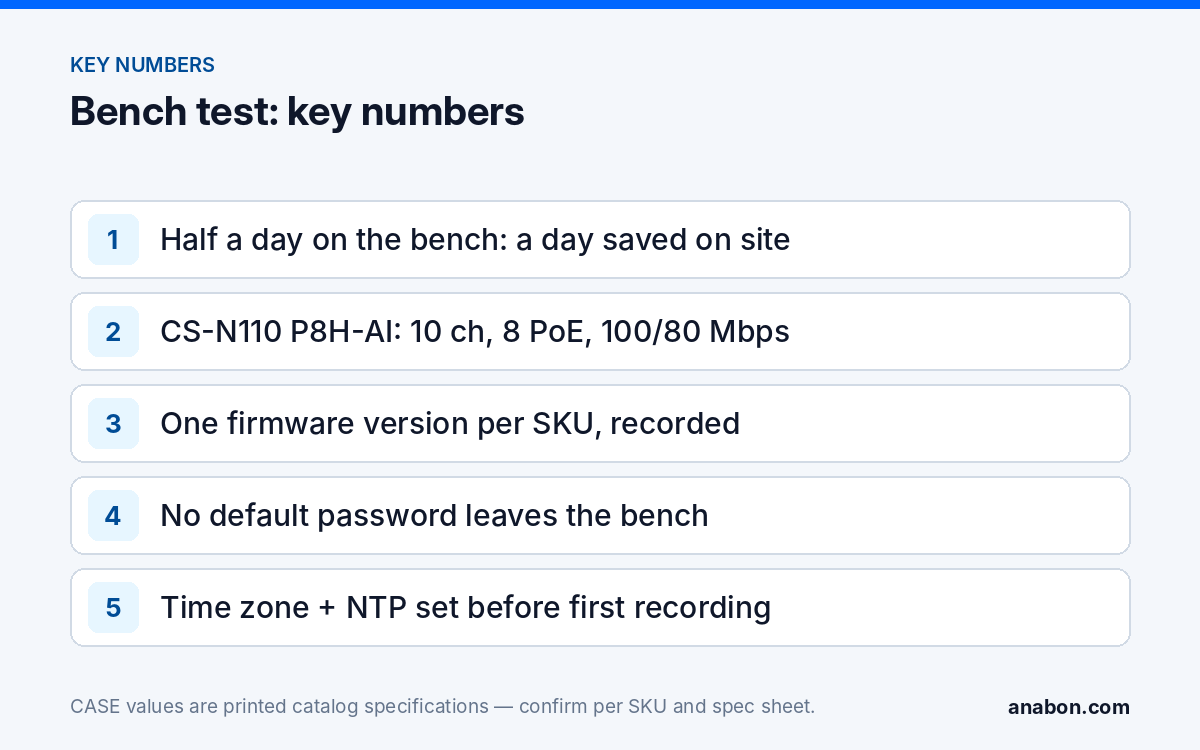
Quick answer: Pre configure security cameras and the recorder on a bench in the shop, where the network is yours and a mistake costs minutes. Update firmware, replace every default password, apply the IP plan and channel names, set recording, retention and time, and confirm the recorder appears in CASE Connect; then label each camera with its channel ID and pack from a list. On site, the work left is mounting, cabling, aiming and the night test. Done consistently, half a day on the bench saves about a day on site.
Why does half a day on the bench save a day on site?
Every setting changed on a ladder is slower, every password typed on a phone is mistyped, and a firmware update over a customer’s network cannot be rolled back if the connection drops. On the bench the recorder sits next to a monitor and a keyboard and the cameras are on a short patch cord. The bench is also where you find the problem that would have stopped the site day: a camera with older firmware than its twin, a recorder that needs a drive formatted, a SKU ordered with the wrong series letter. Each is an hour in the shop and a lost day on site.
The bench also produces the documentation: firmware versions, MAC addresses, the IP plan and the channel list, recorded while the devices are in front of you. That record is the first half of the handover file in CCTV installation documentation: a labeling standard.
What belongs on the bench, and what has to wait for site?
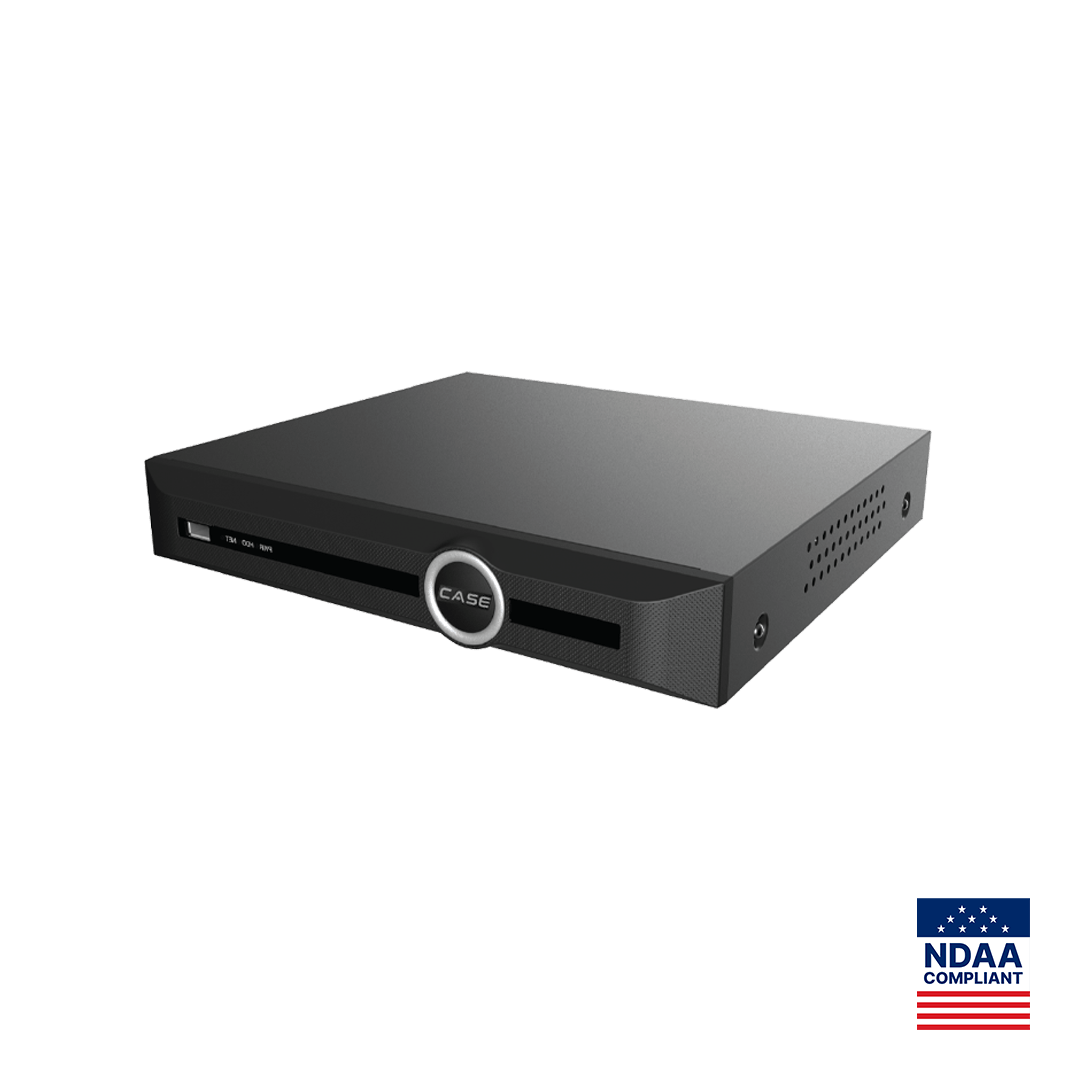
Anything that depends only on the devices is done on the bench; anything that depends on the building is done on site. The split below is for a PoE NVR job around a recorder such as CS-N110 P8H-AI, which prints 10 channels, 8 PoE ports, 100 Mbps incoming and 80 Mbps outgoing bandwidth, up to 10 TB per hard drive and simultaneous HDMI and VGA outputs.
| Item | Bench | Site |
|---|---|---|
| Firmware on cameras and recorder | Check, update, record version | Nothing |
| Passwords and accounts | Replace defaults; create installer and customer admin accounts | Hand over the customer admin credential |
| Hard drives | Install, format, confirm capacity and health | Nothing |
| Camera addressing | NVR PoE ports: plug-and-play on the recorder’s camera network; external switch: static or reserved address per the IP plan | Uplink address, gateway and DNS on the customer LAN |
| Channel names and order | Set from the camera schedule; label cameras to match | Verify each label is on the right mount |
| Recording mode, schedule, retention, overwrite | Set and test with a short recording | Re-check with all cameras live |
| Time zone, NTP, daylight saving | Set; NTP source the customer network will reach | Confirm sync once the uplink is up |
| CASE Connect | Add the recorder to a test account; confirm live view and playback; remove it | Set up the customer’s account and users |
| Aim, focus, night test | Not possible | Required before leaving |
Firmware and passwords: the two things never done on a ladder
Firmware
Record the firmware version on every camera and on the recorder before touching anything; two cameras of the same SKU from the same shipment can arrive with different versions. Ask Anabon which version is confirmed for the SKU and the recorder model, update on the bench over a wired connection on stable power, and keep the previous firmware file so you can go back. Bring identical units to one version per SKU and note it on the camera schedule; a feature that behaves differently on one channel is often a firmware mismatch. The safe sequence and rollback plan are in NVR firmware updates: a safe procedure and a rollback plan. AI functions on a camera such as CS-I8XQ II-2.8mm are confirmed per model, firmware, software version and project configuration, another reason the bench record matters.
Passwords
No device leaves the bench on a default password. Set a unique administrator password on the recorder and each camera, store them in your password manager under the job, and create the accounts the site needs: an installer account for service, a customer administrator account whose credential is handed over sealed, and operator accounts with view and playback rights only. The role structure is in user roles and permissions on CASE NVRs, and the full hardening list in hardening a CASE NVR. Disable any service the job does not use while the recorder is in front of you.
Channel names and the IP plan: make the bench match the site
The camera schedule decides the channel order; the bench applies it. Plug each camera into the NVR PoE port it will use on site, so CAM-01 is on port 1 and channel 1, and name the channel ID first, location second (CAM-01 Front Door). Cameras on NVR PoE ports take addresses on the recorder’s internal camera network, so the port, not the address, is what you preserve; cameras bound for an external switch get the static address or DHCP reservation in the IP plan, applied now and recorded with the MAC. The addressing choices are explained in camera network basics: VLANs, subnets, DHCP vs static.
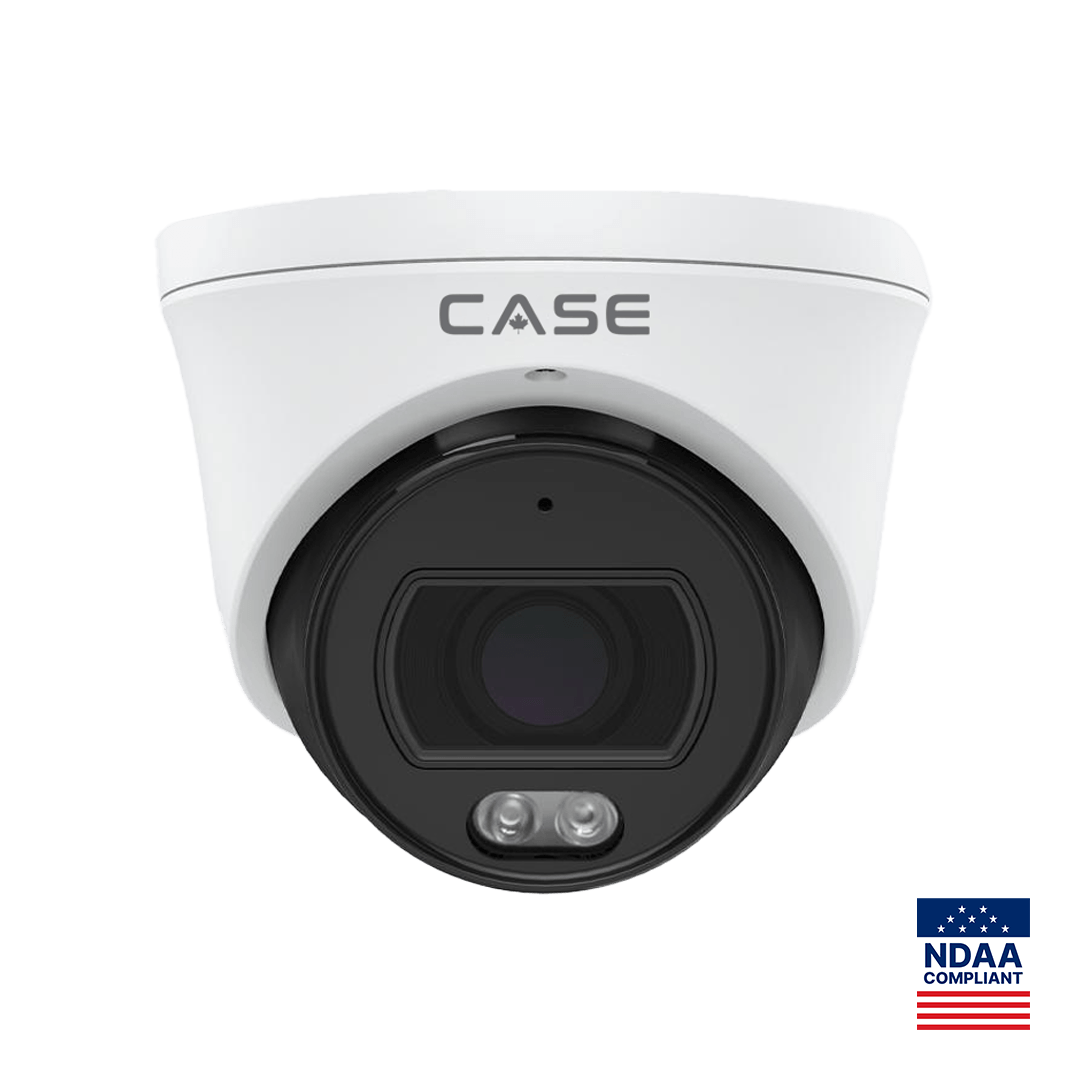
For a batch of cameras on an external switch, the Search Config Tool is the technical step: it discovers the cameras on the bench network, sets addresses and basic parameters across the batch, and includes a storage calculator for the retention check below. Once each camera is addressed, print its label from the schedule and fix it to the body and the pigtail before it goes back in the box; an unlabeled camera has to be identified on a ladder by its MAC. Two cameras show why: CS-I8XQ II-2.8mm (8MP, 164 ft (50 m) IR, 98 ft (30 m) white light, IP66, 1 TB memory slot, as printed) and CS-I4SV S-2.8mm (4MP PhotonX, 0.0001 Lux, 33 ft (10 m) white light, no IR, IP67, as printed) look similar in the box and belong in very different positions on site.
Recording, retention, time and the CASE Connect check
Set the recording mode per channel (continuous, event, or continuous with event marking), the schedule, and overwrite on. S+265 is printed on most CASE camera spec pages alongside H.265 and H.264, and the recorder’s incoming bandwidth, 100 Mbps on CS-N110 P8H-AI, is the ceiling the camera bit rates must stay under with headroom. Then check retention against the drives with the Search Config Tool’s storage calculator or the method in the NVR storage calculator, and record the retention figure and who approved it; where video contains personal information, retention is a matter for state laws (provincial laws and PIPEDA in Canada), so verify with counsel where a legal threshold applies.
Set the time zone, daylight saving and an NTP source the customer’s network will reach, and confirm the clock before anything is recorded; a wrong clock is a common reason exported video is challenged. Set the sub-stream for remote viewing per sub-stream planning for remote viewing over 4G/LTE. Finally, add the recorder to CASE Connect on a test phone over the shop network, confirm live view and playback on every channel, then remove the test device so only the customer’s account exists after handover. CASE Connect is the official app experience for CASE systems; app features and remote access options should be confirmed by model, software version and project configuration. The customer-side setup is in CASE Connect: setting up remote viewing for your customer.
Packing list and bench-test checklist
Pack from the camera schedule, not from memory; copy both lists into your job folder.
| Pack | Check |
|---|---|
| Cameras, each labeled with its CAM ID on body and pigtail | Count matches the schedule; SKUs match with series letter |
| Recorder with drives installed and formatted | Channel names set; test recording present |
| Switch, injector or extender if the design uses them | Port descriptions set; PoE budget checked |
| Junction box or mount per camera | Compatibility confirmed per camera specification sheet |
| Patch cords, RJ45 ends and boots, outdoor-rated cable, label printer, cable and PoE testers | Lengths from the site survey plus spare; batteries charged |
| Laptop with spec sheets, IP plan and the Search Config Tool; monitor and HDMI cable; test phone with CASE Connect | IP plan printed as well |
| Anchors and fasteners for each ceiling or wall type; sealant; desiccant packs | Matched to the site survey notes |
| Sealed envelope with the customer administrator credential | Never inside the handover file |
- Firmware version recorded for every device; one version per SKU.
- No default password remains; accounts created and stored.
- Drives formatted and healthy.
- Every camera on its planned port or address; channel names match labels.
- Recording mode, schedule, retention and overwrite set; test recording played back.
- Time zone, daylight saving and NTP set; clock checked.
- Sub-stream set; CASE Connect live view and playback confirmed; test device removed.
- Camera schedule, IP plan and bench notes in the job folder.
Warranty is unchanged by bench work: CASE cameras and CASE NVRs carry a 6-year warranty, CASE PTZ cameras carry a 3-year warranty, CASE accessories carry unlimited warranty, and hard drives are supported through back-to-back manufacturer warranty, all handled through you as the installer. A device that fails on the bench failed in the right place.
What to tell your customer
“Your recorder and cameras were configured and tested in our shop before installation day: firmware checked, passwords set, recording and time configured, remote viewing confirmed. On site we mount, cable and aim, and test every camera at night before we leave. You receive the administrator credential sealed, separately from the handover file. Warranty and service on the CASE equipment run through us as your installer.”
FAQ
Can I configure cameras on the bench if they will plug into the NVR’s PoE ports on site?
Yes, and it is the simplest case. Plug each camera into the same NVR PoE port it will use on site; the recorder assigns an address on its internal camera network, so the port and channel are what you preserve, not the address. Name the channel, label the camera with that ID, and on site it returns to the same port and channel.
Should firmware be updated on the bench or on site?
On the bench, over a wired connection and stable power, with the previous firmware file kept for rollback. Record the version on every device first, ask Anabon which version is confirmed for the SKU and recorder, and bring identical units to one version. Updating over a customer’s network, on a ladder, with no rollback path, turns one site day into two.
How do I test CASE Connect before the customer’s network exists?
Add the recorder to CASE Connect on a test phone over the shop network, confirm live view and playback on each channel, then remove the test device so only the customer’s account exists after handover. App features and remote access options are confirmed by model, software version and project configuration; the customer’s account and users are set up on site once the uplink is live.
What cannot be finished on the bench?
Anything that depends on the building: the recorder’s address on the customer LAN, gateway and DNS, the NTP sync check once the uplink is live, the remote-viewing test over the real upload, aiming and focus, the forced night test for IR reflection, and the customer’s CASE Connect account. Plan those as the site-day list; everything else is bench work.