Quick answer: Separate recording location, remote viewing, remote configuration and backup in the proposal. The CASE catalog describes on-site NVR recording and separate software roles; it does not establish a cloud-recording or VSaaS service merely by using the name CASE Cloud. Confirm any off-site storage requirement in writing.
On this page
Find out what the customer means by cloud
“I want cloud” may mean seeing the loading dock on a phone, preserving footage if the building is damaged, or avoiding a service visit. Those are different outcomes with different data, bandwidth and recovery requirements.
| Request | Design question |
|---|---|
| Remote live view/playback | Which supported access method reaches the actual recording source, with whose permissions? |
| Remote configuration | Which settings/tasks can the approved technician service perform? |
| Off-site recording or backup | What is copied, where, how often, for how long and how is it recovered? |
| Multi-site oversight | Which operators, permissions, search and health-monitoring functions are required and supported? |
Write the outcome in plain words before selecting products. Remote access is not automatically an independent recording copy, and an exported clip on one technician’s drive is not a maintained backup program.
Describe the CASE scope accurately
The current catalog describes CASE Connect mobile functions, CASE Station desktop monitoring/playback/export and CASE Cloud remote NVR configuration. Confirm each function for the actual device, firmware, software version and deployment.
CASE Cloud’s configuration description is not evidence of cloud recording, a fleet dashboard or every remote-viewing transport. Conversely, absence from one catalog is not a complete statement about every solution Anabon could source. If a specification requires off-site recording, send the exact requirement for a written supported-scope response before bidding.
Use CASE Cloud scope and CASE Connect handover to keep those roles distinct. Do not promise unannounced software functions or a future release date.
Plan local recording against actual capacity
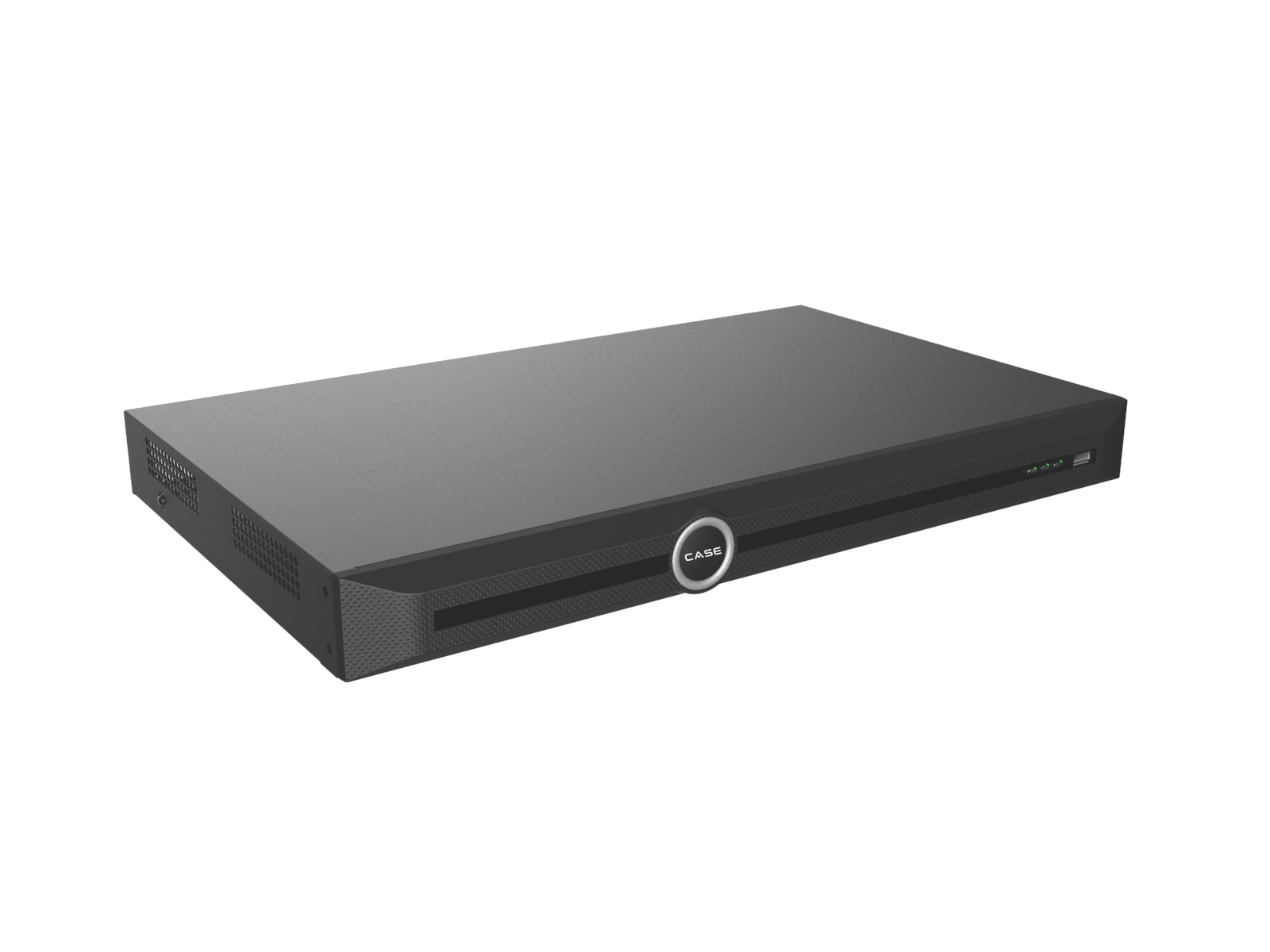
For an NVR, confirm supported drives, bay count, usable capacity, recording mode and expected stream load. A per-drive maximum is not total installed capacity, and camera resolution alone does not determine retention.
Document bitrate assumptions, continuous/event schedules and required retention. Check observed history once enough recording time has elapsed. Storage needs, recorded image quality and analytics requirements must be balanced with the customer rather than silently reducing bitrate to make a drive estimate fit.
A camera memory-card slot does not prove failover, automatic backfill or independent incident recovery. Confirm the supported recording mode, power dependency, retention and retrieval method.
If footage must survive a site loss, design that outcome
Identify what is protected if the recorder, power or network is lost. A second recording destination in the same unsecured cabinet may share the same failure. An edge card powered only by a removed PoE recorder may not continue recording.
For a separate service or backup process, specify source channels, recording quality, upload schedule, data location, retention, access, deletion, monitoring and restoration. Confirm compatibility and privacy/security requirements. Do not label a manual incident export as continuous cloud recording.
Check the upload and recovery workload
As an illustrative calculation, 16 streams averaging 4 Mbps total 64 Mbps. Sending that continuously for 30 days is about 20.7 TB in decimal units before overhead. An actual cloud design may use different streams or recording policies; measure and model that specific service.
Check upload capacity, data terms, shared business use and the behavior during outages. Agree what is buffered, what is lost, how it is reported and how recovery is tested. A high download speed is not proof of sufficient upload.
Put the supported scope into the handover
List each recording destination and access path with its responsible owner, tested function and limitation. Include any service, licensing, retention or connectivity terms actually confirmed. Do not promise that all services are free because one catalog configuration tool says no additional cost.
Keep the written scope with the cybersecurity handover and export workflow. The physical-security and UPS guide covers the on-site equipment protections that remain necessary.
FAQ
Does remote playback mean footage is stored in the cloud?
No. Confirm the actual recording source and data path.
Is CASE Cloud an off-site backup?
That is not the function established by its catalog configuration description.
Can we promise a third-party cloud integration?
Only after the exact platform, devices, functions and project requirements are confirmed and tested.
Review NVRs for the local requirement and send the full storage/access scope to Anabon technical support before making an off-site service commitment.
References
Product descriptions were checked against the current CASE Catalog 2027 Q1. Confirm the exact model/revision and current software scope through the Anabon Download Center or technical support before a project commitment.