Quick answer: Church security cameras are a multi-building job run by volunteers, so design for few cameras that each do a clear job, one recorder scheme the campus can live with for years, and a handover simple enough for a part-time safety team. Cover every public entrance with a face-height dome, the lobby and the lot with stitched 180° units, the rear doors and the lot with EW deterrence after hours, keep cameras out of children’s washrooms and counseling rooms, and give the team CASE Connect with one named operator. Grant programs exist in the US and Canada; name them, point to the official pages, and promise nothing.
Entrances, sanctuary, offices and daycare: where do the cameras go, and where do they not?
A campus has more doors than a store and far fewer people watching them. Start from the door schedule: every exterior door unlocked during services gets a camera that sees a face on the way in, and every locked door gets a camera that sees who tried it.
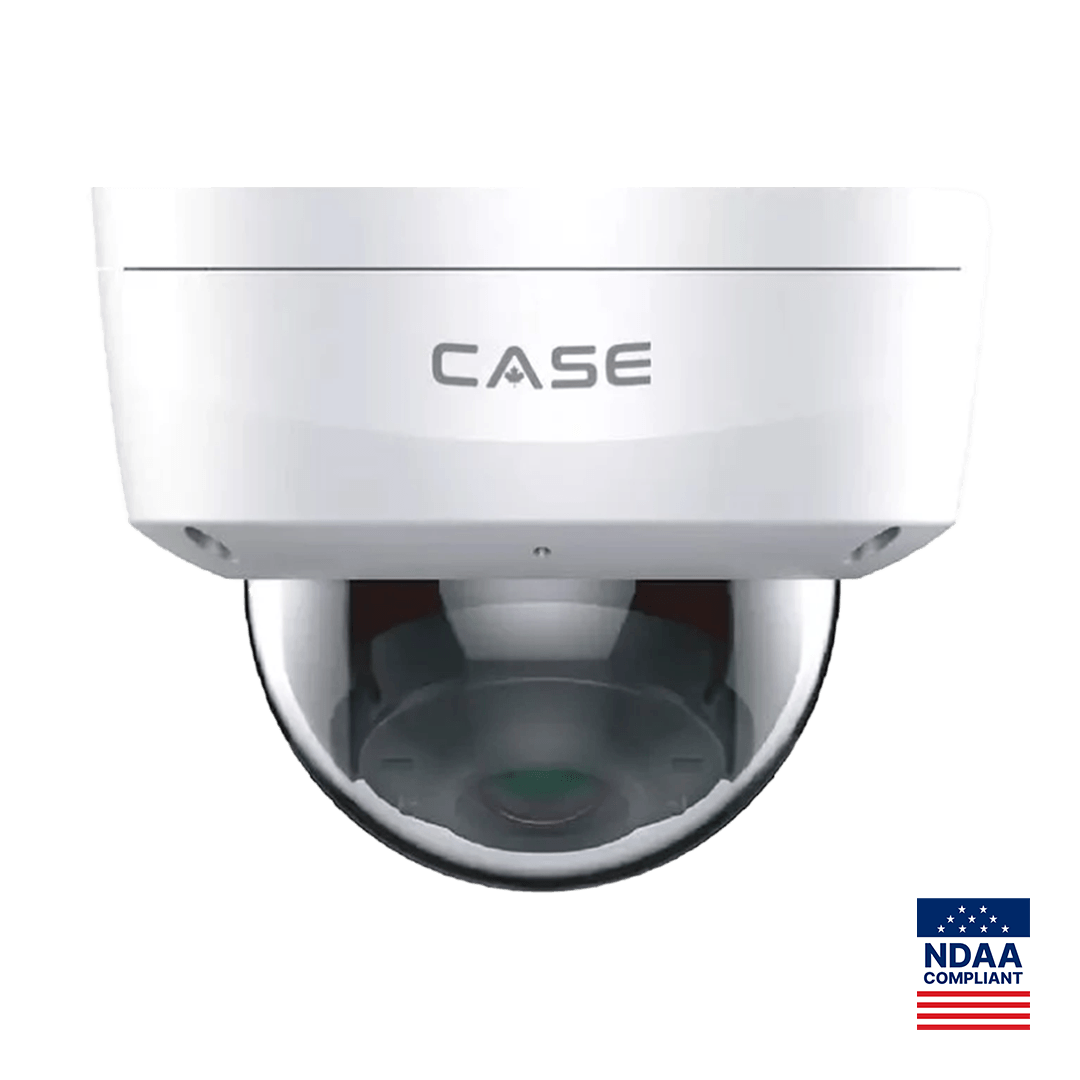
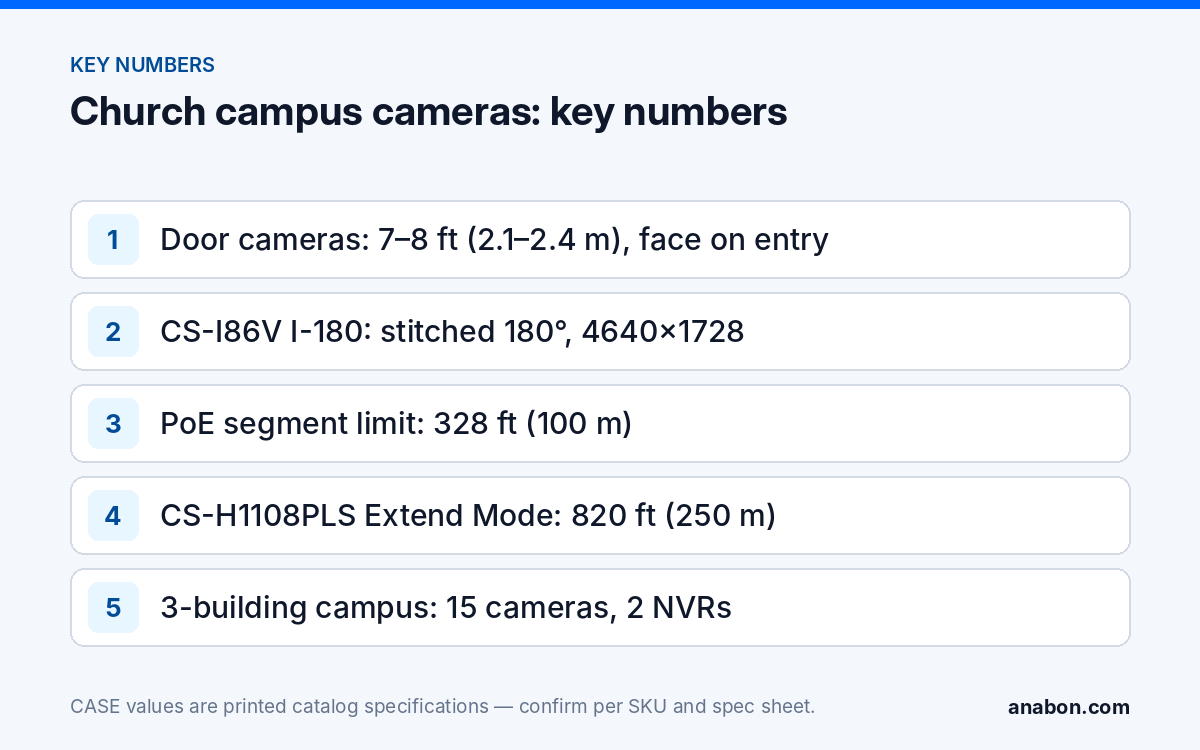
The CS-I5KS SD-2.8mm is the standard door unit: 5MP, 2.8 mm fixed lens, IR to 98 ft (30 m), white light to 33 ft (10 m), 120dB WDR for the glass vestibule, IP67 and IK10, Metal+Plastic housing, operating range −31 to 149 °F (−35 to 65 °C), with Tripwire, Perimeter and Human and Vehicle Classification in its AI row. Mount it at 7–8 ft (2.1–2.4 m) facing the inbound door, not down the hallway.
In the sanctuary one wide view from the rear wall records who was present and what happened, without a camera facing the congregation. The CS-I86V I-180 does this from one mount: 8MP (4+4) stitched 180° at 4640×1728, PhotonX 0.0009 Lux for dimmed services, IR and white light to 98 ft (30 m), IP67, built-in mic and speaker. The offering count room gets its own dome on continuous recording as a cash-handling control. Offices and counseling rooms are covered from the corridor, never inside: the hallway camera shows who entered and when, and the conversation stays private.
Children’s ministry and daycare
Classrooms and the check-in desk are where parents most want cameras and where the rules are tightest. In the US, licensed child care falls under state child-care licensing rules, in Canada under provincial child-care regulations, and in any room where children change clothes the rule is the same: no camera, ever. Cover the check-in desk, the classroom doors from the corridor and the playground gate; put a camera inside a classroom only when the ministry’s written policy and the licensing body allow it, with parent notice. Verify the local rules before you quote the room.
Parking and after-hours deterrence: what works when the lot is empty six days a week?
A church lot is full for a few hours a week and empty the rest, which is when catalytic converters, copper and air-conditioning units disappear. A stitched 180° unit at a building corner gives the overview; an EW turret covers the HVAC pad and the rear doors.
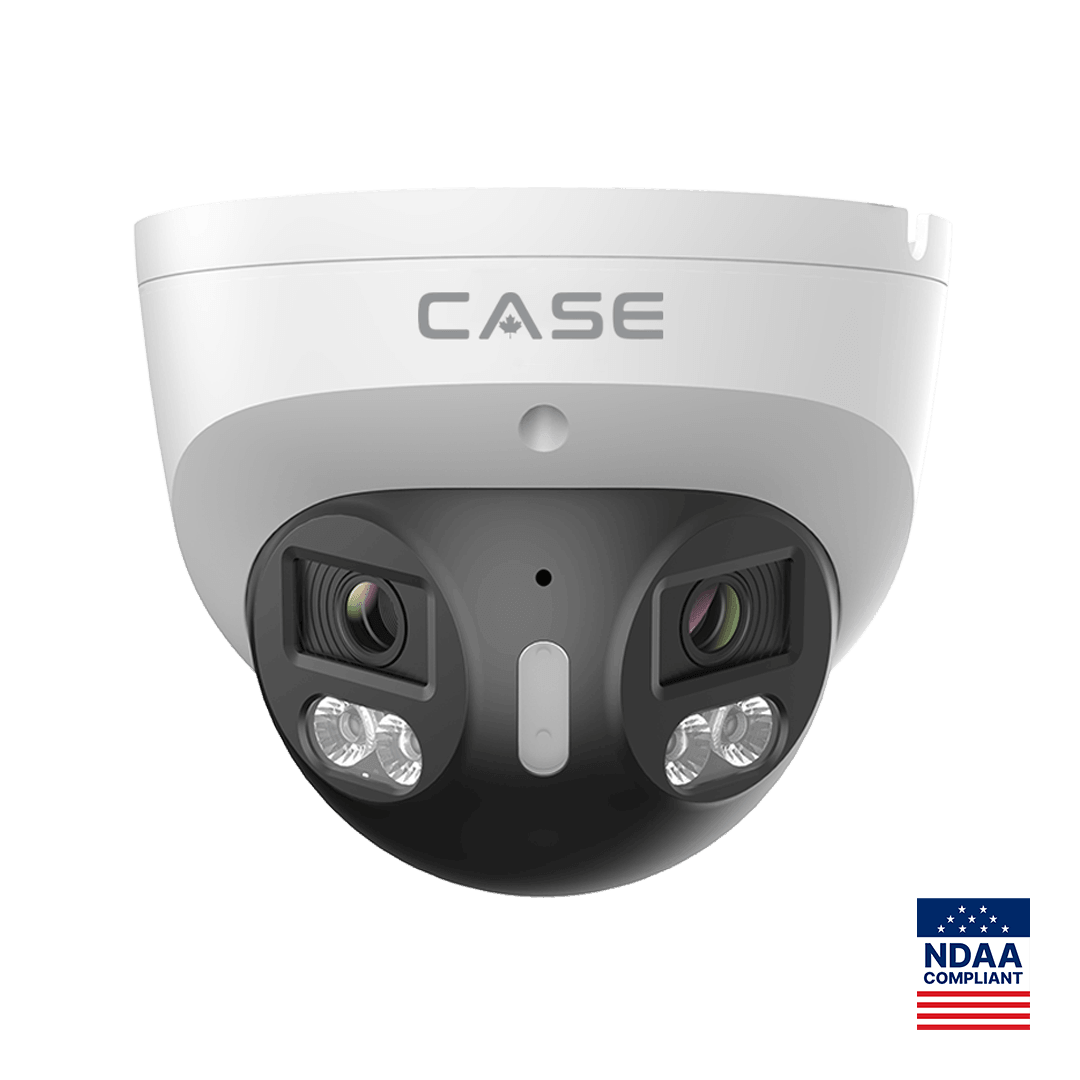
The CS-I8XQ II-2.8mm is the deterrence turret: 8MP, IR to 164 ft (50 m), white light to 98 ft (30 m), red and blue light, built-in mic and speaker, 1 TB memory slot, IP66, metal housing, with Human / Vehicle / Non-motor Vehicle / Pet Classification printed in its AI row, so the response can be set to trigger on people and vehicles rather than on any motion; confirm the trigger behavior per firmware and test it on site. EW and AEW are deterrence features. Availability is confirmed per SKU. Arm the light-and-voice response only on the closed-campus schedule, never during services, weddings or funerals; the facilities lead signs that calendar. No operating temperature row is printed for this SKU, so check the spec sheet for a northern campus.
Multi-building: one central NVR, or an NVR per building?
Three buildings on one property is the normal church campus. Both answers are supportable; the cable between buildings decides.
| Decision factor | One central NVR | One NVR per building |
|---|---|---|
| Cable between buildings | Fiber or a run under the Ethernet limit of 328 ft (100 m) per PoE segment | Only an internet connection in each building |
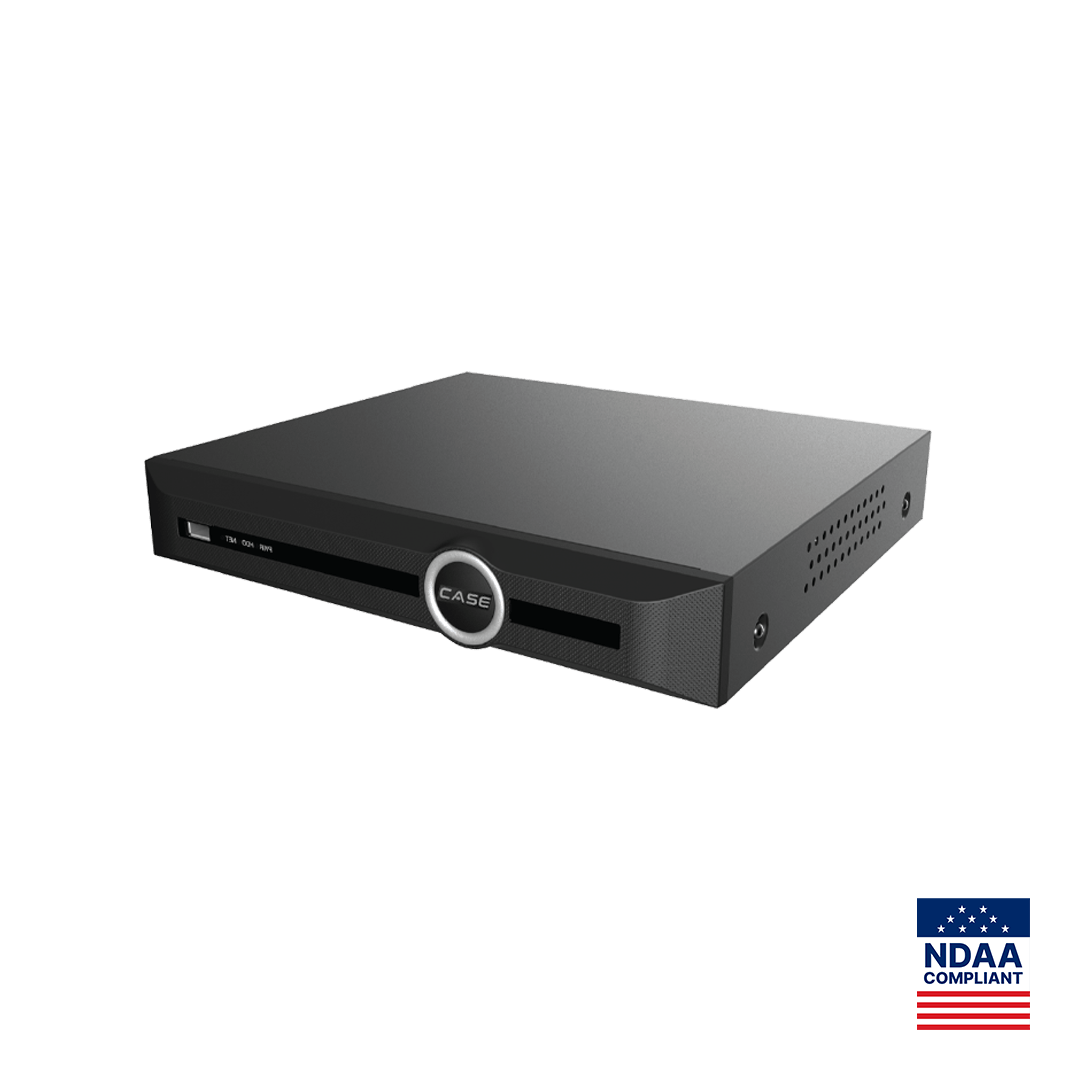
| Recorder | CS-N220 P16H-AI: 20 channels, 16 PoE ports, 160 Mbps incoming (120 Mbps with AI on) | CS-N110 P8H-AI in each building: 10 channels, 8 PoE ports, 100 Mbps incoming |
| Switching | CS-POE33024PF for the far building: 24 Gigabit PoE ports, 2×1000M SFP fiber uplinks, 400W or 600W budget | None beyond the NVR’s own PoE ports |
| Viewing | One device in CASE Connect | Several devices in one CASE Connect device list |
Where a single copper run between buildings is a little too long, the CS-H1108PLS prints 328 ft (100 m) standard and 820 ft (250 m) in Extend Mode on its 8 PoE ports, which can reach one or two cameras at a fellowship hall 600 ft (183 m) from the switch; Extend Mode link speed and PoE at that length are confirmed per spec sheet, and copper between buildings still gets surge protection at both ends. Fiber is the answer for anything longer or crossing a parking lot. The trade-offs are in Designing a Two-Building Site: One NVR or Two? and PoE Max Distance and PoE Extenders.
Simple operation for volunteers: how do you hand over without a security department?
The person who pulls a clip on Monday morning is a volunteer with a day job. Design for that person.
- Name one operator. The safety team lead gets live view, playback and export in CASE Connect and on the NVR. Everyone else on the team gets live view. You keep admin.
- Write the one-page clip procedure. Camera name, date and time, how to export, where to save, who approves release to police. Tape it inside the rack door.
- Use the recorder’s search. The CS-N110 P8H-AI and CS-N220 P16H-AI print VCA Search including Smart Motion Detection and Early-warning Search, which turns “sometime Saturday night” into a short list of events.
- Schedule the health check. A quarterly service visit: drives, time sync, lens cleaning, firmware, and a test export with the volunteer.
CASE Connect is the main CASE software on mobile and on the web; the catalog prints device list and preview, device sharing, live view and playback and alarm information, and app features and remote access options are confirmed by model, software version and project configuration. The handover steps are in CASE Connect: Setting Up Remote Viewing for Your Customer.
Funding: where should the congregation check, and what should you never promise?
Congregations ask whether a grant will pay for the system. Answer with names and official sources, not percentages. In the US, the Nonprofit Security Grant Program (NSGP) is a federal program administered through each state’s administrative agency; houses of worship have been eligible applicants, and allowable costs and deadlines change every cycle. In Canada, Public Safety Canada’s Canada Community Security Program succeeded the earlier Security Infrastructure Program for communities at risk; eligibility and intake periods are set by the program. Point the applicant to the current official program page and to the state (provincial) administrator, and leave the application to them.
What you can do is make the application easier to write: a camera schedule by building, a quote with a specification sheet for every SKU, and a plain statement of what the system does. If the funding carries federal procurement conditions, NDAA Section 889 may apply: CASE offers NDAA-compliant options for compliance-sensitive projects. Anabon confirms the exact products and provides the official compliance documentation for each project. Do not write “grant-ready”, “approved for NSGP” or any success rate into a proposal; none of those is a documentable fact. Background on Section 889 is in What Is NDAA Compliance for Security Cameras?.
Sample camera schedule: a three-building campus
A sanctuary building, a fellowship hall with classrooms and an office building around one 120-space lot works out to 15 cameras. The table shows the per-building option; for a central NVR, swap the two CS-N110 P8H-AI units for one CS-N220 P16H-AI and a fiber uplink.
| ID | Position | CASE SKU | Height | What it must show |
|---|---|---|---|---|
| C01–C03 | Main, side and office entrances, inbound | CS-I5KS SD-2.8mm | 7.5 ft (2.3 m) | Frontal face of everyone entering |
| C04 | Lobby and welcome desk | CS-I86V I-180 | 10 ft (3 m) | Whole lobby from one wall |
| C05 | Sanctuary, rear wall | CS-I86V I-180 | 12 ft (3.7 m) | Pews and aisles, dimmed-service color |
| C06 | Offering count room | CS-I5KS SD-2.8mm | 9 ft (2.7 m) | Counting table, continuous recording |
| C07–C08 | Children’s wing corridor and check-in desk | CS-I5KS SD-2.8mm | 8.5 ft (2.6 m) | Classroom doors, pickup and drop-off |
| C09 | Playground gate | CS-I5KS SD-2.8mm | 9 ft (2.7 m) | Gate and fence line |
| C10–C11 | Lot corners | CS-I86V I-180 | 15 ft (4.6 m) | Rows and drive aisles |
| C12–C13 | Rear doors and HVAC pad | CS-I8XQ II-2.8mm | 11 ft (3.4 m) | After-hours deterrence with EW |
| C14–C15 | Office building rear and dumpster | CS-I8XQ II-2.8mm | 12 ft (3.7 m) | Loading area, dumping |
| NVR A | Sanctuary building closet | CS-N110 P8H-AI | Shelf, locked | C01, C02, C04–C06, C10, C12–C13 |
| NVR B | Fellowship hall closet | CS-N110 P8H-AI | Shelf, locked | C03, C07–C09, C11, C14–C15 |
NVR A carries eight cameras and NVR B seven, within each unit’s printed 8 PoE ports and 10 channels. Copy the table into your own schedule.
What to tell your customer
“Every public door records a clear face on the way in, the lobby, sanctuary and lot are each covered from one mount, and the rear doors answer after-hours visitors with light and a voice message on the schedule you approve. No camera is placed in a washroom, a changing area or a counseling room. Your safety team lead can view and export through CASE Connect, with the exact features confirmed for your system. CASE cameras and CASE NVRs carry a 6-year warranty; support comes through us.”
FAQ
Should a church campus use one NVR or one per building?
If the buildings are already connected by fiber or by copper within 328 ft (100 m) per PoE segment, one CS-N220 P16H-AI with a CS-POE33024PF and its SFP uplinks is the cleaner design. If each building only has internet, a CS-N110 P8H-AI per building avoids trenching and all units appear in one CASE Connect device list.
Can we put cameras in the nursery or daycare rooms?
Never in any room where children change clothes or use the washroom. Classroom cameras depend on the ministry’s written policy and on state child-care licensing rules (provincial child-care regulations in Canada), with notice to parents. The safe default is the check-in desk, the corridor outside the classroom doors and the playground gate; verify the local rules before you quote.
How does a volunteer pull a clip for the police?
From the one-page procedure taped inside the rack: find the camera and time, use VCA Search or Smart Motion Detection on the NVR to narrow the window, export the clip with the player, save it to the agreed folder, and log the release. The safety team lead is the only operator with export rights; the pastor approves the release.
Will a grant pay for the cameras?
Possibly, but that is the program’s decision, not yours or ours. In the US the Nonprofit Security Grant Program runs through each state’s administrative agency; in Canada, Public Safety Canada’s Canada Community Security Program sets its own eligibility and intake. Point the congregation to the official program pages, supply a clean camera schedule and spec sheets, and write no success rate into the proposal.