Quick answer: In a multi building security camera system, record centrally on one NVR when the buildings are joined by fiber you control and the customer wants one place to search; record locally with one NVR per building when the link is wireless, shared with the customer’s business network, or likely to drop, and when each building has to keep recording on its own. The deciding numbers are the link capacity, the incoming bandwidth printed for the recorder, and what the customer accepts losing during an outage. Both designs can be viewed in CASE Connect; app features and remote access options are confirmed by model, software version and project configuration.
What link do you actually have between the buildings?
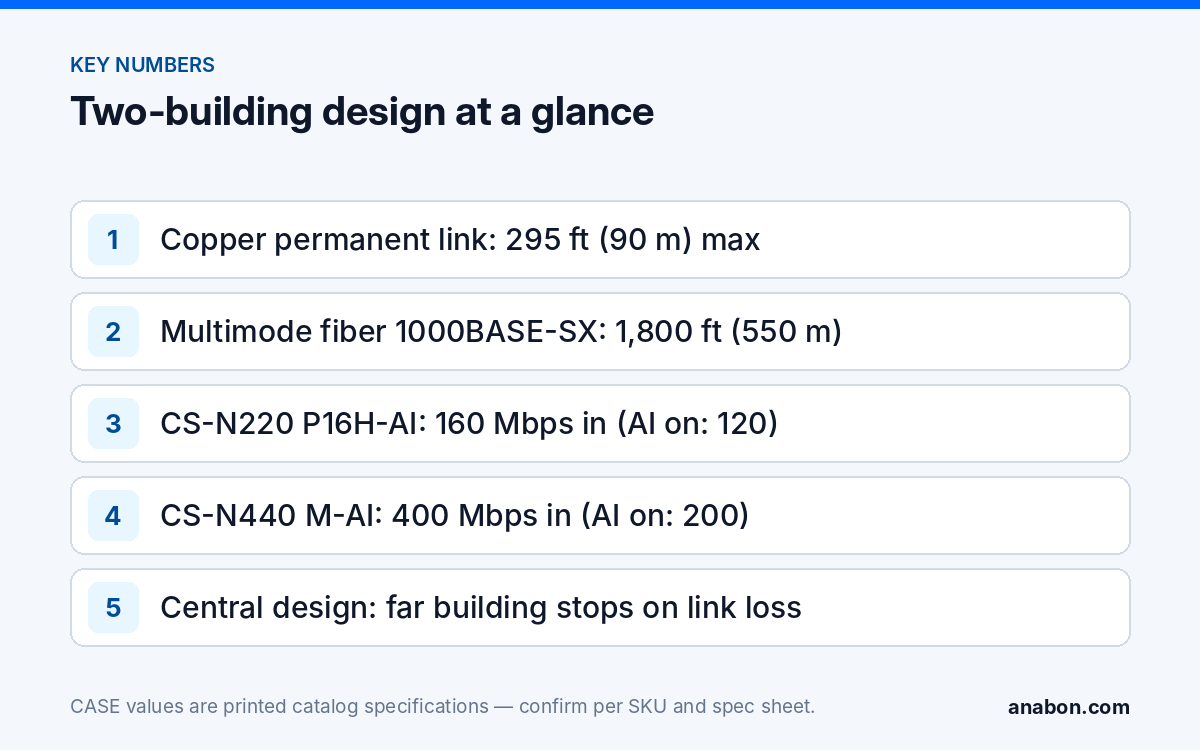
Start with the physical path, because it decides everything after it. A copper camera run stops at 295 ft (90 m) of permanent link, so Cat6 from a camera in building B to a recorder in building A works only when the whole route stays inside that limit, and even then the copper joins two grounding systems.
| Link | Reach | Capacity | Design notes |
|---|---|---|---|
| Fiber, multimode (1000BASE-SX, OM2 and above) | 1,800 ft (550 m) per IEEE 802.3 | 1 Gbps per pair | Needs a trench or duct; SFP modules matched at both ends; no lightning path indoors |
| Fiber, single-mode (1000BASE-LX) | 3.1 mi (5 km) | 1 Gbps per pair | The choice for a campus or a fence line |
| Customer’s existing LAN between buildings | Whatever they built | Shared with their traffic | Cameras on their own VLAN; their IT team owns the link and its outages |
| Point-to-point wireless bridge | Line of sight, hundreds of feet to a few miles (about 100 m to a few km) | Tens to hundreds of Mbps, weather-dependent | No trench; rain, snow, trees and interference lower the rate; it will drop |
| Cellular (4G/LTE) router | Carrier coverage | Metered, variable upload | Remote viewing of a local recorder only, never camera backhaul |
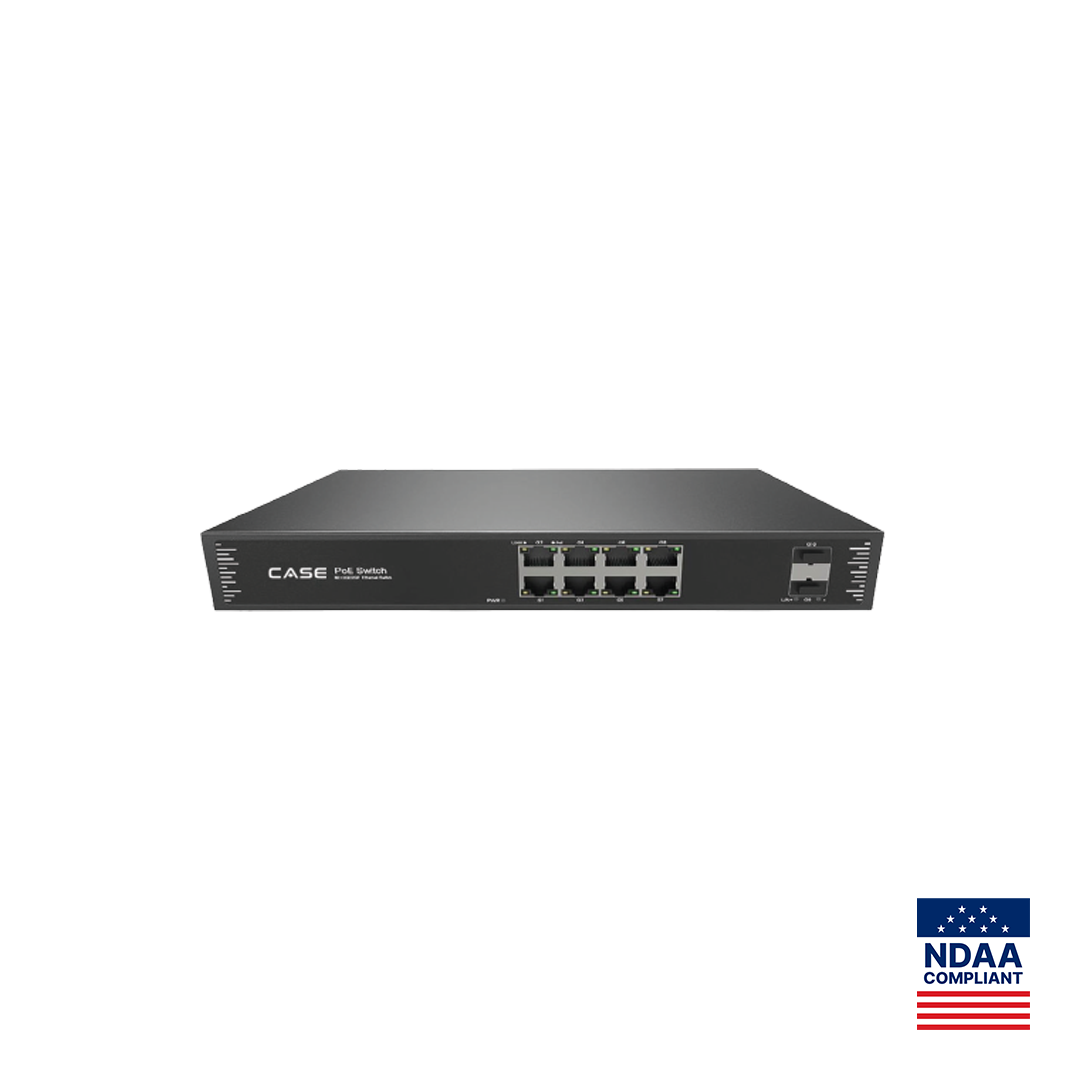
Fiber is the only link in the table that behaves like a cable inside one building, and the only one that avoids joining two grounding systems with copper, which the communications-cabling rules of the NEC (and the corresponding CEC section in Canada; verify the local code) otherwise require you to protect. Routing is covered in Cat6 cable length planning; the PoE switches with SFP ports are CS-POE33024PF (24 Gigabit PoE ports, 400 W / 600 W, 2×1000M SFP) and CS-POE33108PF (8 Gigabit PoE ports, 130 W / 250 W, 2×1000M SFP).
How much bandwidth crosses the link in each design?
With one central NVR, every camera stream from the far building crosses the link all the time, at the main-stream bitrate. With one NVR per building, only remote viewing, searches and exports cross the link, and only while somebody is watching. That is the whole bandwidth argument; the numbers make it concrete.
Worked example: building B has 12 cameras at 4 Mbps main stream each, so 48 Mbps crosses the link continuously in a central design. On a Gigabit fiber pair that is nothing. On a wireless bridge that delivers 80 Mbps on a dry day and 30 Mbps in heavy snow, it is the difference between recording and not recording. In a distributed design the same link carries a few sub streams while the manager is looking.
The recorder has its own ceiling: the printed incoming bandwidth. CS-N440 M-AI prints 400 Mbps / 400 Mbps incoming / outgoing, 200 Mbps / 200 Mbps with AI on; CS-N220 P16H-AI prints 160 Mbps incoming (120 Mbps with AI on) and 80 Mbps outgoing. Sum the main-stream bitrates of every camera (both buildings in a central design) and keep the total under the printed figure for the AI mode you will run. The bandwidth calculator walks through the arithmetic per channel.
What happens in building B when the link drops?
This is the question the customer never asks and always cares about afterward. In a central design, a link outage means building B’s cameras record nowhere until the link returns; the recorder logs “camera offline” for every channel in that building. In a distributed design, building B keeps recording on its own NVR; only remote viewing is lost.
- Fiber you installed: outages are rare and usually physical (a dig, a damaged patch cord); central recording is acceptable if the customer accepts the risk in writing.
- Customer’s shared LAN: outages follow their IT maintenance windows; the camera system takes the blame. Prefer local recording.
- Wireless bridge: plan for it to drop. Record locally, always.
- Edge storage: many CASE cameras print a memory slot (512 GB on most, 1 TB on the CS-I8XQ II-2.8mm and CS-I5XQ II-2.8mm pages). Whether the recorder backfills the gap from the card after an outage is confirmed per camera model, NVR model and firmware before it goes into a proposal; do not design a central system around it without that confirmation.
Central or distributed recording: the decision table
| Criterion | One central NVR | One NVR per building |
|---|---|---|
| Link type | Fiber you own | Wireless, shared LAN, anything that may drop |
| Camera count per building | Small remote building feeding a large main one | Both buildings large enough for a recorder |
| Searching evidence | One timeline, one search, one export | Two recorders to search |
| Survivability | Remote building stops recording on link loss | Each building records independently |
| Storage | One set of drives, sized for all cameras | Drives in two places; each sized for its own cameras |
| Power and UPS | One rack to protect | Two racks, two UPSs |
| Cost driver | Trench or duct for fiber, plus one larger recorder | Second recorder, second rack, more drives |
| Customer view | One device in CASE Connect | Two devices in CASE Connect |
A pattern that works on many sites: when the second building is a shop, garage or gatehouse with four to eight cameras and the main building already needs a 40-channel recorder, run fiber and record centrally. When both buildings carry 12–20 cameras each, two recorders mean less cabling and less risk than one larger recorder plus a trench.
CASE examples: two CS-N220 P16H-AI or one CS-N440 M-AI?
Take a site with 16 cameras in building A and 14 in building B, with a fiber pair between them.
Distributed: one CS-N220 P16H-AI in each building
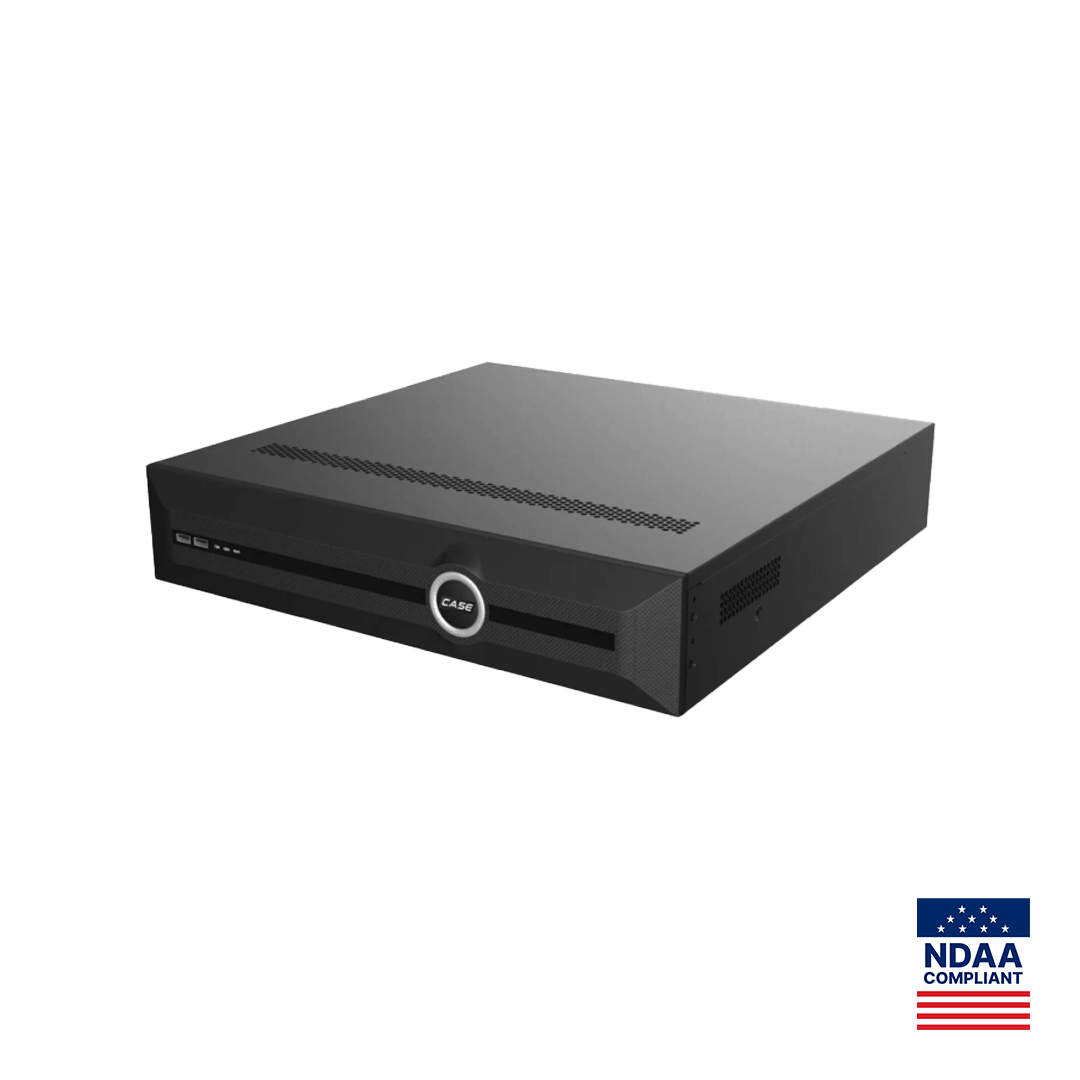
CS-N220 P16H-AI prints 20 channels, 16 PoE ports, 160 Mbps incoming (120 Mbps with AI on), 80 Mbps outgoing, up to 10 TB per HDD, one 10/100/1000 Mbps RJ-45 port plus 16 10/100 Mbps PoE ports, AI by NVR (Face Detection, Face Recognition, Tripwire, Double Tripwire, Perimeter, Smart Motion Detection) and VCA Search. Building A’s 16 cameras plug into the PoE ports of recorder A; building B’s 14 into recorder B. The fiber carries only viewing and management traffic. At 4 Mbps per camera, building A runs 64 Mbps into a 120 Mbps AI-on ceiling, building B 56 Mbps; both have room for sub streams and a few added cameras.
Central: one CS-N440 M-AI in building A with switches in both buildings
CS-N440 M-AI prints 40 channels, no PoE ports, 400 Mbps / 400 Mbps (200 Mbps / 200 Mbps with AI on), 4×10TB HDD, 2×RJ-45 10/100/1000 Mbps, independent HDMI and VGA outputs, the full AI by NVR list and VCA Search. With no PoE ports, building A’s 16 cameras land on a CS-POE33024PF in the same rack and building B’s 14 on a second CS-POE33024PF (a CS-POE33108PF has only eight PoE ports), uplinked over fiber on the SFP ports. All 30 cameras, 120 Mbps at 4 Mbps each, arrive at the recorder: inside the 200 Mbps AI-on ceiling, with 10 channels spare. One search covers the whole site. The trade is the fiber, the remote switch with its power and cabinet, and the fact that building B records nothing while the fiber is down.
Storage differs too: CS-N440 M-AI prints 4×10TB HDD for the whole site; each CS-N220 P16H-AI prints up to 10 TB per HDD, sized per building. Size retention with the NVR storage calculator. CASE NVRs carry a 6-year warranty; hard drives are supported through back-to-back manufacturer warranty. Either way, recorders and switches go in a lockable rack on a UPS.
How does the customer see both buildings as one system?
CASE Connect is the official app experience for CASE systems, on mobile and on the web. The catalog prints device list and preview, sorting and management, device sharing, live view and playback and alarm information among its functions, so a two-recorder site appears as two devices in the same list. App features and remote access options should be confirmed by model, software version, and project configuration. Remote access methods are confirmed per model and project; see P2P vs VPN for what to recommend.
Where a desk operator wants both recorders on one monitor, the technical step is the desktop software, CASE Station, which the catalog lists for multi-site monitoring; its behavior with two recorders is confirmed per version before it is promised. Create the customer’s users on both recorders with the same role names and permissions, and keep the admin credentials with your company.
What to tell your customer
“We can record both buildings on one recorder or give each building its own. One recorder means one place to search, but the far building stops recording if the link between the buildings fails. Two recorders mean each building keeps recording on its own, and you still see both in one app. The proposal names the design and states what happens during an outage.”
FAQ
Can one NVR record cameras in two buildings?
Yes, if a link between the buildings carries every camera’s main stream continuously and the total stays under the recorder’s printed incoming bandwidth, for example 200 Mbps with AI on for CS-N440 M-AI. Fiber on SFP ports is the normal link; a wireless bridge or the customer’s shared network makes a central design fragile, because the far building records nothing while the link is down.
Fiber or a second NVR: which is the smaller job?
It depends on the trench. Where a duct already exists, fiber plus one larger recorder is usually simpler. Where a trench has to be cut across a yard or a road, a second recorder with its own switch and drives is often the smaller job and keeps the far building recording when the link drops. Quote both from your own numbers and show the outage behavior beside each.
Do two NVRs mean two apps for the customer?
No. CASE Connect prints device list and preview and device sharing among its functions, so two recorders appear as two devices in one login and the customer switches between them. A single shared timeline across both recorders is a desktop-software question, confirmed per version. App features and remote access options should be confirmed by model, software version, and project configuration.
Can I run Cat6 between the two buildings instead of fiber?
Only within 295 ft (90 m) of permanent link, and copper between buildings joins two grounding systems and gives lightning a path indoors, which the communications-cabling rules of the NEC and the CEC require you to protect against; verify the local code. Fiber reaches 1,800 ft (550 m) on multimode or 3.1 mi (5 km) on single-mode and removes the problem.
What should the proposal say about link outages?
State the design, the link type, and in one sentence what is recorded and what is not while the link is down. For a central design, say the remote building’s cameras do not record during an outage unless an edge-storage backfill has been confirmed for the exact camera and recorder models and firmware. For a distributed design, say only remote viewing is lost.