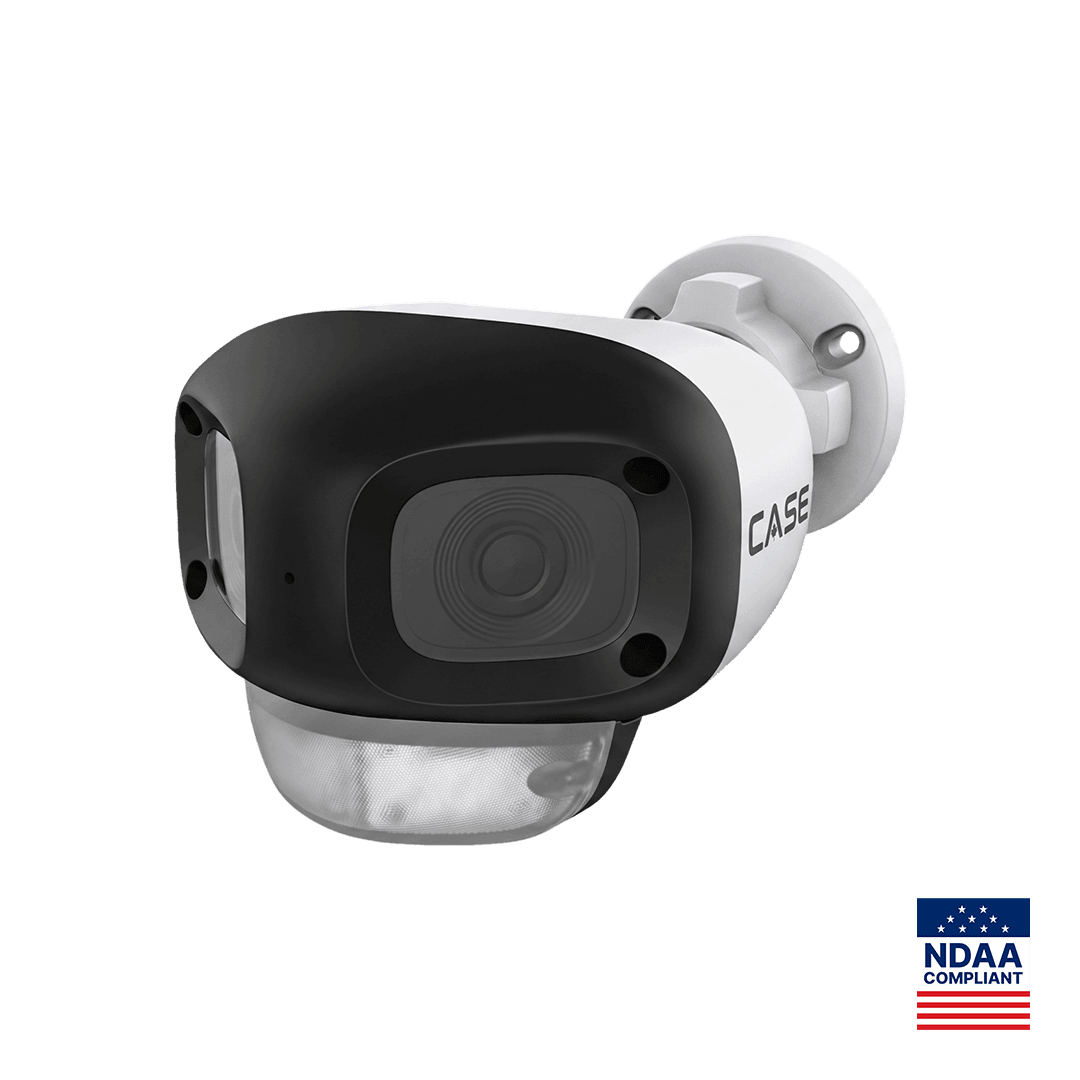
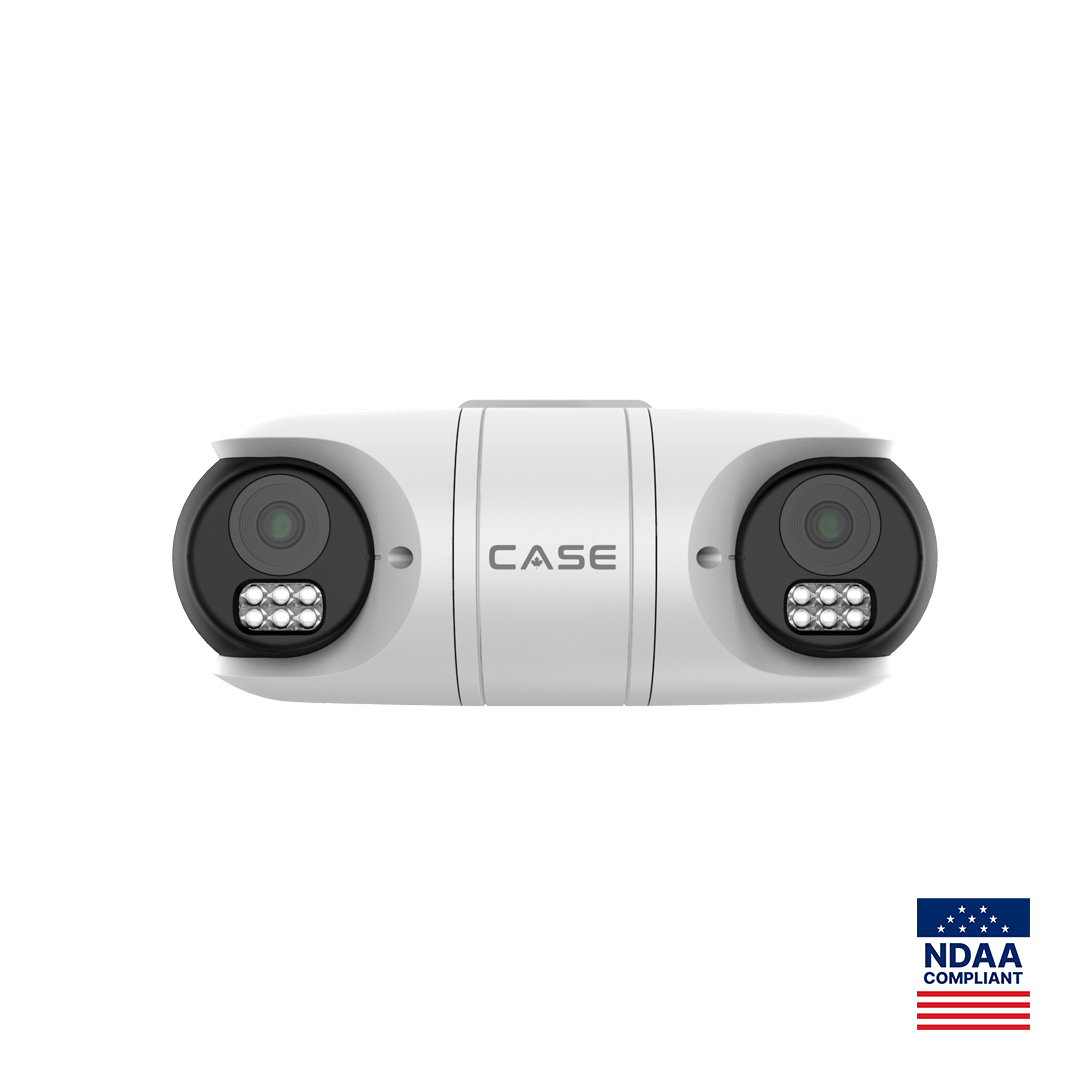
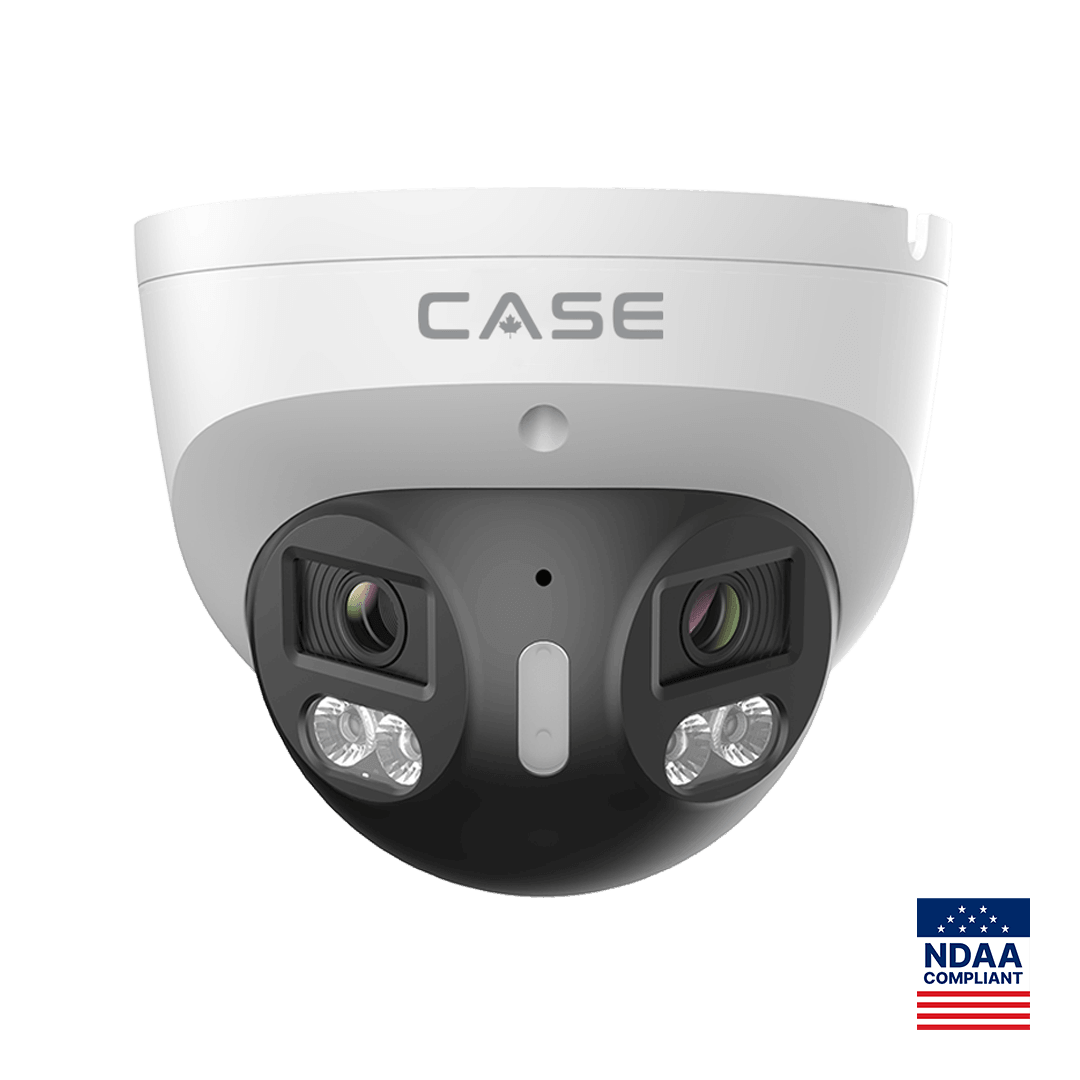
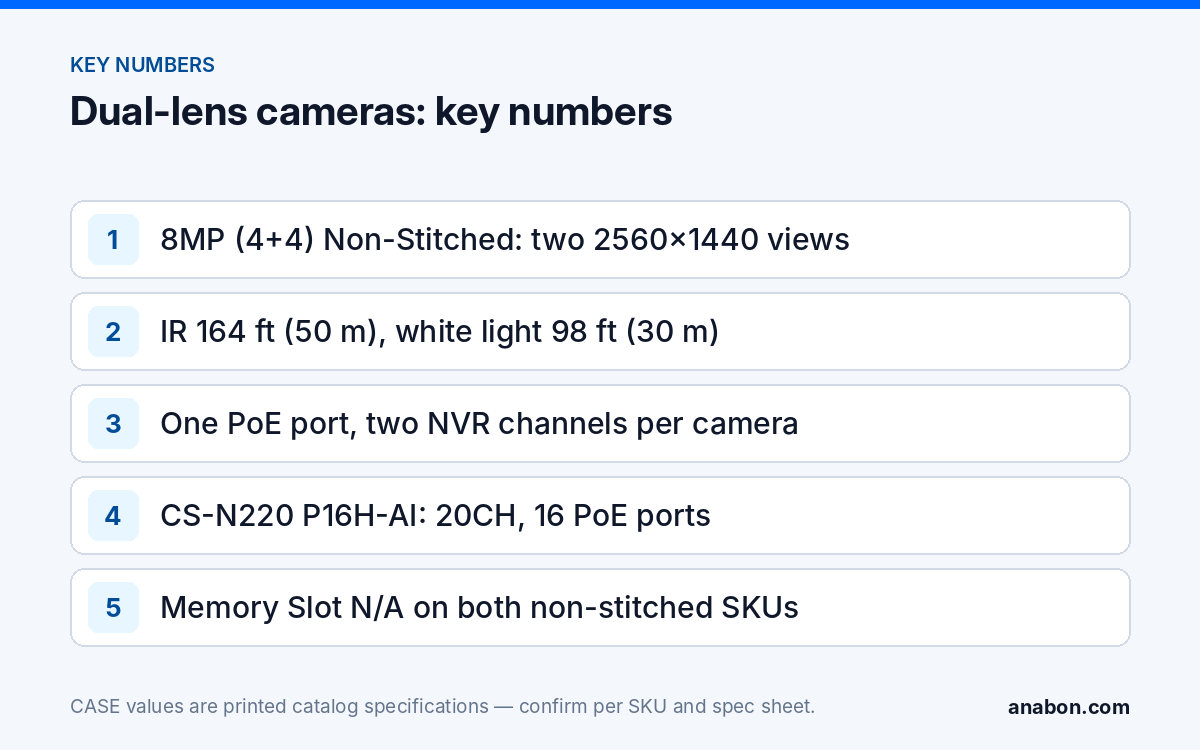
Quick answer: A dual-lens non-stitched camera is two 4MP imagers in one housing that deliver two separate pictures instead of one blended panorama. CASE prints two such units, CS-I85N L-180 (Value bullet, 180°) and CS-I8RN S-2.8mm (Sharp), both “8MP (4+4) Non-Stitched” with 2.8mm fixed lenses, 2560×1440@20fps per view, IR to 164 ft (50 m), white light to 98 ft (30 m) and IP67. Plan each unit as two video channels on the recorder, one network drop, one PoE port and one mount; confirm the channel count on the bench for your NVR model and firmware; and choose the stitched CS-I86V I-180 or CS-I82V I-180 where the customer needs one seamless image, a memory slot, audio or alarm I/O.
What is a dual-lens non-stitched camera?
The catalog prints the image sensor row as “8MP (4+4) Non-Stitched”. Read it literally: two 4MP sensors, each behind its own 2.8mm fixed lens, each producing its own 2560×1440 frame at 20 fps, and no processing that joins them. The 8MP is the sum of the two, not the size of any picture the operator will see; the stitched 180° units blend two 4MP sensors into a single 4640×1728 frame.
Two CASE SKUs print it. CS-I85N L-180 is the Value Series bullet whose title carries 180°: two views that together cover a half-circle along a wall. CS-I8RN S-2.8mm is the Sharp Series unit in the special-cameras section; the catalog prints the same sensor row but does not print the angle between its lenses, so confirm the lens orientation on the spec sheet before you assign it to a corridor, a corner or a two-direction position. Both print a built-in microphone, a Plastic housing, DWDR, 0.02 Lux minimum illumination, S+265/H.265/H.264B/H.264M/H.264H compression and an operating range of −22 °F to 140 °F (−30 °C to 60 °C). Both print Memory Slot N/A, Audio I/O N/A, Built-In Speaker N/A and Alarm I/O N/A, which is where the design trade-offs start. The catalog prints the EW (Early Warning) icon on CS-I85N L-180 and not on CS-I8RN S-2.8mm; EW and AEW are deterrence features, and availability is confirmed per SKU.
How do two channels appear on the NVR?
The camera is one device on the network: one IP address, one login, one firmware. What it offers the recorder is two video channels, and that is how to count it on the camera schedule and in the recorder sizing. How a particular recorder lists the device, as one entry with two channels or as two added channels from one address, depends on the NVR model and firmware; confirm it first on the bench, because it decides what the operator sees and how channel names appear in exports. For the channel-versus-port arithmetic on CASE recorders, How Many Cameras Can an NVR Support? has the full method; the printed rows below are the inputs.
| NVR (as printed) | IP Video Output | PoE Port | Bandwidth I/O | Dual-lens units if each takes two channels |
|---|---|---|---|---|
| CS-N110 P8H-AI | 10CH | 8 | 100Mbps / 80Mbps | Up to 5 use all 10 channels; 3 of the 8 PoE ports are left with no channel to serve |
| CS-N220 P16H-AI | 20CH | 16 | 160Mbps (AI on: 120Mbps) / 80Mbps | Up to 10 use all 20 channels; 6 of the 16 PoE ports are left with no channel to serve |
The last column is planning arithmetic, not a printed figure, and it shows the trap: a dual-lens camera uses one PoE port but two channels, so a 16-port recorder can run out of channels before it runs out of ports. Bandwidth works the same way. If you set each 4MP view to 4 Mbps, one dual-lens camera sends about 8 Mbps into the recorder; ten of them on CS-N220 P16H-AI use about 80 Mbps of the printed 160Mbps incoming budget, or two thirds of the 120Mbps printed with AI on. Bitrates are your configuration choices; the budgets are the printed rows.
Per-channel settings also double: each view gets its own stream settings, Smart Alarm (Human & Vehicle Detection) configuration, recording schedule and name. Name them as a pair, such as “Dock west, left” and “Dock west, right”, because the exported clip carries the channel name, not the SKU.
What do you save on mounting and cabling?
One housing means one mounting point, one junction box, one cable run and one PoE port for two views. On a long wall or dock face that would otherwise take two bullets on two boxes with two Cat6 runs inside the 328 ft (100 m) limit, that is half the penetrations, sealing and terminations, with the channel arithmetic above as the trade. Check three things before you bank the saving:
- PoE class. The catalog does not print a power row for either unit, so take the PoE class and consumption from the spec sheet and count the camera in the switch budget as one port at that class; PoE Budget Calculator shows the arithmetic.
- Illumination for two views. Both views share the printed IR to 164 ft (50 m) and white light to 98 ft (30 m); plan the subject distance for each view inside those figures and confirm the night image on both channels during commissioning.
- Housing and climate. Both units print Plastic housing, IP67 and −22 °F to 140 °F (−30 °C to 60 °C). For a site that sees colder winters, the stitched CS-I82V I-180 prints −40 °F to 149 °F (−40 °C to 65 °C) and is the better choice even though you give up the two-view layout.
Mount CS-I85N L-180 flat to the wall so each view runs along its half of the wall; for CS-I8RN S-2.8mm, set the mounting plan only after the spec sheet confirms how the two lenses are oriented.
Non-stitched vs stitched: which one for which job?
A stitched camera blends the two sensors into one wide frame with a software seam; a non-stitched camera leaves them as two ordinary 4MP pictures. The stitched image suits a monitor wall: one continuous view of a yard with no second channel to flick between. Two separate views suit a searcher: each channel behaves like a normal camera for playback, export and analytics, and there is no seam where a person crossing the frame can be distorted. The rows below are the ones both families print.
| Row (as printed) | CS-I85N L-180 / CS-I8RN S-2.8mm | CS-I86V I-180 (turret) | CS-I82V I-180 (bullet) |
|---|---|---|---|
| Image Sensor | 8MP (4+4) Non-Stitched | 8MP (4+4) Stitched | 8MP (4+4) Stitched |
| Series | Value / Sharp | Intelligent | Intelligent |
| Max. Resolution & Frame Rate | 2560×1440@20fps (per view) | 4640×1728@25fps | 4640×1728@25fps |
| Min. Illumination | 0.02 Lux | 0.0009 Lux | 0.0001 Lux |
| Max. IR Distance | 164 ft (50 m) | 98 ft (30 m) | N/A |
| White Light Distance | 98 ft (30 m) | 98 ft (30 m) | 49 ft (15 m) |
| Wide Dynamic Range | DWDR | 120dB | 120dB |
| Audio I/O / Alarm I/O | N/A / N/A | 1/1 / 1/1 | 1/1 / 1/1 |
| Memory Slot | N/A | 512 GB | 512 GB |
| Housing | Plastic | Metal | Metal + Plastic |
| Operating Conditions | −22 °F to 140 °F (−30 °C to 60 °C) | −31 °F to 149 °F (−35 °C to 65 °C) | −40 °F to 149 °F (−40 °C to 65 °C) |
| AI | Smart Alarm (Human & Vehicle Detection) | Human & Vehicle Classification, Tripwire, Perimeter, Video Abnormal, Audio Abnormal | Tripwire, Perimeter, Human & Vehicle Classification |
Read the table as a decision. The non-stitched pair wins where the job is two directions from one point, the recorder has channels to spare, a long IR reach matters more than low-light color, and the customer searches by channel. The stitched pair wins where one operator view is the deliverable, the position needs a memory slot, audio or an alarm relay is wired, the site is colder than −22 °F (−30 °C), or the customer wants Tripwire and Perimeter rules with classification on the camera. 180° Panoramic Cameras covers the one-camera-versus-two question in full, and the stitched units have their own spotlight in CS-I86V I-180 and CS-I82V I-180.
How do you commission a dual-lens camera?
- Bench it with the exact recorder. Add the camera, note how many channels appear and how the recorder labels them, and record the NVR firmware; Bench Test Before Site Day has the routine.
- Put two channel lines on the schedule. One SKU, one IP, one PoE port, two channel names, so the as-built matches what the operator sees.
- Set both streams. Resolution, frame rate and bitrate per view; they need not match if one covers a lane and the other a wall.
- Aim and check the middle. Walk the full width at the subject distance and confirm whether the two views overlap or leave a gap at the center; a non-stitched camera does not hide that seam for you.
- Configure Smart Alarm per view and test it at night on both channels inside the printed IR and white-light distances.
- Plan recording without edge storage. Memory Slot is printed N/A, so the recorder and a sound link are the only recording path; give the camera a reliable switch port and document that no card redundancy exists at this position.
What to tell your customer
“This one camera gives you two separate views of the wall, each recorded and searched like its own camera, so you get two angles from one mounting point and one cable. On your recorder it takes two channels, which we have counted in the design. It is built for two directions and a long infrared reach; where you want a single seamless wide picture, or a camera with its own memory card and alarm wiring, we specify the stitched model instead.”
FAQ
Does a dual lens security camera use one or two NVR channels?
Plan for two. The camera is one device with one IP address and one PoE port, but it offers the recorder two 4MP video channels, each with its own stream, name, schedule and Smart Alarm settings. How a specific recorder lists them, as one device with two channels or two added channels, is confirmed on the bench for that NVR model and firmware before the schedule is final.
What is the difference between stitched and non-stitched 180° cameras?
Stitched units such as CS-I86V I-180 blend two 4MP sensors into one 4640×1728 frame with a software seam; non-stitched units such as CS-I85N L-180 deliver two separate 2560×1440 views at 20 fps. One is a single operator picture with the Intelligent Series feature set; the other is two ordinary channels, longer printed IR, no memory slot and no audio or alarm I/O.
Can CS-I8RN S-2.8mm cover two opposite directions, for example a corridor?
The catalog prints the sensor row, 8MP (4+4) Non-Stitched, but not the angle between the two lenses, so the orientation is confirmed on the spec sheet before the position is drawn. Once confirmed, plan each view’s subject distance inside the printed IR to 164 ft (50 m) and white light to 98 ft (30 m), and check the center of the pair on site for overlap or gap.
Why does the non-stitched camera have no memory slot?
The catalog prints Memory Slot N/A on both CS-I85N L-180 and CS-I8RN S-2.8mm, so there is no edge storage to cover a link outage at that position. Give the camera a reliable switch port and a documented cable path, and where link loss is a real risk choose the stitched CS-I86V I-180 or CS-I82V I-180, which print a 512 GB slot.