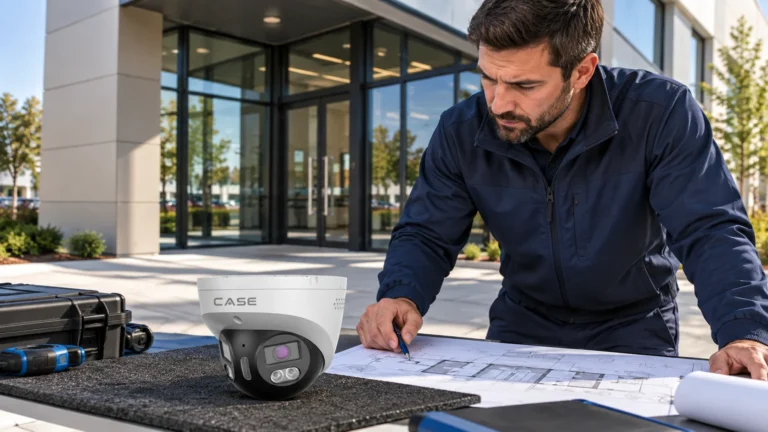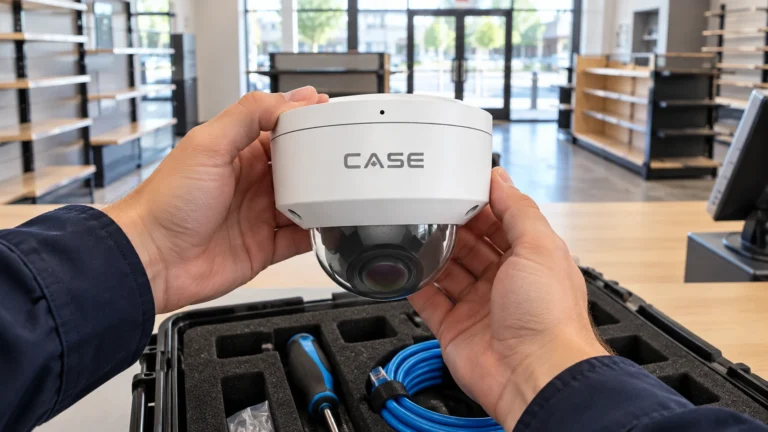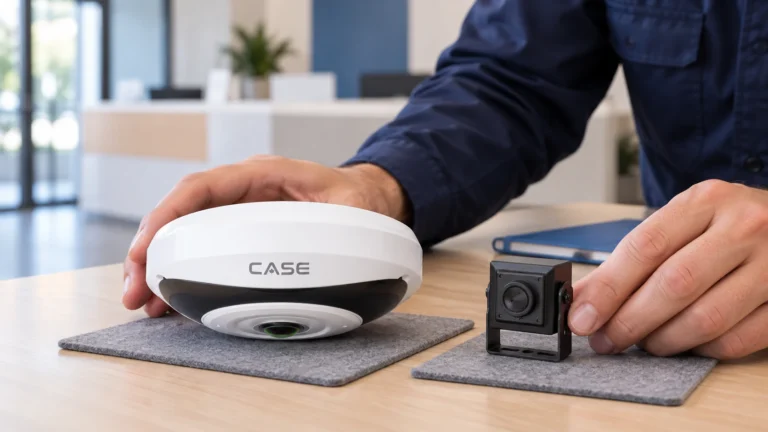



Quick answer: Use a very wide indoor view for an agreed overview task, then add dedicated views where the project needs reliable target detail. CS-I5VN S-1.4mm lists a 5MP sensor, 1.4mm fixed lens and Heatmap, but its catalog page does not print FOV, image projection, mounting modes or dewarping support. Verify those details and the actual client/recording path before promising a whole room, 360° view, virtual PTZ or a fixed channel count.
On this page
How does fisheye coverage work, and what is dewarping?
A fisheye system generally projects a very wide, distorted view that software may remap into more familiar views. A short focal length alone does not establish a 360° image or supported dewarping modes. For CS-I5VN S-1.4mm, confirm the exact FOV, projection, mounting orientation, available output and firmware/client support before drawing coverage. Do not infer camera-, NVR- or CASE Station-based dewarping from the lens label. The catalog prints 2592×1944@30fps, which does not by itself specify projection, dewarped layouts or independent streams.
Remapping cannot create detail absent from the captured image. Confirm the actual output resolution, crop/resampling, stream and recording modes; a quad display is not necessarily four independent camera streams or equal one-quarter-resolution tiles. Test whether the recorded original supports the later views and exports the owner needs. Use the IP camera user manual for the exact revision to confirm supported modes.
- Choose an approved position and orientation from the actual FOV, task, obstructions and installation instructions. A central ceiling position is a candidate, not a rule that proves full-room coverage.
- Confirm the dewarping path (camera, NVR or desktop software) and the live view available in CASE Connect for that model.
- Decide raw-circle recording or dewarped recording with the customer and document it.
- Verify which image coordinates and views the actual firmware uses for each supported rule. Test events at representative positions and through the actual recorder/client; do not assume rules can be drawn on every dewarped view.
Ceiling height and detail at the edges: how much do you lose?
Wide coverage distributes available detail across a large scene, with projection and distortion affecting local pixel density. The catalog does not provide enough FOV/projection data to calculate this model’s room-wide recognition or identification distances. A generic 180° approximation and an assumed image circle cannot prove the result. Use the actual calibration/output and mounting geometry, then test recorded moving targets at the required positions. State the applicable standard edition; older DORI labels are not universal current acceptance thresholds.
| Input to confirm | Why it matters | Evidence to keep |
|---|---|---|
| Actual projection and horizontal/vertical FOV | A 1.4mm label does not establish a full circle or local pixel density | Exact sheet/manual and verified output mode |
| Mounting height, tilt and obstructions | Heads, shelves and partitions can hide the required target | Measured drawing and representative recorded walk-through |
| Dewarping and recording path | Live layouts and later exports may differ | Actual device/client versions, raw/processed record and export test |
| Required detail at each position | Overview does not automatically prove identity or register detail | Agreed task, applicable standard edition and accepted clips |
Measure the actual room and obstructions instead of assigning a camera count from floor dimensions alone. No generic 40×40ft room, ceiling range or row-shift rule guarantees coverage for this model. Test corners, aisles, entrances and the required target height; add or reposition views where the task is not met.
Heatmaps and people flow: where does a fisheye pay?
A verified wide view can help show an incident sequence or a room’s general use. Heatmap is listed for CS-I5VN S-1.4mm, but confirm how it is generated, reset, displayed and exported with the actual firmware/client. Do not promise accurate dwell, complete traffic capture or a business insight from the label alone.
A heatmap display does not by itself prove anonymization of the captured footage, underlying data or exports. Apply the approved privacy purpose, notice, access, retention and security controls to the actual system. The page does not list People Counting for this SKU, so obtain explicit support before offering counts. Test the actual reports and their limitations; retail security cameras covers the site-planning context. The Canadian OPC’s overt-surveillance guide addresses publicly accessible private-sector areas; it excludes employee and covert surveillance. Confirm the current rules for the actual site.
Multi-sensor and panoramic alternatives: when is one camera the wrong shape?
Multi-sensor and stitched cameras use different image paths and may suit different coverage tasks. CS-I86V I-180 lists a stitched 4640×1728@25fps output, but stitching does not eliminate distortion, gaps or all integration limits. Compare actual FOV, recorded detail, event and channel behavior at the proposed positions; do not claim that either approach automatically identifies people or replaces a given number of cameras. See 180 degree security cameras for the comparison.
| Indoor question | Ceiling fisheye | 180° stitched on a wall | Several fixed cameras |
|---|---|---|---|
| Coverage shape | Verify actual projection, FOV and unobstructed coverage | Wide strip in front of one wall | Whatever you aim |
| Perspective | Projection and mounting dependent; confirm supported dewarping | Stitched wide frame; test distortion and join | Normal |
| Faces and registers | Test actual target detail and angle | Test actual target detail and angle | Dedicated task views may be needed; verify recorded results |
| Cables, mounts, NVR channels | Verify actual cabling/mount and recorder channel/license use | One housing does not prove one channel; bench-test required modes | Count actual streams, ports and recording requirements |
| Best for | Open rooms, flow, heatmaps, incident overview | Long rooms, frontages, corridors seen from the end wall | Dedicated entrance/POS/stock-room views; verify required detail |
Choose the mix of overview and dedicated views from the actual tasks, geometry and accepted clips. No category of camera alone guarantees either the full incident sequence or a person’s identity.
CASE fisheye: CS-I5VN S-1.4mm as printed in Catalog 2027 Q1
| Row | Printed value | What it means on site |
|---|---|---|
| Image sensor / lens | 5MP / 1.4mm Fixed | The page lists resolution and focal length, not a verified circular FOV or dewarping mode. |
| Protection | Indoor Usage | Indoor only: no outdoor, canopy or wash-down positions |
| Max. IR distance | 98 ft (30 m) | Illumination row, not a guarantee of lights-off coverage or identification. |
| AI | Tripwire, Double Tripwire, Perimeter, Heatmap | Listed functions; confirm coordinates, event output and reporting on the actual firmware/client. |
| Audio / alarm I/O | 1/1 · 1/1, built-in microphone | Counts do not establish electrical levels, powered-speaker support or load ratings. |
| WDR · Housing | 120dB · Metal+plastic | Verify the actual backlit recorded scene; housing row does not guarantee WDR outcome. |
| Memory slot · Operating range | 512 GB · −40 to 149 °F (−40 to 65 °C), 0~95% RH | Verify media/recording and ambient/condensation conditions; do not infer cold-storage suitability. |
The protection row says Indoor Usage; do not infer weather or wash-down suitability from an operating-temperature row. Confirm FOV, projection, mounting and dewarping from the exact model documentation and tests. Obtain written warranty terms. If a physical demo is useful, ask whether this exact product is eligible under the approved demo terms rather than assuming that a unit is reserved. CS-I5VN S-1.4mm and CS-I2PN S-3.7mm gives the model comparison.
What to tell your customer
We will verify this model’s actual wide view and recording modes, then test the required positions and reports with you. An overview or heatmap does not automatically identify people or prove complete coverage. Dedicated views may be needed for faces, doors or registers; the final design follows the recorded acceptance tests.
FAQ
Is a fisheye security camera good for identifying people?
Do not decide from the word fisheye alone. The actual projection, recorded pixels, mounting angle, target distance and lighting determine the usable detail. For an identity task, demonstrate that task with representative recorded clips or use a verified dedicated view. This model’s unprinted FOV cannot support a generic recognition-distance table.
What is dewarping on a 360 camera indoor?
Dewarping remaps a distorted wide image into other views where supported. It does not add captured detail, and its stream, recording and export behavior depend on the exact implementation. Verify the camera, NVR and client versions rather than assuming a panorama, quad layout or virtual PTZ for this SKU.
How high can the ceiling be for a fisheye camera?
There is no verified universal ceiling-height range for this model from the catalog alone. Use the exact FOV, projection, approved mounting instructions, target task and obstruction survey, then test representative recorded views. Raising or lowering the mount changes geometry; do not translate a height change into a fixed row or camera-count rule. Use the camera mounting-height guide for the related task and access planning.
Does a fisheye camera count people?
Not every model. CS-I5VN S-1.4mm prints Tripwire, Double Tripwire, Perimeter and Heatmap, but no People Counting. Other models, including CS-I8MS I-2.7-13.5mm, list counting; verify the exact function, mounting requirements and firmware before offering it. Heatmap and counting are different features. Confirm the actual report, metric, reset/export behavior and accuracy instead of assuming dwell time, complete traffic flow or a count from the label.
References
- Anabon current model documents and manuals
- ONVIF model and firmware conformance database
- IEC 62676-4:2025 — application-guideline edition and scope
- OPC: scope and safeguards for overt business surveillance