Quick answer: Retail security cameras earn their keep at three points: a frontal face image at the entrance, an evidence-grade view of every point of sale, and fast retrieval when the loss-prevention manager has a date and a lane number. Put a 5MP dome with Face Capture at the inbound door, a dome above and behind each register looking at the customer, an indoor fisheye over the aisle block for heatmap and overview, a deterrence turret with EW on the rear door, and an AI NVR with VCA Search so “sometime Tuesday afternoon” becomes a clip the same day.
What are retailers asking for in 2026, and what does the data actually say?
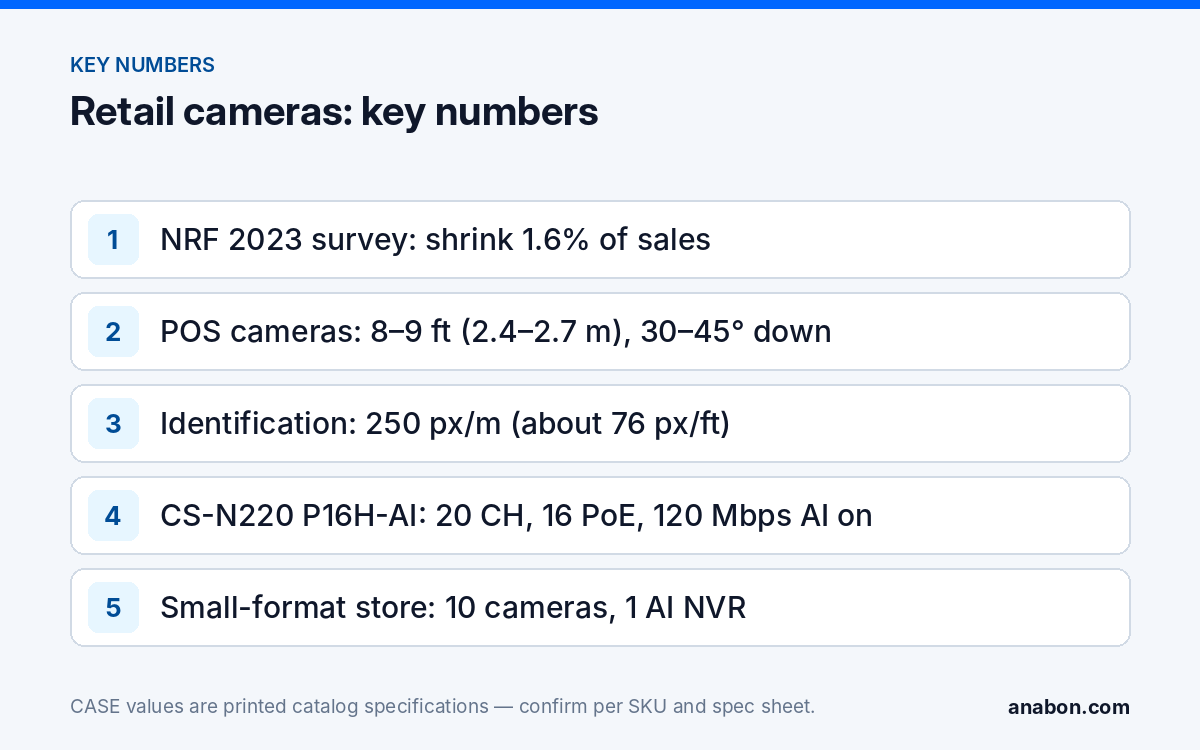
Store owners call about shoplifting; chains call about organized retail crime (ORC) and about proving a case. Quote the numbers with their source and date, and let the customer draw the conclusion. The National Retail Federation’s 2023 National Retail Security Survey, covering fiscal 2022, reported an average shrink rate of 1.6% of sales and attributed 36% of shrink to external theft including ORC, 29% to internal theft and 27% to process and control failures. Check the current edition before you repeat those figures, because the survey method and its numbers change year to year. The Loss Prevention Research Council publishes field research on how offenders read a store; it is a better source for placement arguments than any camera brochure. In Canada, the Retail Council of Canada runs its own loss-prevention program; use its current material for Canadian figures rather than translating US ones.
Two things follow for the installer. First, that survey attributed 29% of shrink to internal theft and another 27% to process and control failures, so the point-of-sale view matters as much as the door. Second, a camera system does not reduce shrink by itself and you should not promise that it will; what it does is produce evidence that stands up, which is what the customer can actually act on.
Entrance, POS, aisles, back room and lot: where does each camera go?
Lay the store out as zones, each with one job and one SKU. The table is a starting point; mounting heights are adjusted on site to the ceiling and the fixtures.
| Zone | Job of the image | Example CASE SKU (as printed) | Mount and height |
|---|---|---|---|
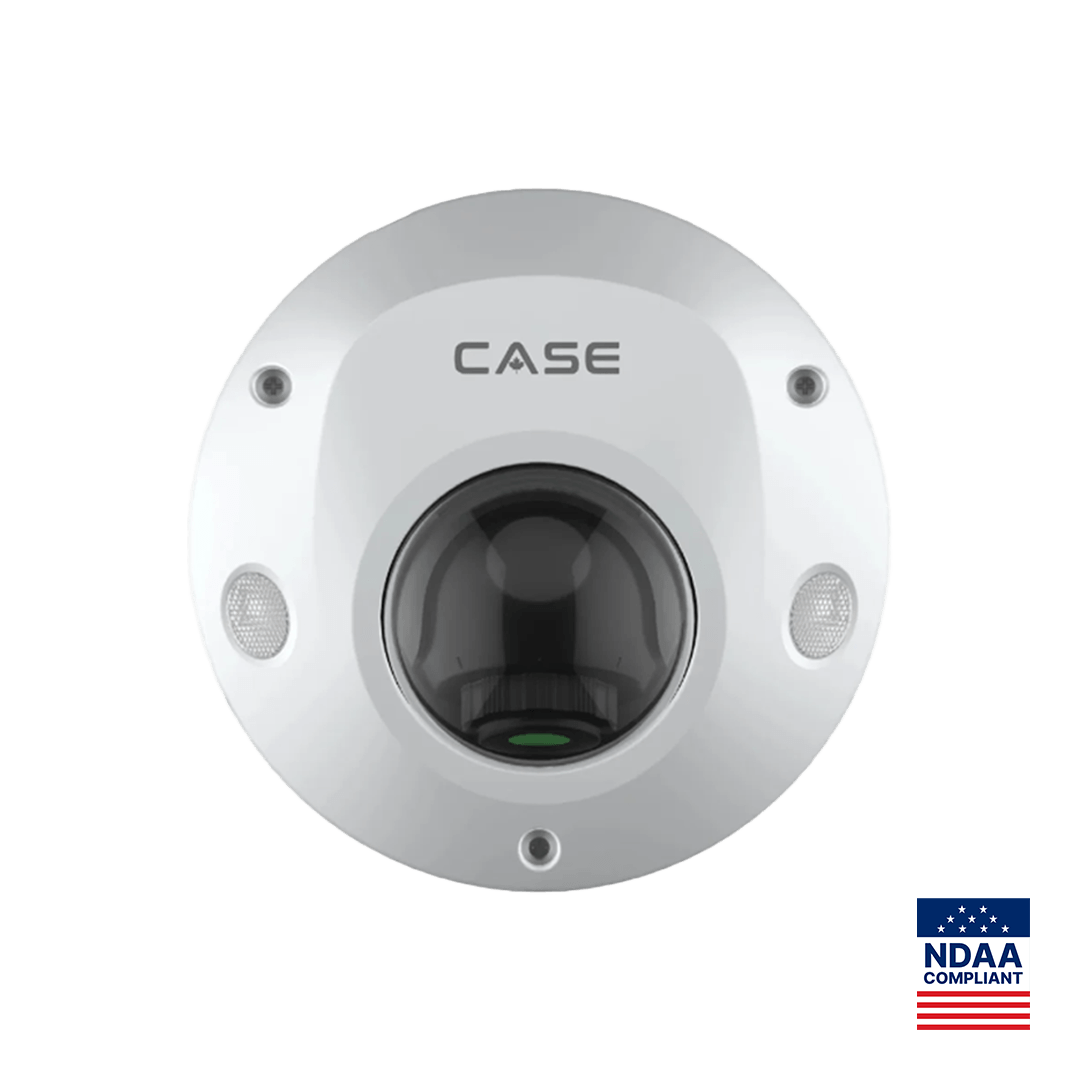
| Entrance, inbound | Frontal face at eye level, backlight from the glass front controlled | CS-I5PS S-2.8mm: 5MP, IR 98 ft (30 m), 120dB WDR, IP66/IK08, audio 1/1, alarm 1/1, Face Capture in its AI row | Ceiling or soffit, 7–8 ft (2.1–2.4 m), facing the door |
| Point of sale | Customer face plus hands, drawer and scanner | CS-I5PS S-2.8mm (two per lane pair, see below) | 8–9 ft (2.4–2.7 m), 30–45° down |
| Self-checkout | Scan area and bagging area per two kiosks | CS-I8KS SD-2.8mm: 8MP, IR 98 ft (30 m), white light 33 ft (10 m), IP67/IK10 | Ceiling, 9–10 ft (2.7–3 m), looking down the kiosk row |
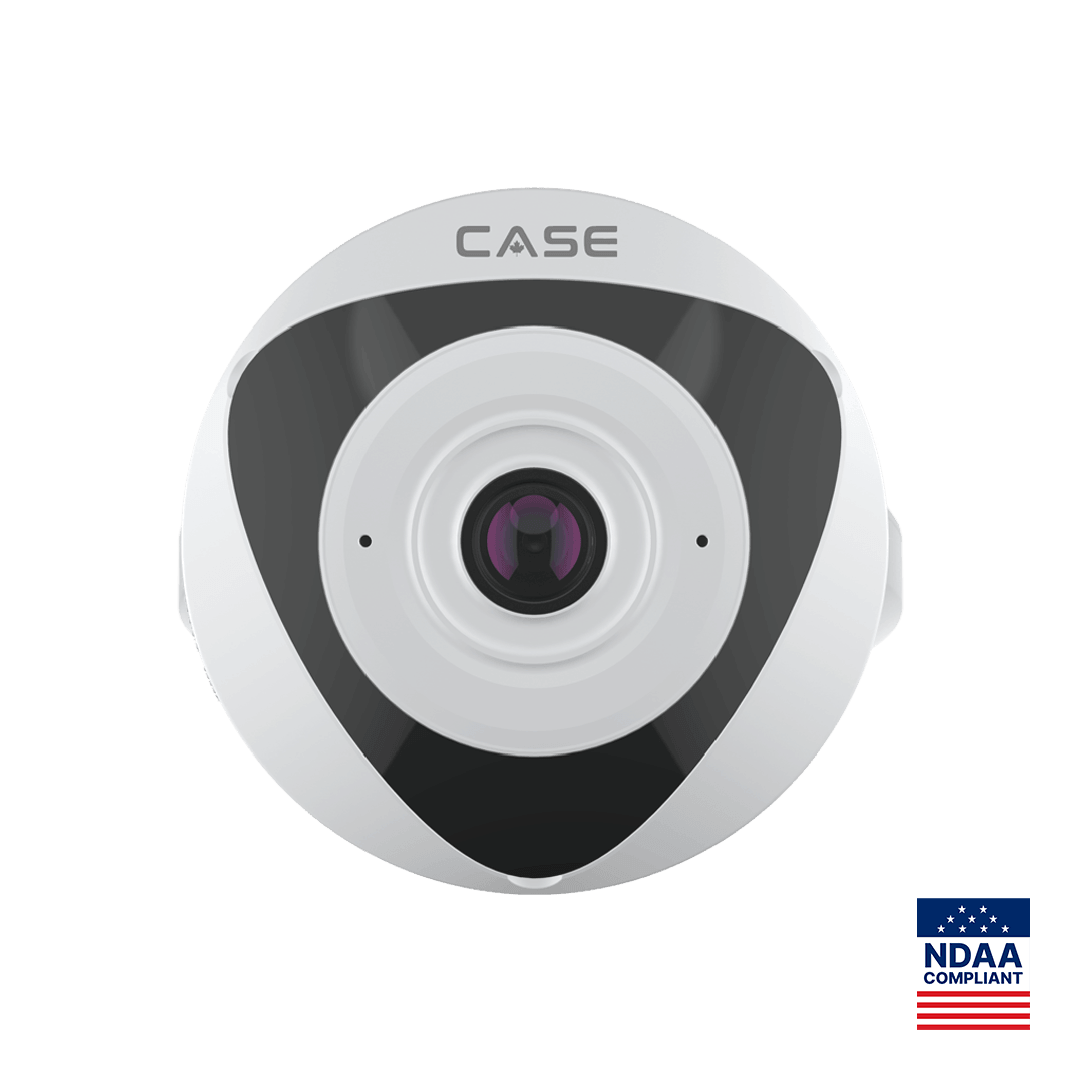
| Aisle block | Overview, heatmap, movement between aisles | CS-I5VN S-1.4mm: 5MP indoor fisheye, 2592×1944, Heatmap in its AI row | Ceiling center of the block; coverage set on site |
| Stockroom and receiving | Who handled which carton, after-hours entry | CS-I8KS SD-2.8mm | Ceiling corner, 9–10 ft (2.7–3 m) |
| Rear door, exterior | Deterrence after hours, delivery disputes | CS-I8XQ II-2.8mm: 8MP, IR 164 ft (50 m), white light 98 ft (30 m), EW, mic and speaker | Wall, 10–12 ft (3–3.7 m), looking along the dock |
| Lot and storefront | Vehicles, approach, exit direction | CS-I8XQ II-2.8mm | Facade, 12–14 ft (3.7–4.3 m); see the parking lot guide |
The fisheye is printed as “Indoor Usage” and its field of view is not printed, so never quote a coverage radius for it; set it live on the monitor. For the lot, use the zone method in Parking Lot Security Cameras. For housing choice at each position, see Security Camera Mounting Height and Angle.
What makes a POS camera view evidence-grade?
A register view that shows the top of a head and a blurred drawer settles nothing. Three rules fix most of it.
- Two angles per lane pair. One camera behind and above the cashier’s shoulder, looking at the customer’s face and the counter. A second camera on the customer side, looking back at the cashier’s hands, the drawer and the scanner. Internal and external cases need opposite views.
- Pixels on the face, not on the floor. IEC 62676-4 uses 250 pixels per meter (about 76 pixels per foot) as the identification level. Work the lens math for the distance from camera to the customer’s standing position, not to the far wall; a field-of-view calculator does the arithmetic.
- Light behind the camera, not behind the subject. Never aim a POS camera at the storefront glass. Where you cannot avoid it, the 120dB WDR printed on the CS-I5PS S-2.8mm is the right spec to quote, and you still test it at the brightest hour.
Name every camera by lane number, set NTP on the NVR and the POS so timestamps agree to the second, and record continuously at the registers rather than on motion: a chargeback dispute three weeks later needs the whole transaction, not the part where someone moved. The audio inputs printed on the CS-I5PS S-2.8mm stay off unless the owner has confirmed the recording-consent rules for the state (province) with counsel; see Audio Recording Laws Checklist.
How does the LP manager find an incident fast? VCA Search on the AI NVR
Retail evidence requests arrive as “a woman in a gray coat, Tuesday, around 3 p.m., lane 2”. The recorder decides whether that takes four minutes or four hours. The CS-N220 P16H-AI prints 20 channels, 16 PoE ports, 160 Mbps incoming (120 Mbps with AI on) and 80 Mbps outgoing, HDMI and VGA simultaneous, up to 10 TB per drive. Its AI by NVR row prints Face Detection, Face Recognition, Tripwire, Double Tripwire, Perimeter and Smart Motion Detection, and its VCA Search row prints Early-warning Search, Behavior Search, Face Search (search by face attributes) and Smart Motion Detection among others.
The working sequence: take the time window from the POS exception report, run Smart Motion Detection search on the lane camera for that window, scrub the results, mark the clip, export it with the player, and log the export. Face Search by attributes narrows a crowded afternoon to a handful of hits. Face Recognition is a different matter: it is discussed only after confirming the use case, model, software, region and legal requirements, and in Quebec it is a project-review trigger before anything is promised. The full workflow is in VCA Search: Turning “Sometime Last Week” into a Clip.
Multi-store chains: what is supported today?
A chain wants one place to look. State only what is supported today. Each store runs its own NVR, and recording stays on that NVR; there is no cloud recording to promise. CASE Connect, on mobile and on the web, is the main CASE software: the catalog prints device list and preview, sorting and management, device sharing, live view and playback and alarm information. Features and remote access options are confirmed by model, software version and project configuration before you write them into a proposal. Where the LP team wants a desktop multi-site view, CASE Station, the desktop VMS, is the technical answer and its capability is confirmed per version.
What makes a chain workable is not software, it is discipline: the same camera names, heights and zones in every store, so a regional LP manager reads store 14 the way she reads store 3; one retention period written down per region, sized per Video Retention Policy by Industry; and a user-role scheme where store managers see their own store and only the LP team exports.
Sample camera schedule: a 3,000 sq ft (280 m²) small-format store
Ten cameras on one AI NVR covers a convenience or small-format store with two registers, two self-checkout kiosks, four aisles, a stockroom and a rear dock.
| ID | Position | CASE SKU | Height | What it must show |
|---|---|---|---|---|
| C01 | Entrance, inbound face | CS-I5PS S-2.8mm | 7.5 ft (2.3 m) | Frontal face of everyone entering |
| C02 | Entrance, outbound overview | CS-I8KS SD-2.8mm | 9 ft (2.7 m) | Exit direction, bags, time out |
| C03–C04 | Registers 1–2, customer face | CS-I5PS S-2.8mm | 8.5 ft (2.6 m) | Face, counter, payment terminal |
| C05 | Registers 1–2, cashier side | CS-I5PS S-2.8mm | 8.5 ft (2.6 m) | Hands, drawer, scanner |
| C06 | Self-checkout pair | CS-I8KS SD-2.8mm | 9.5 ft (2.9 m) | Scan area and bagging area |
| C07 | Aisle block | CS-I5VN S-1.4mm | Ceiling | Overview and heatmap, indoor only |
| C08 | Stockroom | CS-I8KS SD-2.8mm | 9.5 ft (2.9 m) | Receiving door, high-value shelf |
| C09 | Rear dock, exterior | CS-I8XQ II-2.8mm | 11 ft (3.4 m) | After-hours deterrence with EW |
| C10 | Storefront and lot edge | CS-I8XQ II-2.8mm | 13 ft (4 m) | Vehicles and approach |
| NVR | Back office, locked | CS-N220 P16H-AI | Rack or shelf | 20 channels, 16 PoE: 10 used, 6 spare for growth |
Sum the main-stream bitrates from the camera settings and keep the total under the printed 120 Mbps with AI on. Copy this table into your own camera schedule.
What to tell your customer
“Every register gets two views, so an internal and an external case can both be proven, and the entrance camera records a usable face of everyone who walks in. The recorder searches by time, motion and face attributes so your team can pull a clip the same day. We size the storage for the retention period you choose, and the system stays on your own recorder in your back office, with remote viewing through CASE Connect confirmed for your configuration.”
FAQ
How high should a point-of-sale camera be mounted?
Between 8 and 9 ft (2.4 and 2.7 m), angled 30 to 45 degrees down, with one camera behind the cashier looking at the customer’s face and one on the customer side looking at the hands and drawer. Higher than that and you record hats and the top of the drawer, which is footage rather than evidence.
Can the NVR find a shoplifter by face?
The CS-N220 P16H-AI prints Face Search by face attributes in its VCA Search row, which narrows a time window to people matching described attributes. Face Recognition is also printed, but it is discussed only after the use case, model, software, region and legal requirements are confirmed, and it is a project-review trigger in Quebec. Do not promise it in a proposal.
Does an indoor fisheye replace the aisle cameras?
No. The CS-I5VN S-1.4mm gives one 5MP overview of an aisle block with Heatmap printed in its AI row, which is useful for movement and merchandising questions. It is printed for indoor use only and its field of view is not printed, so set coverage on site and keep a conventional camera for any position that must identify a person.
Should we record audio at the registers?
The CS-I5PS S-2.8mm prints a built-in microphone and audio I/O, so the hardware allows it. Whether you may record is a legal question: recording-consent rules differ by state in the US; in Canada the Criminal Code and PIPEDA or the provincial private-sector law apply. Leave audio off by default and enable it only when the owner confirms the requirement with counsel and posts the appropriate signage.