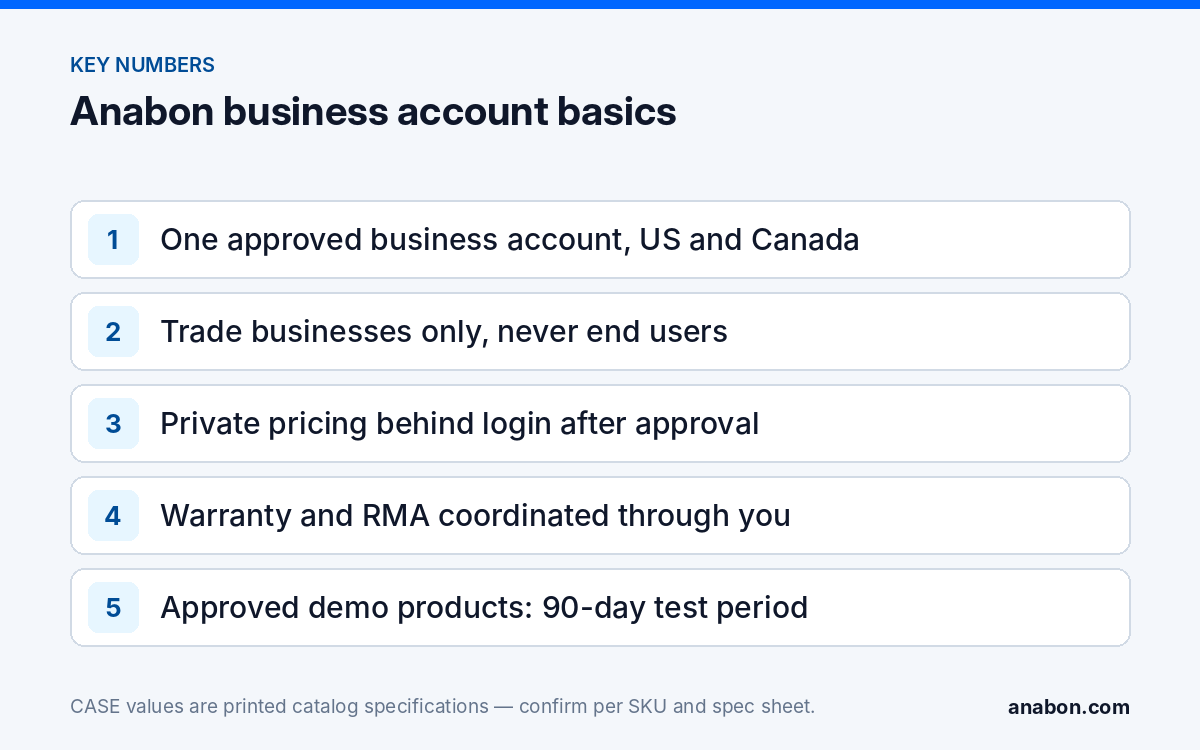
Quick answer: The Anabon security camera dealer program starts with one approved business account. Installers, integrators, dealers, low-voltage contractors and other trade businesses in the US and Canada apply once, pass a business validation, and then receive private pricing behind login, direct quotes, technical support, warranty and RMA coordination, project review, per-SKU documentation and access to the 90-day demo test on approved demo products.
Who qualifies for an Anabon business account?
Anabon Security Inc. is a North American B2B distributor of CASE and other professional security brands, and the business account is how the trade works with it. Approval is for businesses, in the US and in Canada, that install, integrate or resell security systems for their own customers:
- Professional and independent security installers
- System integrators and IT/security integrators
- Alarm and security companies adding video
- Low-voltage contractors
- Access control, gate, parking and HOA specialists
- Resellers, dealers, sales agents and project representatives
The account is not for end users. Property owners, facility managers buying for their own building and anyone installing for their own premises are referred to an installer. If an end user reaches this page: “For warranty and service, please contact the installer or company that supplied your system. Anabon supports warranty and technical service through our installer, dealer, and business-account network.”
Two situations are a poor fit and are better discussed before you apply: a business that wants to show a price for CASE products in public, and a business that wants Anabon to deal with its end customers directly. Both conflict with the channel rules that protect every other partner.
What should you have ready for the application?
The application identifies your company and your trade, and a business validation confirms that you are a trade business before the account opens. The exact details and documents requested are confirmed during your application; the checklist below is what to have at hand so the validation does not stall on a missing item. Copy it into your own onboarding notes.
| Have ready | Why it helps |
|---|---|
| Legal business name and any operating name | Matches the account to your registered company |
| Business address and service area (states or provinces) | Shows where you work in the US or Canada |
| Company website or public business listing | Shows the trade you operate in |
| Business email on your company domain and a business phone | Ties the contact to the company rather than to a person |
| Your trade category and typical project types | Installer, integrator, dealer, low-voltage contractor, gate or access specialist |
| Contact person for orders and for technical questions | Routes quotes and support to the right person |
| Trade or contractor license, where your state or province requires one | Licensing rules for alarm and low-voltage work vary; verify the local requirement |
| Resale certificate (US) or GST/HST registration number (Canada), if you buy for resale | Have it on hand in case it is requested; tax treatment is confirmed per account |
How do you open the account, step by step?
- Apply online at account.anabon.com. Use your company details, not personal ones.
- Complete the business validation. Answer any follow-up questions and send the details requested. A complete first submission is the fastest route.
- Receive your approval and log in. Once approved, your login gives you access to private pricing for your company.
- Set up your team. Agree internally who orders, who quotes and who opens technical and warranty cases, so every request comes from the account.
- Send your first project or request a demo. A first project review or a demo test is the most useful way to start; both are described below.
If you are unsure whether your business qualifies, ask before you apply through contact us. The broader picture of what Anabon does for partners is in who is Anabon.
What do you get after approval?
The account opens the programs that are documented and available today. The table lists each one and how partners use it.
| What you get | How to use it |
|---|---|
| Private pricing | Log in and quote from your own numbers; nothing is published for your customer to compare against |
| Direct quotes | Send larger or unusual projects with the camera schedule, recorder and network design |
| Technical support | Configuration, troubleshooting and compatibility questions through technical support |
| Warranty and RMA coordination | Your customer calls you; you open the case under your account and Anabon coordinates it with you |
| Project review and design assistance | Channel count, bandwidth, PoE budget and storage checked before you quote |
| Per-SKU compliance documentation | Requested at quote, proposal or bid stage for the SKUs on your schedule |
| 90-day demo test | Evaluate approved demo products before you standardize |
| Product training and specification sheets | Product training for your technicians and sales staff on the CASE line, and the published specification sheet for each SKU |
Private pricing and quotes
“Yes — here is your access. Apply once for an approved business account, log in, and quote from your own numbers, or send the project and we return a direct quote. Public price is not your price.” CASE Project Series items with the CSP- prefix (explosion-proof cameras, thermal solutions, solar trailers and radars) are quoted per project, with availability, certificates, lead time and warranty term confirmed in writing. More detail is in private pricing explained.
Warranty, documentation and demo
Warranty is stated by category and flows through you: “CASE cameras and CASE NVRs carry a 6-year warranty. CASE PTZ cameras carry a 3-year warranty. CASE accessories carry unlimited warranty. Hard drives are supported through back-to-back manufacturer warranty.” For compliance: “CASE offers NDAA-compliant options for compliance-sensitive projects. Anabon confirms the exact products and provides the official compliance documentation for each project.” For evaluation: “For approved demo products we provide a 90-day test period under the approved demo return process. This is not a general return policy.”
This list is the scope of the account. Any arrangement not described here is confirmed with Anabon in writing before you rely on it in a proposal.
What channel rules come with the account?
The account protects your margin because every partner works under the same rules. Every partner is asked to follow the same practices in day-to-day work:
- No public pricing for CASE products on your website, online store, marketplace listings, ads, shopping feeds, social posts or public PDFs; list products with a quote request instead.
- Warranty stated exactly by category in proposals, never as one blanket term.
- Compliance answered with per-SKU documentation, never a blanket statement about the whole line.
- Integration stated as profiles: ONVIF profiles supported are S, T, and G, with M on pinhole models. Third-party behavior is confirmed per platform and project.
- The app named correctly: CASE Connect is the official app experience for CASE systems. App features and remote access options should be confirmed by model, software version, and project configuration.
- Full SKU spelling with the series letter on every proposal line, for example CS-I8XQ II-2.8mm rather than a shortened name.
What should you do in your first 30 days?
A new account is most useful when the first job runs smoothly. A practical start:
- Build a proposal template with warranty by category and a separate hard-drive line.
- Send one live opportunity for project review, ideally one a little larger than your usual job. “Bring us the opportunity before you say no.”
- Request a demo from one of the kit families, such as the CS-I8XQ II-2.8mm deterrence turret printed with 164 ft (50 m) IR and 98 ft (30 m) white light.
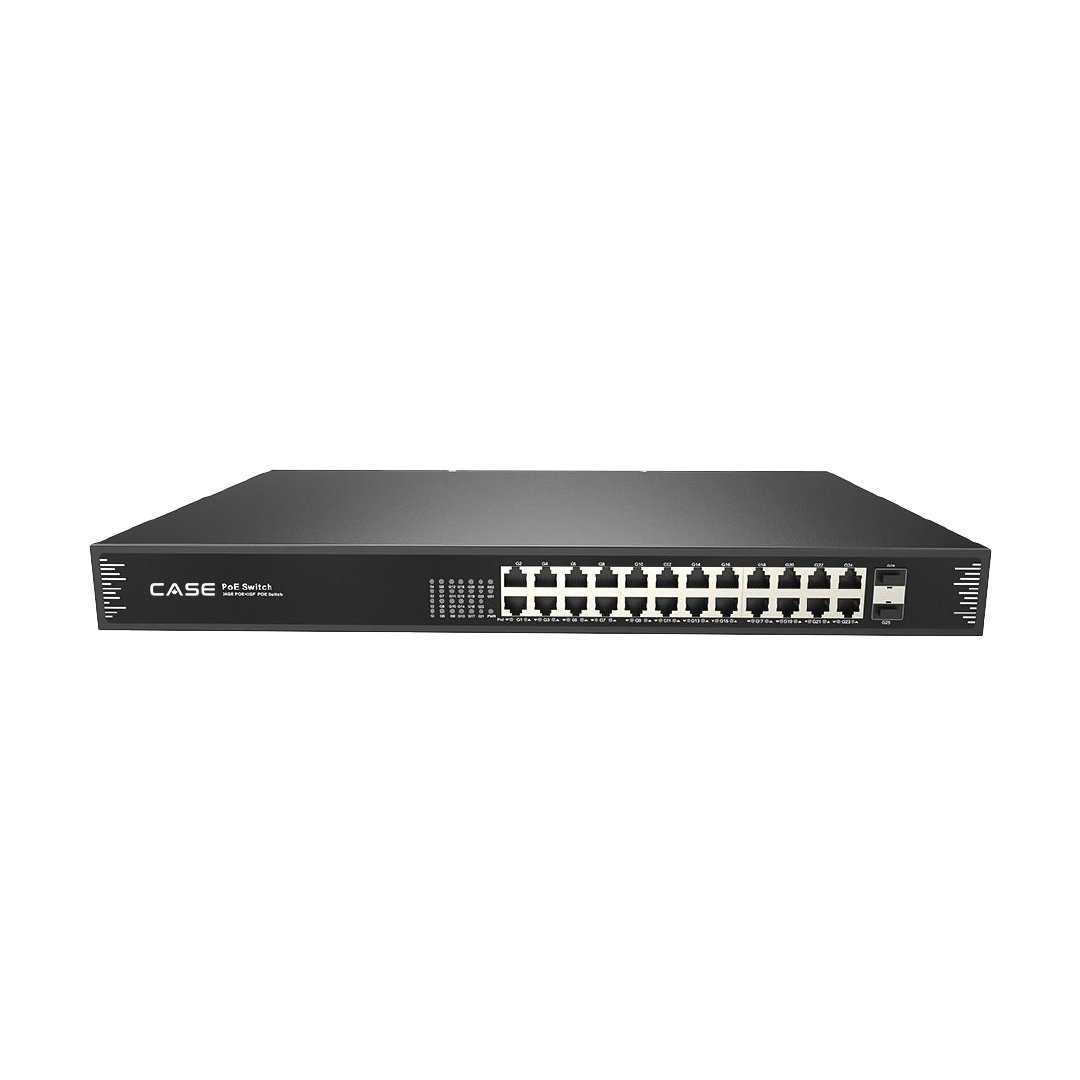
- Size one standard recorder and switch pair for your typical job, for example the CS-N220 P16H-AI, printed as a 20-channel NVR with 16 PoE ports, with the CS-POE33024PF, printed with 24 Gigabit PoE ports and 30 W per port, for expansion.
- Agree who on your team opens support and warranty cases, so the site history stays in one place.
How to use this with your customers
Customers do not need to know your account details, but they benefit from what it gives you. You can say: “We are an approved business account with Anabon Security Inc., a North American B2B distributor of CASE and other professional security brands. Our quote, warranty and service on your system come from us, and Anabon supports us behind the scenes with technical support and documentation.”
FAQ
Who can join the Anabon security camera dealer program?
Trade businesses in the US and Canada: professional and independent installers, system integrators, alarm and security companies, low-voltage contractors, access control, gate, parking and HOA specialists, resellers, dealers and sales agents. The account is not for end users or property owners buying for their own premises; they are referred to an installer, and Anabon never bypasses the installer.
What documents do I need to open a business account?
The exact details and documents are confirmed during your application. Have your legal business name, address and service area, company website or business listing, a business email and phone, your trade category, any trade license your state or province requires, and, if you buy for resale, your resale certificate (US) or GST/HST registration number (Canada).
Do I get private pricing immediately after I apply?
Private pricing opens once the business validation is complete and your account is approved. After that, you log in and quote from your own numbers, or send a project for a direct quote. CASE pricing does not appear publicly online at any stage, so the login and direct quotes are the only route for your company.
Are there partner tiers, rebates or volume levels?
This article covers only the programs that are documented and available today: private pricing, direct quotes, technical support, warranty and RMA coordination, project review, per-SKU documentation, product training and the 90-day demo test on approved demo products. Any other arrangement is confirmed with Anabon in writing before you rely on it in a proposal or a business plan.
Can I sell CASE products online once I have an account?
You can present CASE products on your website with a quote request, but CASE pricing does not appear publicly online, including in online stores, marketplaces, ads and shopping feeds. Your customer receives your private quote. If you plan any public listing, discuss it with Anabon first so it stays within the channel rules that protect every partner.