Quick answer: A DVR normally records analog camera signals, while an NVR records supported IP video streams. Choose from the existing infrastructure and required result. An IP label alone does not guarantee clearer evidence, and replacing a DVR does not automatically make analog cameras compatible with an NVR.
On this page
Explain the difference without a sales shortcut
In a typical DVR system, analog video reaches the recorder and is encoded there. In an IP system, a camera or other network source produces encoded streams that a compatible NVR receives. Hybrid products and integrations need their own specification; do not assume them from the DVR or NVR name.
Evidence quality depends on the full view: camera, lens, placement, light, motion, compression, recording settings and retrieval. A well-positioned existing camera may answer a question that a poorly placed high-resolution replacement cannot.
Ask what the customer needs to see, how long footage must remain and how operators use it. Separate a failing-recorder replacement from a full redesign.
Survey the installation before proposing a route
Record camera types, signal standards, cabling routes, power supplies, recording condition and important views. Identify inaccessible cables, outdoor exposure, grounding/power concerns and the permitted work windows. Keep credentials and sensitive scene images in the protected project record.
Check the customer’s required retained footage before disturbing the old recorder. Confirm export formats, the necessary player and access to old material. A new NVR does not automatically import a DVR’s recordings or maintain the same retention history.
| Existing item | Question and action |
|---|---|
| Analog camera and coax | Confirm signal standard, condition, image quality and whether to retain temporarily or replace. |
| Coax reused for IP transport | A suitable Ethernet-over-coax design carries network data; confirm adapters, power, distance and environment. It does not itself encode analog video. |
| Analog camera retained on IP recording | A compatible encoder and supported NVR integration would be needed; confirm the exact end-to-end combination. |
| New IP camera | Confirm network/power, stream support, recording load and the required event/integration functions. |
Choose a supported migration path
Retain the analog system temporarily: If it still meets an agreed part of the requirement, a phased project may keep it operating while priority views move to IP. State which system stores each view and how operators retrieve both.
Reuse suitable coax for IP transport: Test an appropriate Ethernet-over-coax design with the actual cable and endpoints. Confirm supported distance, throughput, power and surge/environmental requirements. This transport conversion does not by itself convert an analog camera signal into an IP stream.
Retain an analog source through an encoder: Only quote this with a confirmed encoder/NVR combination, required stream support and tested recording/event functions. A generic ONVIF phrase is insufficient for every feature.
Install new network cabling/cameras: Design cabling, power, uplinks and network access against the installation requirements. Do not assume every existing cable route, power supply or enclosure is suitable.
Design the new recording layer
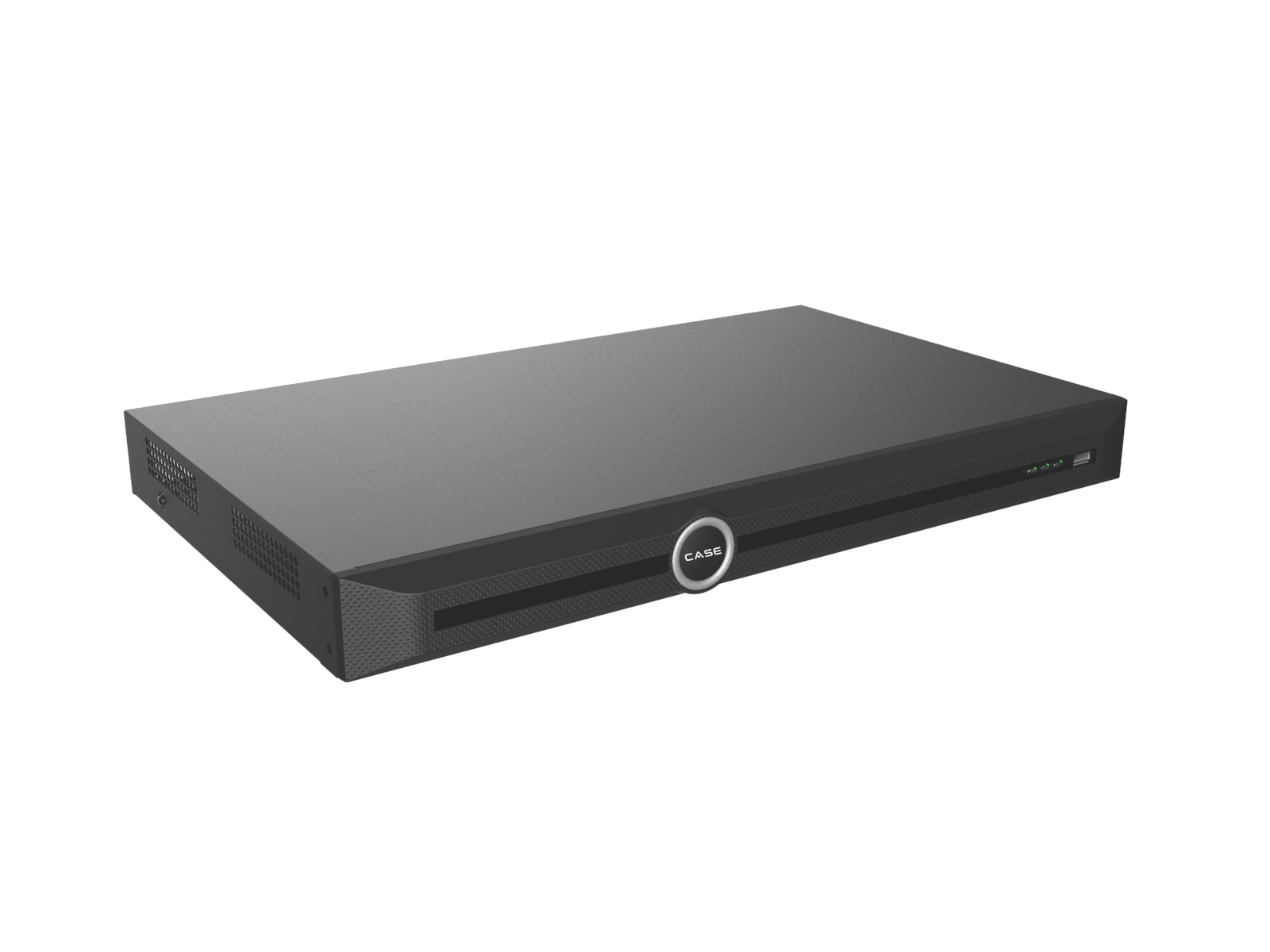
Build a camera schedule with exact SKUs, streams, recording mode, required analytics and retention. Check NVR input count, incoming/outgoing bandwidth, decoding, AI-on limits, supported drives and display tasks. The CASE NVR selection guide covers those separate checks.
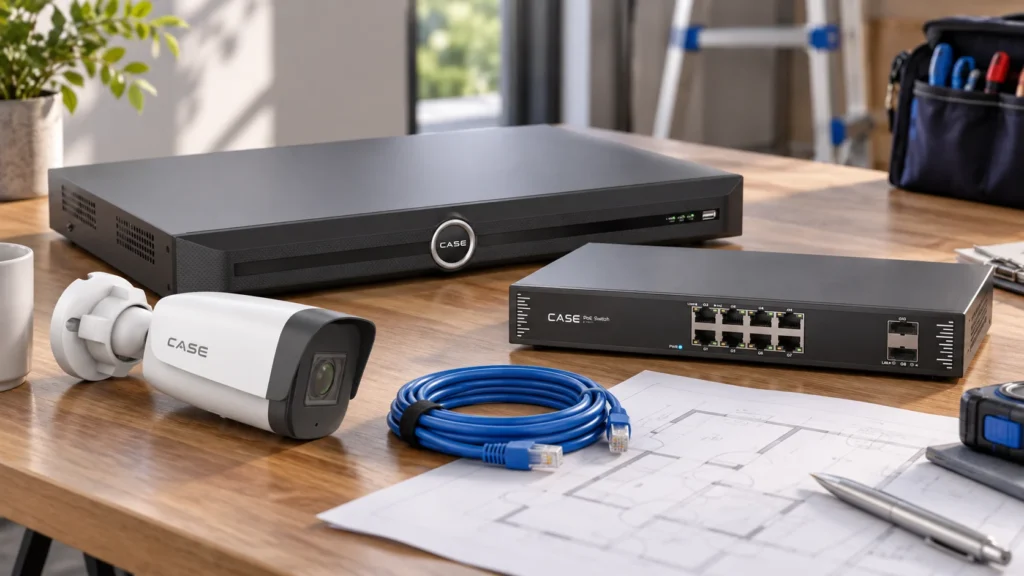
For external PoE, confirm per-port and total power, uplinks and environmental needs using suitable PoE switches. A power budget does not establish management or VLAN support. Agree addressing, segmentation and remote access with IT using the camera-network plan.
Confirm required protocols/codecs and firmware for the actual devices. Do not promise a particular compression saving, universal third-party integration or supported maximum resolution merely because both products are IP.
Protect footage and manage the cutover
- Agree the view-by-view cutover sequence and any recording interruption.
- Preserve required old footage through the approved export workflow and test it opens.
- Keep the old system available for the agreed history/access period, with authorized protection and maintenance.
- Commission new channels, names, clocks, recording, permissions and required events.
- Verify the actual operator viewing/export tasks and approved remote access.
- Record responsibility for old equipment, final exports and authorized data disposal.
Do not format or discard old storage simply because the replacement is live. Customer retention, incident preservation and disposal approvals must be resolved first. Use the evidence export procedure and keep old/new recording locations clear.
Test local operation and explain dependencies
Local IP recording does not inherently require internet service, but confirm the installed system’s actual dependencies and required operating behavior. Test the agreed WAN-loss scenario safely; do not promise recording survives any network or power failure.
Hand over a simple diagram, camera-to-recorder schedule, access owners, tested functions and open actions. Document which equipment remains and how long old recordings are accessible. The handover checklist helps avoid an unsupported “everything migrated” sign-off.
FAQ
Can I plug an analog camera into a CASE NVR?
Not on that assumption. Confirm a suitable encoder/integration or replace the source with supported IP equipment.
Can existing coax always carry IP and power?
No. Confirm and test the specific transport, power arrangement, cable and environment.
Will the new NVR contain the DVR’s old recordings?
Do not promise automatic migration. Preserve and test access to the history through an agreed process.
Review NVR options and send the existing-camera survey, required views and cutover constraints to Anabon technical support for a supported migration scope.