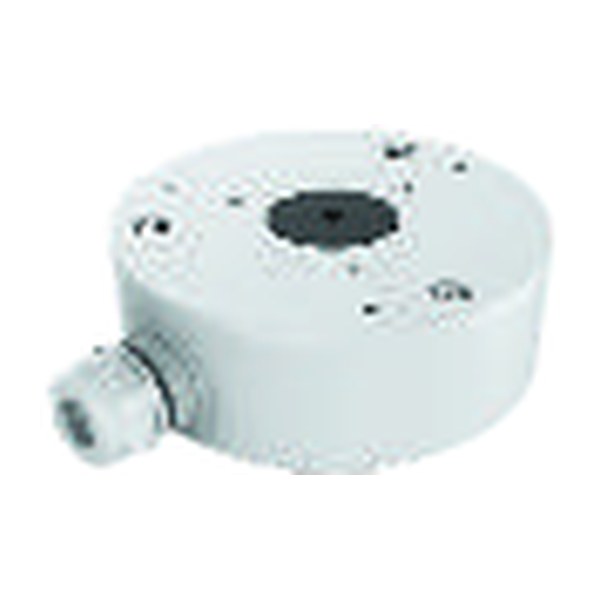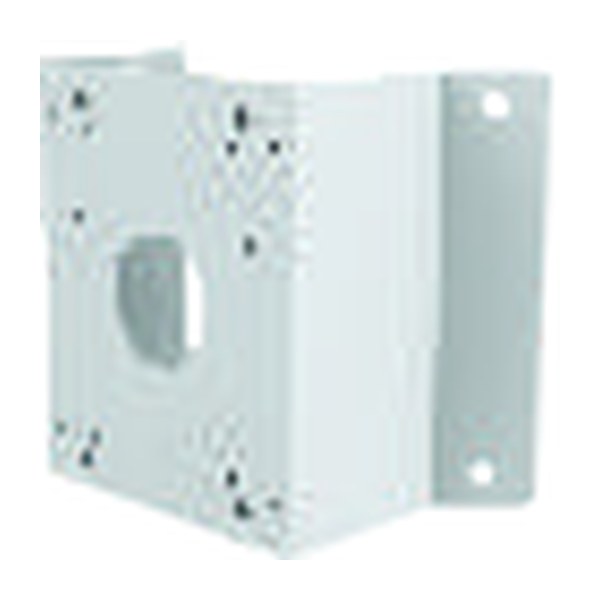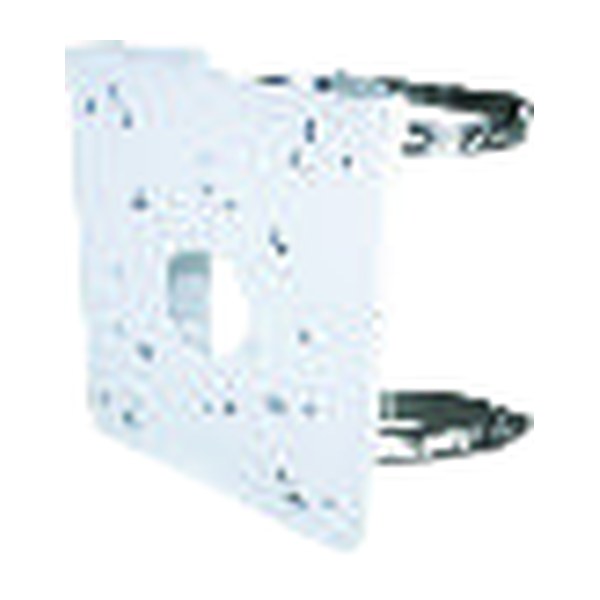
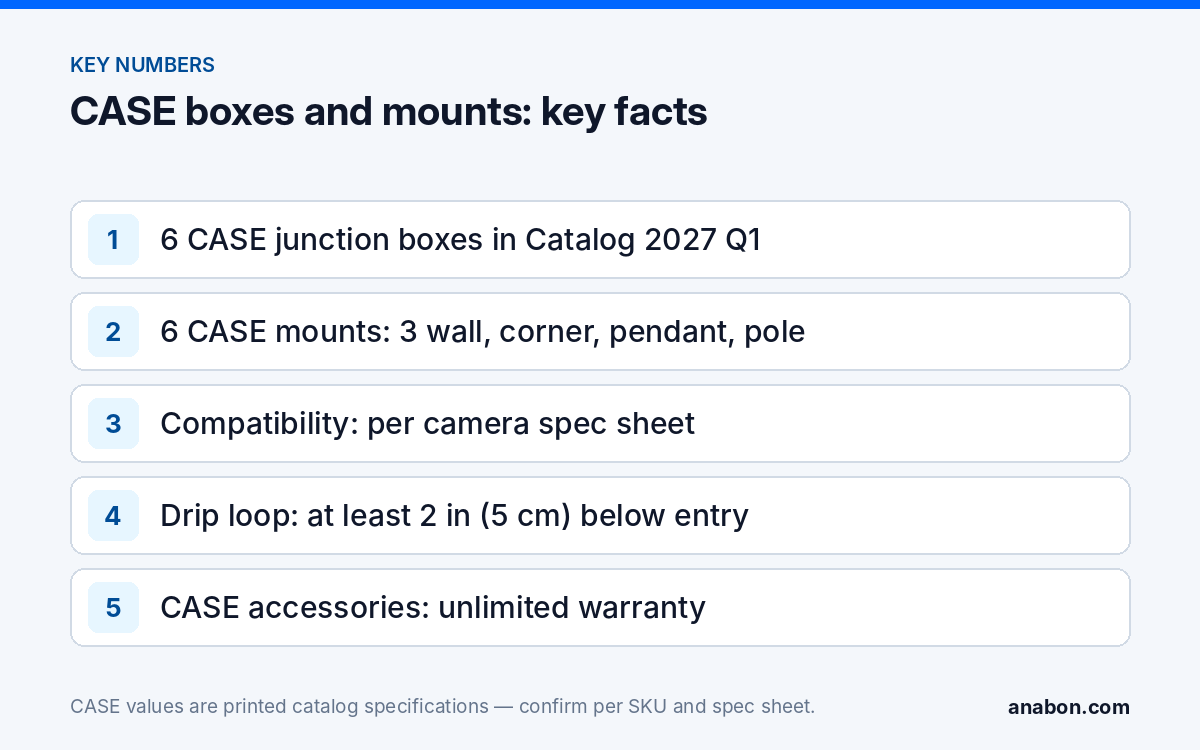
Quick answer: Put a junction box under every outdoor camera and every indoor camera whose cable cannot be hidden. The box keeps the RJ45 connection and the service loop dry, gives a sealed, repeatable cable entry and lets you re-aim or replace the camera without a second hole. CASE lists six junction boxes (CS-P54BM V5/V3.0, CS-P32EM, CS-A22, CS-P54BM V3, CS-P54AM V4, CS-P54BM V1) and six mounts (wall CS-A25, CS-A28, CS-A29; corner CS-A35; pendant CS-DF21Y; pole CS-A36) in the 2027 Q1 catalog. Which one fits which camera is stated on the camera’s spec sheet; confirm per SKU before you order. CASE accessories carry unlimited warranty.
Why does every outdoor camera need a junction box?
A turret or bullet screwed straight to siding leaves the pigtail, the RJ45 coupler and the first 12 in (30 cm) of Cat6 where water collects: the gap behind the camera base. Many “offline after the storm” callbacks trace back to that gap. A junction box moves the connection into a sealed compartment and fixes three other problems too.
- Moisture and corrosion. The coupler sits in a dry box instead of a wet cavity; with a drip loop before the entry, water never reaches it.
- Cable protection. The service loop is inside the box, not pinched behind the base or exposed to UV.
- Re-aim and replacement. The box carries the mounting pattern. When a camera is upgraded in year four, the new unit goes on the existing box; no new holes in brick, stucco or metal panel.
- A clean finish. On stone, corrugated metal or an uneven soffit, the box gives a flat, level base and covers the penetration.
Indoors the box is optional where the cable drops through the ceiling tile behind the camera; where it runs on the surface or enters through a core-drilled block wall, use the box.
Which CASE junction boxes and mounts are in the catalog?
The CASE Catalog 2027 Q1 lists twelve mounting accessories by name and photograph; it prints no camera-to-accessory table, ingress rating or dimensions. Compatibility is stated on each camera’s spec sheet, so the last column reads the same for every row.
| SKU | Catalog title | Function on site | Compatibility |
|---|---|---|---|
| CS-P54BM V5/V3.0 | Junction Box | Sealed base for the camera; houses the coupler and service loop | Per camera spec sheet; confirm before ordering |
| CS-P54BM V3 | Junction Box | Separate version; order the suffix named on the sheet | Per camera spec sheet; confirm before ordering |
| CS-P54BM V1 | Junction Box | Separate version; order the suffix named on the sheet | Per camera spec sheet; confirm before ordering |
| CS-P54AM V4 | Junction Box | Separate version; order the suffix named on the sheet | Per camera spec sheet; confirm before ordering |
| CS-P32EM | Junction Box | Sealed base for the camera | Per camera spec sheet; confirm before ordering |
| CS-A22 | Junction Box | Sealed base for the camera | Per camera spec sheet; confirm before ordering |
| CS-A25 | Wall Mount | Stands the camera off a vertical surface | Per camera spec sheet; confirm before ordering |
| CS-A28 | Wall Mount | Stands the camera off a vertical surface | Per camera spec sheet; confirm before ordering |
| CS-A29 | Wall Mount | Stands the camera off a vertical surface | Per camera spec sheet; confirm before ordering |
| CS-A35 | Corner Mount | Turns an outside corner into a flat mounting face covering two walls | Per camera spec sheet; confirm before ordering |
| CS-DF21Y | Pendant Mount | Hangs the camera below a high ceiling or canopy | Per camera spec sheet; confirm before ordering |
| CS-A36 | Pole Mount | Straps a mounting face to a round pole | Per camera spec sheet; confirm before ordering |
Three of the six boxes are CS-P54BM V1, CS-P54BM V3 and CS-P54BM V5/V3.0 and a fourth, CS-P54AM V4, differs in both letter and suffix. Order the exact SKU and suffix the sheet names; do not assume two versions share a hole pattern.
How do you confirm the right box or bracket for a camera?
- Open the camera’s spec sheet for the full SKU, series letter included (CS-I8XQ II-2.8mm and CS-I8XQ I-2.8mm are different products), and read the mounting section.
- Write the accessory SKU on the camera schedule beside each camera, version suffix exactly as printed.
- Check the stack. Where a corner or pole position is planned, the spec sheet tells you whether the corner or pole mount carries the camera directly or carries the junction box or wall mount that carries the camera.
- Confirm with Anabon before the order ships if the sheet is silent, the camera is new in the catalog, or the site needs a combination the sheet does not show. Mounts and boxes are not listed on the CASE website at the time of writing; the spec sheet and your Anabon contact are the two sources.
A box one version off means holes that do not line up and a crew improvising with a blank plate and silicone, which is where the next callback starts.
Wall, corner, pole or pendant: which bracket does the position need?
Wall
Most turrets and bullets sit directly on a junction box on a flat wall. A wall mount (CS-A25, CS-A28, CS-A29) stands the camera off the surface when the lens would otherwise see the wall, the soffit edge or a downspout, or when a dome must look along a wall rather than out from it.
Corner
An outside corner is the best single position for covering two elevations and the worst place to improvise. The corner mount (CS-A35) bolts across the corner and presents one flat face; the camera, or its box, mounts to that face. Plan anchors in both walls and check the corner is true before you drill.
Pole
Parking lots and perimeters put cameras on round poles, where a flat base has nothing to grip. The pole mount (CS-A36) straps around the pole and gives a mounting face. Pole positions bring the cable outside the building envelope, so pair the mount with the method in Lightning and surge protection for outdoor and PTZ cameras.
Pendant
Under a canopy, a dock roof or a high warehouse ceiling, the pendant mount (CS-DF21Y) hangs the camera below the structure so it looks down the aisle instead of into the beams. Confirm the camera’s accepted mounting orientation on the spec sheet first; not every housing is rated to hang.
| Position | Typical stack | CASE SKUs involved | Watch for |
|---|---|---|---|
| Flat wall | Junction box, then camera | One of the six boxes, per the sheet | Version suffix; entry from below |
| Wall, stood off | Wall mount, then camera or box | CS-A25, CS-A28, CS-A29 | Lever arm on anchors; wind load |
| Outside corner | Corner mount, then box or wall mount, then camera | CS-A35 plus the item the sheet names | Anchors in both walls |
| Round pole | Pole mount, then box or wall mount, then camera | CS-A36 plus the item the sheet names | Surge protection; strap tension in cold |
| Ceiling or canopy | Pendant mount, then camera | CS-DF21Y | Orientation allowed on the sheet |
How do you seal the box and bring the cable in?
A box only prevents callbacks when the entry is sealed. The catalog prints no ingress or NEMA rating for the CASE boxes, so do not quote one; rely on the method.
- Bring the cable in from below or the back, never the top, with a drip loop of at least 2 in (5 cm) below the entry.
- Use a gland or grommet sized to the Cat6 jacket; an oversized knockout plugged with sealant fails within a season of freeze and thaw.
- Seal the box to the wall along the top and sides only; leave the bottom edge open as a weep path.
- Seat the gasket between box and camera flat and clean, and tighten the base screws evenly so it compresses uniformly.
- On metal siding and poles, isolate dissimilar metals and bond per the local code (NEC Article 250 in the US; CEC Section 10 in Canada).
Glands and sealant types for each cladding are in Outdoor cable entry and weatherproofing.
What goes on the order with each camera?
Mounts and boxes belong on the same purchase order as the cameras; a camera waiting for a box is a return visit. For every outdoor camera line:
- One junction box per camera, SKU and version per the spec sheet.
- Wall, corner, pole or pendant mount where the position calls for it, plus the intermediate item if the stack needs one.
- Anchors matched to the substrate: masonry, metal stud, wood, hollow block or pole bands.
- Glands sized to the cable, exterior sealant, spare gaskets and one spare box.
The schedule format that ties accessory lines to camera lines is in Writing a camera schedule and bill of materials.
What warranty applies to CASE mounts and junction boxes?
CASE accessories carry unlimited warranty. The term applies to the mount or box itself; the camera on it carries its own category term (CASE cameras carry a 6-year warranty; CASE PTZ cameras carry a 3-year warranty). Warranty is handled through the installer, dealer or approved business account that supplied the system, never directly with the end user: your customer calls you and you call Anabon. Keep the accessory SKUs on the as-built so a claim can name them exactly.
What to tell your customer
“Every outdoor camera is mounted on a sealed junction box, so the connection stays dry and the camera can be serviced or upgraded later without new holes in your building. Boxes and brackets are matched to each camera from its specification sheet. CASE accessories carry unlimited warranty, and any service request comes through us.”
FAQ
Do I need a junction box for an indoor security camera?
Not when the cable drops through the ceiling directly behind the camera base and stays hidden. Use a box indoors when the cable runs on the surface, when the camera sits on a block wall with a core-drilled entry, or in wash-down and food-processing areas where moisture behaves like an exterior.
Which CASE junction box fits the CS-I8XQ II-2.8mm turret?
The pairing is stated on the camera’s spec sheet; the catalog prints no compatibility table. Open the sheet for the exact SKU, read the mounting section, and write the box SKU with its version suffix on the camera schedule. If the sheet is silent, confirm with Anabon before the order ships.
Can I mount a camera on a corner without a corner mount?
You can, but you lose coverage of one elevation or you end up with a camera on a wedge of plywood. The corner mount (CS-A35) bolts across the corner and presents one flat face for the camera or its junction box. It needs anchors in both walls, so check what the spec sheet says sits on it first.
Are the CASE junction boxes rated IP66 or NEMA 4?
The CASE Catalog 2027 Q1 prints no ingress-protection or NEMA rating for the junction boxes or mounts, so do not quote one in a proposal. Rely on the sealing method: bottom cable entry, a sized gland, a drip loop, a clean gasket and exterior sealant along the top and sides. Ask Anabon for the accessory spec sheet if a bid requires a rating.
What is the warranty on CASE mounts and junction boxes?
CASE accessories carry unlimited warranty. The camera mounted on the accessory carries its own category term: CASE cameras carry a 6-year warranty and CASE PTZ cameras carry a 3-year warranty. Claims go through the installer or dealer who supplied the system, so record the accessory SKUs on the as-built to make a future claim exact.