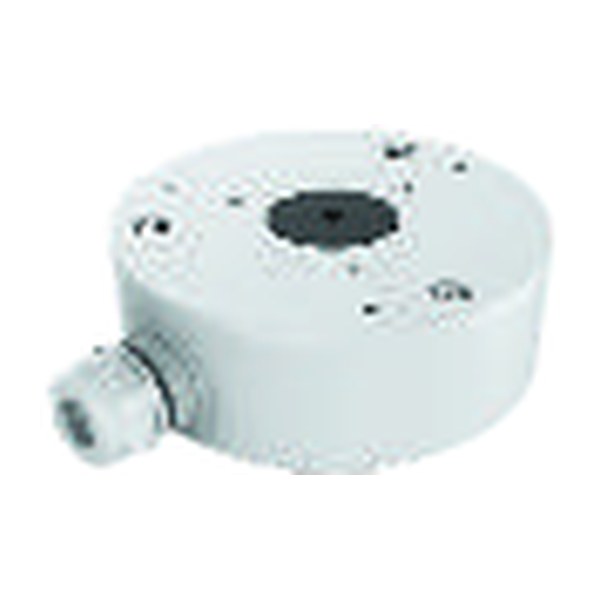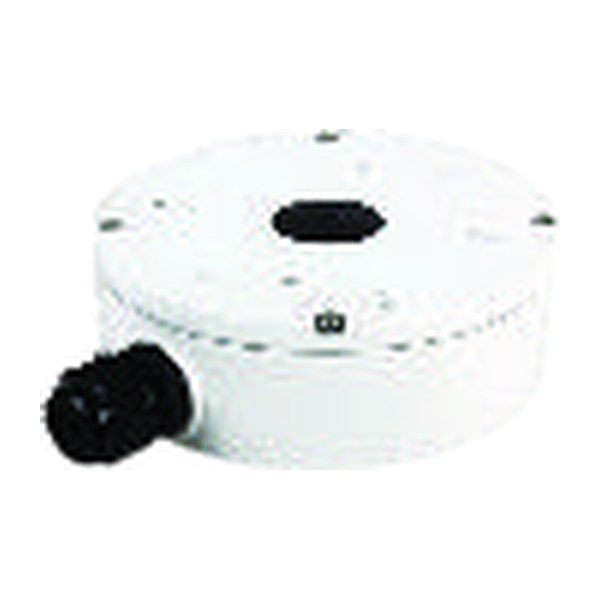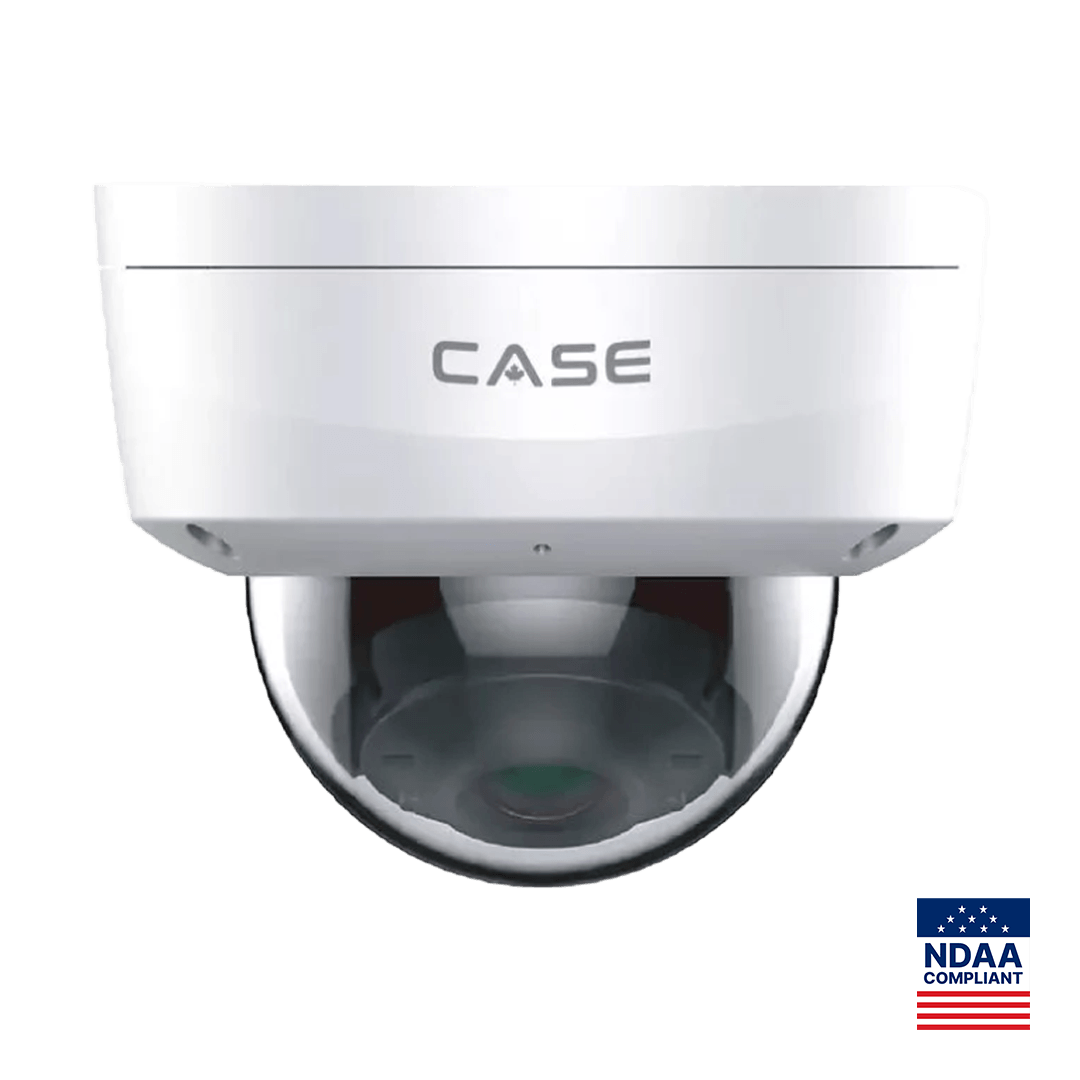
Quick answer: The IP rating on a camera covers the housing, not the RJ45 pigtail hanging behind it, and many early outdoor failures start at that connector. To weatherproof security camera cable entries: bring the cable in from below through a drip loop, pass it through a gland sized to the jacket, land the pigtail inside a junction box such as CS-P54BM V5/V3.0 or CS-A22, use neutral-cure sealant only where the box meets the wall, and run UV-rated jacket wherever the sun reaches it. Then inspect the entry on every service visit.
Why does water get in through the connector and not the housing?
A camera such as CS-I8KS SD-2.8mm prints IP67 and IK10 in its Protection row, and CS-I8XQ II-2.8mm prints IP66. Both figures describe the sealed housing under a laboratory test; neither covers the pigtail, the RJ45 coupler or the hole you drill in the wall. The weak point is always the joint between a rated housing and an unrated cable. Three mechanisms do the damage. Water runs along the outside of a jacket and follows it into any opening it reaches, which is why a cable that enters a box from above delivers rain straight to the connector. A pigtail left hanging in open air collects water in the coupler, where the contacts corrode within one wet season. And a box that is sealed tight on a warm afternoon breathes: the air inside cools at night, pulls in humid air through the smallest gap, and condenses it on the coldest surface, so a “sealed” box without a drain fills slowly from the inside.
None of this shows up on install day. It shows up as intermittent link loss in the first spring, then as a dead camera, and the inspection finds green contacts rather than a failed component: a workmanship outcome, avoidable with four habits that take a few minutes per camera. The ratings themselves are explained in IP66 vs IP67 vs IK10: what the ratings mean on site.
Drip loops: how do you shape one, and where does it go?
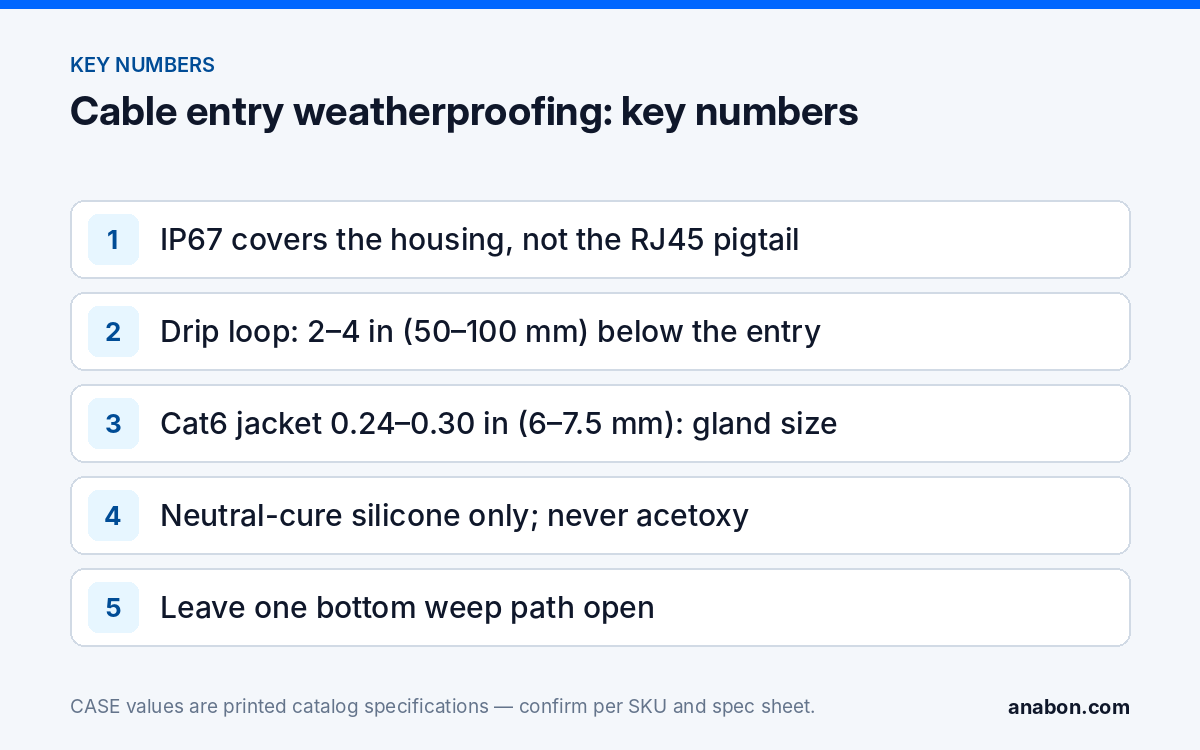
A drip loop is the simplest piece of weatherproofing: the cable dips below the entry point before it rises into the box or the wall, so water running along the jacket reaches the low point and drips off instead of following the cable inside. Shape it so the lowest point sits 2 to 4 in (50 to 100 mm) below the entry, with a bend radius no tighter than the cable allows, which for Cat6 is about 1 in (25 mm). The entry itself should face down or sideways, never up, and the loop must be below it.
| Situation | Where the loop goes | What to avoid |
|---|---|---|
| Camera on a junction box, wall-mounted | Inside the box if there is room; otherwise the cable enters the bottom knockout from a loop below | A top knockout, or a side knockout with the cable arriving from above |
| Cable exiting a wall behind the camera | Loop inside the box; the wall hole sits above the box floor so water cannot pool against it | A hole lower than the box floor, which becomes a drain into the building |
| Cable running down a pole into the camera | Loop immediately before the pole entry, and a second loop inside the box | A straight vertical drop onto the connector |
| Soffit or eave entry | Loop below the soffit penetration, cable rising into it | Relying on the soffit to keep rain off; wind-driven rain still runs along the jacket |
On a pole or a corner mount the loop also absorbs movement: metal expands and contracts through the year and the camera vibrates in wind, and a cable pulled straight between two fixed points works at its connector until it fails. The loop gives it slack. Pole entries are covered in pole and corner mounting for parking lots.
Glands and junction boxes: what each one does
The gland seals the cable, not the hole
A cable gland is a fitting that clamps a rubber seal around the cable jacket as the cap is tightened, closing the gap between cable and entry. It only works when it is sized to the jacket: a Cat6 jacket is typically 0.24 to 0.30 in (6 to 7.5 mm) in diameter, so a gland whose seal range does not include that figure never closes. Check the printed clamping range on the gland, not the thread size. Tighten until the seal grips without deforming the jacket, and cut the cable so it enters the gland straight; a cable bending hard at the gland lip opens the seal on the outside of the bend. Unused knockouts get a plug or a blank gland, every time.
The box is where the pigtail lives
The RJ45 pigtail and its coupler must end up inside an enclosure, never in open air and never stuffed into a wall cavity. Two of the six CASE junction boxes in the 2027 Q1 catalog, CS-P54BM V5/V3.0 and CS-A22, serve as examples here; compatibility is confirmed per camera specification sheet, so match the box to the exact camera SKU before ordering rather than assuming one box fits a series. The box gives you a dry volume for the drip loop and the coupler, a flat sealing face against the wall, and knockouts that take glands or a conduit fitting. CASE accessories carry unlimited warranty, which includes the boxes, so the box is never the item to leave off a quote. Matching boxes and brackets to camera models is covered in junction boxes and mounts: matching CASE boxes and brackets.
Where the cable runs exposed to the camera, finish the run in conduit that terminates in the box with a listed fitting. Communications cabling is governed by the NEC (CEC in Canada); verify the local code for conduit, bonding and the point where the cable enters the building.
Sealants and UV: which products, and where they do not belong
Sealant is for the joint between the box and the wall, and for penetrations through the wall. It is not for the connector, and it must not close the drain. Most outdoor boxes have a low knockout or a weep path; leave one small opening at the bottom so condensation leaves the box. A box sealed on all six faces is the one that fills.
| Material | Use it for | Do not use it for |
|---|---|---|
| Neutral-cure silicone sealant | Box-to-wall perimeter (leave the bottom edge open), wall penetrations | Inside the box, on connectors, over the drain |
| Acetoxy (acetic-smelling) silicone | Nothing on a camera install | Any metal or electronics: it releases acetic acid as it cures and corrodes contacts |
| Self-fusing silicone tape | Wrapping the pigtail coupler when it cannot be boxed, on a temporary install | A permanent substitute for a junction box |
| Butyl mastic tape | Sealing a gland cap or conduit fitting, pole entries | Fine gaps where it cannot be pressed in |
| Expanding foam | Nothing | Cable entries; it traps water against the jacket and cannot be reopened |
| Dielectric grease | Nothing on RJ45 contacts | Network connectors; it attracts grit and complicates re-termination |
UV is the slower failure. Indoor-rated Cat6 jacket chalks, cracks and lets water into the pairs within a few seasons of sun; any run the sun reaches, including the short tail between the wall and the box, uses an outdoor-rated, UV-resistant jacket or runs inside conduit. Buried cable is a direct-burial, gel-filled type in its own conduit. The jacket rating, not the color, is the specification. Mark the cable type on the camera schedule; the labeling practice is in CCTV installation documentation: a labeling standard. Surge and bonding at the same entry are a separate subject, covered in lightning and surge protection for outdoor and PTZ cameras.
Inspection checklist: install day and every visit after
Photograph the open box before closing it; that photo is the proof of workmanship if the camera is ever returned. Then run the list.
- Cable enters the box or wall from below or the side, with a drip loop whose low point sits 2 to 4 in (50 to 100 mm) under the entry.
- Gland clamping range matches the jacket diameter; the cap is tight; the cable enters straight.
- Pigtail and coupler sit inside the box with slack; no connector in open air or in a wall cavity.
- Unused knockouts are plugged; one bottom weep path remains open.
- Neutral-cure sealant runs along the top and sides of the box-to-wall joint only.
- Every exposed cable run is outdoor-rated or in conduit; the cable type is on the camera schedule.
- Live view checked after the lid is closed; link LED steady on the switch or NVR port.
On each service visit, open one box per site at random and look for four symptoms: a tide line, green or white deposits on the coupler, a stiff or chalky jacket, and sealant pulled away from the wall. Any one of them is a reason to open every box on the site. Cold-weather sites add a condensation check before the first freeze, described in security cameras for cold weather.
What to tell your customer
“Your cameras are rated for the weather, and we have protected the one part the rating does not cover: the cable connection behind each camera sits inside a sealed junction box, with the cable looped so water drips off before it reaches the box. We photograph every box before closing it and check them on service visits. Warranty and service on the CASE equipment run through us as your installer.”
FAQ
Is an IP67 camera waterproof at the cable connection?
No. The IP rating describes the camera housing under a standard test and stops at the housing. The RJ45 pigtail, its coupler and the hole in the wall are unrated, which is why they are where water gets in. Land the pigtail inside a junction box behind the camera with a drip loop in the cable, and treat the box, not the camera, as the weatherproof boundary.
Can I just wrap the RJ45 coupler in tape instead of using a junction box?
Only as a temporary measure. Self-fusing silicone tape keeps rain off a coupler for a while, but it does not stop condensation, it cannot be inspected without cutting it off, and it leaves the drip loop and gland out of the picture. For a permanent install, the coupler belongs inside a box matched to the camera SKU per the specification sheet.
Which sealant is safe to use near a security camera?
Neutral-cure silicone, applied to the joint between the box and the wall and to wall penetrations, with the bottom edge left open as a weep path. Avoid acetoxy silicone, the kind that smells of vinegar, anywhere near metal or electronics, because it releases acetic acid as it cures. Keep all sealant out of the box interior and off the connectors.
Does indoor Cat6 survive outdoors if it is painted or shaded?
Not reliably. Indoor jacket compounds are not formulated for sunlight or sustained wetting, and paint flakes while shade moves with the season. Use an outdoor-rated, UV-resistant jacket for any run the sun or rain reaches, including the short tail between the wall and the box, or put the run in conduit. Record the cable type on the camera schedule for the next technician.