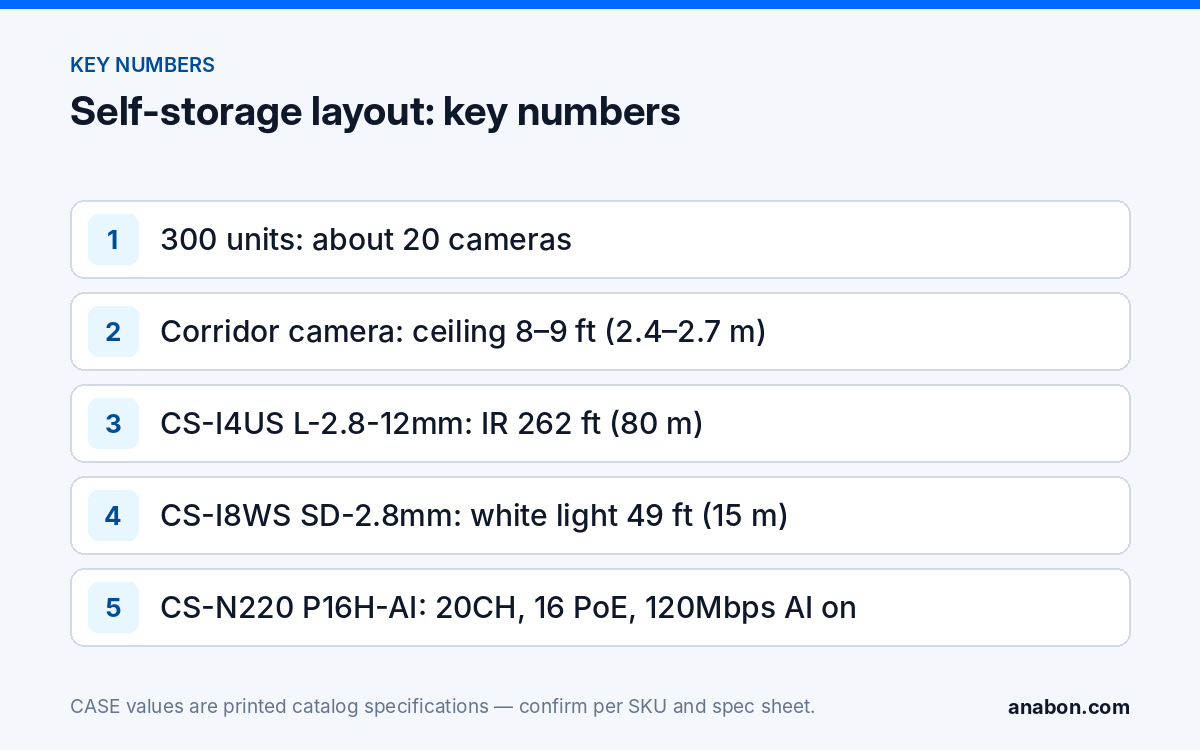
Quick answer: A self-storage facility is four coverage problems: long, narrow corridors and drive-up rows; a gate where the keypad user and the vehicle both have to be recorded; an office counter; and an operator who is rarely on site. Spec a motorized varifocal camera at each corridor and row end, a two-camera gate, deterrence cameras on the back corners, and hand over remote viewing through CASE Connect. A 300-unit facility lands at about 20 cameras on a 20-channel NVR.
Corridors and drive-up rows: how do you cover 150 ft (46 m) of hallway with one lens?
Interior corridors are typically 5 ft (1.5 m) wide and 100–200 ft (30–61 m) long, with roll-up doors on both sides and a ceiling at 8–9 ft (2.4–2.7 m). A 2.8 mm fixed lens at one end shows the first 30 ft (9 m) well and the rest as a strip of identical doors. Put a motorized varifocal at each end instead, zoomed until the far end still fills a useful part of the frame; the two cameras face each other and each covers its own half.
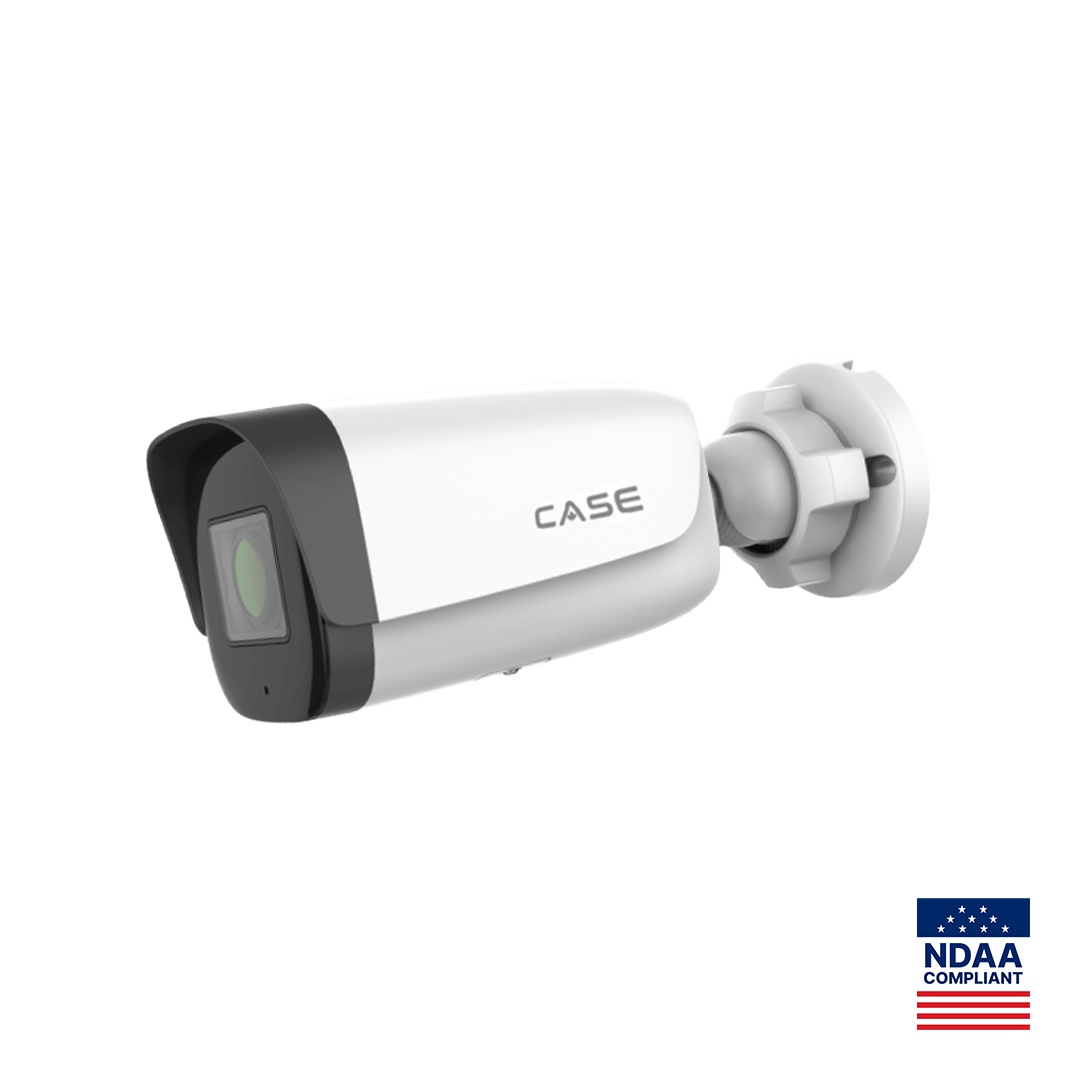
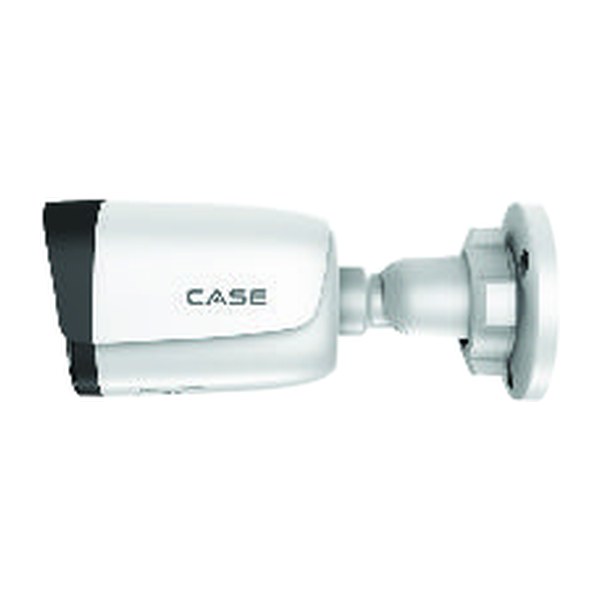
The CS-I4US L-2.8-12mm is the schedule example: 4MP 2560×1440@30fps, motorized 2.8–12 mm lens, IR 262 ft (80 m), TWDR, IP67, Metal + Plastic housing, with Smart Alarm (Human & Vehicle Detection) as its printed AI row. A printed IR range is the illuminator’s reach, not an identification distance; the two-camera layout is what keeps pixel density usable at every door. For short corridors where a fixed lens is enough, see Varifocal vs Fixed Lens.
Drive-up rows are the same problem outdoors: a 25–30 ft (7.6–9 m) drive aisle between two rows of doors, 100–300 ft (30–91 m) long. Mount at each row end on the building corner at 10–12 ft (3–3.7 m), lens set down the row, on the building rather than a light pole so the run stays under 328 ft (100 m).
| Zone | Example CASE SKU | Lens and mount | What it must show |
|---|---|---|---|
| Interior corridor, each end | CS-I4US L-2.8-12mm | 2.8–12 mm set to the far end; ceiling, 8–9 ft (2.4–2.7 m) | Who walked to which door, what they carried out |
| Drive-up row, each end | CS-I4US L-2.8-12mm | 2.8–12 mm set down the row; building corner, 10–12 ft (3–3.7 m) | Vehicle at a door, door open or closed |
Gate and office: what has to be on camera when an access code is entered?
Every entry is a code at a keypad, and the operator’s first question after an incident is which code was used and who was actually behind the wheel. That takes two cameras.
- Keypad camera. On the pedestal post, 5–6 ft (1.5–1.8 m) high, aimed at the driver’s window from the front quarter; it records the face the gate log cannot. The CS-I8WS SD-2.8mm fits: 8MP 3840×2160@20fps, IR 164 ft (50 m) plus white light 49 ft (15 m) for color at the keypad, 120dB WDR for headlights, an IP67 metal housing, and printed operating conditions of −31 °F to 149 °F (−35 °C to 65 °C).
- Lane overview. On the office corner at 10–12 ft (3–3.7 m), covering the entry lane, the exit lane and the gate arm: vehicle, color, direction and tailgaters.
An overview camera often shows a readable plate on a stopped vehicle in daylight; that is a side effect, not license plate recognition. Automatic plate reading or search by number is a dedicated LPR camera with a matching recorder or software, confirmed per project; Parking Lot Security Cameras covers where LPR belongs. Point the NVR and the gate controller at the same NTP source so a 10:42 pm code entry lines up with the 10:42 pm clip (see NVR Time and Date Wrong).
The office is a retail counter behind a glass front: one 2.8 mm camera at 8–9 ft (2.4–2.7 m) behind the counter line, on the customer’s face and the door, with WDR for the glass. The CS-I5KS SD-2.8mm (5MP 3072×1728@30fps, IR 98 ft (30 m), white light 33 ft (10 m), 120dB WDR, IP67, IK10) fits. Add the dumpster pad: illegal dumping is the complaint operators raise after the first month.
Low light and after-hours deterrence: which cameras make the back row look watched at 2 a.m.?
Gate hours end around 10 pm and nobody is on site until the office opens. Fence climb-overs at the back row and cut padlocks happen in that window, in the rows the lighting plan treats as low priority.
Deterrence. The CS-I8XQ II-2.8mm is a second-generation Early Warning turret: EW answers a detected person with light and audio while the event is happening, and Human / Vehicle / Non-motor Vehicle / Pet Classification (Dog, Cat) is in its printed AI row. It prints 8MP 3840×2160@30fps, IR 164 ft (50 m), white light 98 ft (30 m), red and blue light, a built-in mic and speaker, audio 1/1 and alarm 1/1, IP66, a Metal housing and a 1 TB memory slot. EW and AEW are deterrence features. Availability is confirmed per SKU. Arm EW only outside gate hours so late tenants are not flashed; the schedule is set per camera and confirmed per model and firmware.
Color at night. Where the operator wants color evidence rather than an intervention, the white-light models cover the gate and the office front: 49 ft (15 m) on the CS-I8WS SD-2.8mm, 98 ft (30 m) on the CS-I8XQ II-2.8mm. Low-light and full-color behavior is stated per SKU on the specification sheet and should be confirmed for the site. Corridor lights on occupancy timers go dark between visits; the IR on the CS-I4US L-2.8-12mm then records in black and white. Draw Perimeter and Tripwire lines along the fence inside the property line, never on the public sidewalk.
Remote viewing for the operator: how do you hand over CASE Connect to an owner who is never on site?
Many facilities are run from another city and some are unmanned; the operator’s daily use of the system is a phone. CASE Connect is the official app experience for CASE systems. App features and remote access options should be confirmed by model, software version, and project configuration. The handover is the installer’s job; the full step list is in CASE Connect: Setting Up Remote Viewing for Your Customer.
- Create an operator account on the NVR that is not the admin account; the admin credentials stay sealed with the owner and in the job file.
- Add the NVR to CASE Connect on the operator’s phone, with live view and playback, and test playback of a gate clip over cellular from outside the fence.
- Turn on alarm notification only for the back-row CS-I8XQ II-2.8mm cameras after gate close; a phone that buzzes for every motion event gets muted.
- Keep remote access on the NVR’s P2P path, where the model offers it and it is confirmed for CASE Connect, rather than a forwarded router port (see P2P vs VPN), and write the clip-export steps into the handover sheet.
Retention and recording: how long before a tenant notices?
Tenants visit monthly or less, so a break-in is often found weeks later. A practical starting point is 60–90 days for corridor, row and gate cameras and 30 for the office; confirm with the operator’s insurer and lease terms, and against any retention statement made under state law (provincial law and PIPEDA in Canada). The CS-N220 P16H-AI prints storage of up to 10 TB for each HDD; size the drives with the NVR Storage Calculator. Hard drives are supported through back-to-back manufacturer warranty.
Sample schedule: a 300-unit facility with one climate-controlled building
The sample is a fenced 2.5-acre (1 ha) site: one single-story climate-controlled building with four 150 ft (46 m) corridors, three drive-up rows of 200 ft (61 m), a keypad gate with a separate exit lane, an office, and a dumpster pad behind the office.
| ID | Position | CASE SKU | Mount and height | Notes |
|---|---|---|---|---|
| S01–S08 | Corridors 1–4, both ends | CS-I4US L-2.8-12mm | Ceiling, 8–9 ft (2.4–2.7 m) | Lens to far end; event recording; via PoE switch |
| S09–S14 | Drive-up rows 1–3, both ends | CS-I4US L-2.8-12mm | Building corner, 10–12 ft (3–3.7 m) | Lens down the row; continuous at night |
| S15 | Gate keypad | CS-I8WS SD-2.8mm | Pedestal post, 5–6 ft (1.5–1.8 m) | Driver window; white light; continuous |
| S16 | Gate lanes | CS-I8WS SD-2.8mm | Office corner, 12 ft (3.7 m) | Entry, exit, gate arm; continuous |
| S17 | Office counter | CS-I5KS SD-2.8mm | Ceiling, 9 ft (2.7 m) | WDR for glass front; 30 days |
| S18–S19 | Back fence corners | CS-I8XQ II-2.8mm | Building corner, 12–14 ft (3.7–4.3 m) | EW after gate close; event push |
| S20 | Dumpster pad | CS-I8XQ II-2.8mm | Office rear wall, 12 ft (3.7 m) | EW after gate close |
| NVR | Office | CS-N220 P16H-AI | Lockable cabinet | 20CH, 16 PoE; 12 on NVR PoE, 8 via switch |
The CS-N220 P16H-AI prints 20 channels and 16 PoE ports, so four channels are always fed through the network port. Here the eight corridor cameras sit on a PoE switch in the building’s electrical room, uplinked to the NVR’s 10/100/1000 Mbps port, so every run stays under 328 ft (100 m). Incoming bandwidth is printed at 160Mbps, 120Mbps with AI on; check the sum of the configured bitrates against it before quoting, and enable only the AI by NVR functions the operator asked for, confirmed per model and firmware.
What to tell your customer
“Every corridor and drive-up row gets a camera at each end, so each door is covered from two sides. The gate gets a camera on the driver’s face at the keypad and one on the lanes, synced to your gate log. The back corners get deterrence cameras that light up and speak when a person is detected after gate close. You get live view and playback on your phone through CASE Connect, and recordings are kept 60 to 90 days because break-ins are found late. CASE cameras and CASE NVRs carry a 6-year warranty, and support comes through us.”
FAQ
How many cameras does a 300-unit self-storage facility need?
For a fenced site with one climate-controlled building of four corridors, three drive-up rows, a keypad gate, an office and a dumpster pad, plan on about 20: two per corridor, two per drive-up row, two at the gate, one in the office and three deterrence cameras on the back corners and the pad. That fills a 20-channel NVR.
Which camera covers a long self-storage corridor?
A motorized varifocal camera at each end of the corridor, with the lens set so the far end still fills the frame. The CS-I4US L-2.8-12mm prints a motorized 2.8–12 mm lens, IR 262 ft (80 m) and TWDR, and its Smart Alarm (Human & Vehicle Detection) row lets corridors record on events instead of around the clock.
Can the gate camera read license plates?
An overview camera often shows a readable plate on a stopped vehicle in daylight, but that is not license plate recognition. Automatic plate reading or search by plate number needs a dedicated LPR camera and a matching recorder or software, confirmed per project. Record the driver’s face at the keypad and the vehicle in the lane as the baseline.
How long should self-storage video be kept?
Longer than most commercial sites, because tenants visit monthly and find break-ins late. A practical starting point is 60–90 days for corridor, drive-up row and gate cameras and 30 for the office; then confirm the figures with the operator’s insurer and lease terms, and against any retention statement the facility has made under state law (provincial law and PIPEDA in Canada).