Quick answer: “How many security cameras do I need” business customers ask is answered by counting, not guessing: one camera for every entrance and exit, one for every point where money or high-value stock changes hands, one for every approach to the building, plus overview cameras for the floor, the yard and the parking area. For a small retail store that is typically 6–10 cameras; a 20,000 sq ft (1,860 m²) warehouse 12–20; an office floor 6–12; a parking lot 4–8 per 100 spaces. These are starting points for the quote; the site survey sets the final count.
Why rules of thumb, and where do they stop?
A customer asking for a number before the walk-through is not being difficult; they are trying to budget. A rule of thumb gives them a range that is honest about its limits, and gives you a channel count to carry into the first conversation about the recorder. It is not a design. The number that goes into the proposal comes from the site survey, because three things the table cannot see change the count every time:
- Sightlines. Racking, partitions, a mezzanine or a canopy can turn one overview camera into three.
- Lighting at night. A dark yard needs either cameras rated for it or more of them closer to the target.
- Purpose per camera. A camera that identifies a face at a door and a camera that watches a floor are different cameras at different distances; one rarely does both. The lens angle chart shows why.
Legal limits matter too. Restrooms, changing rooms and areas where staff have a reasonable expectation of privacy are off the list under state laws (provincial laws and PIPEDA in Canada); audio recording has its own consent rules. Verify with counsel or the local rules where a camera is near a sensitive area. Rules of thumb say how many; they never say where a camera may not go.
This guide is written for installers and integrators. If you own or manage the site, ask your installer for a site survey; for warranty and service, please contact the installer or company that supplied your system.
What is the counting method behind every row?
Use the same four steps on every site, and the table below becomes something you can defend rather than a number you remember.
- Count the doors. Every public, staff and emergency door gets a camera facing the person coming in, at a distance that reaches identification. Roll-up dock doors count as doors.
- Count the money and the assets. Each point of sale, cash office, safe, server room, tool crib, pharmacy counter or high-value shelf gets its own camera.
- Count the approaches. Each side of the building a person or vehicle can reach: fence lines, gates, the rear lane, the loading area. A 180° panoramic camera such as CS-I86V I-180, which prints 8MP (4+4) stitched imaging at 4640×1728@25fps, often replaces two fixed cameras on a wall or a corner.
- Add overview. One camera per open area the customer wants to see as a whole: the sales floor, the shop floor, the yard, the parking lot. Overview cameras rarely identify anyone; say so.
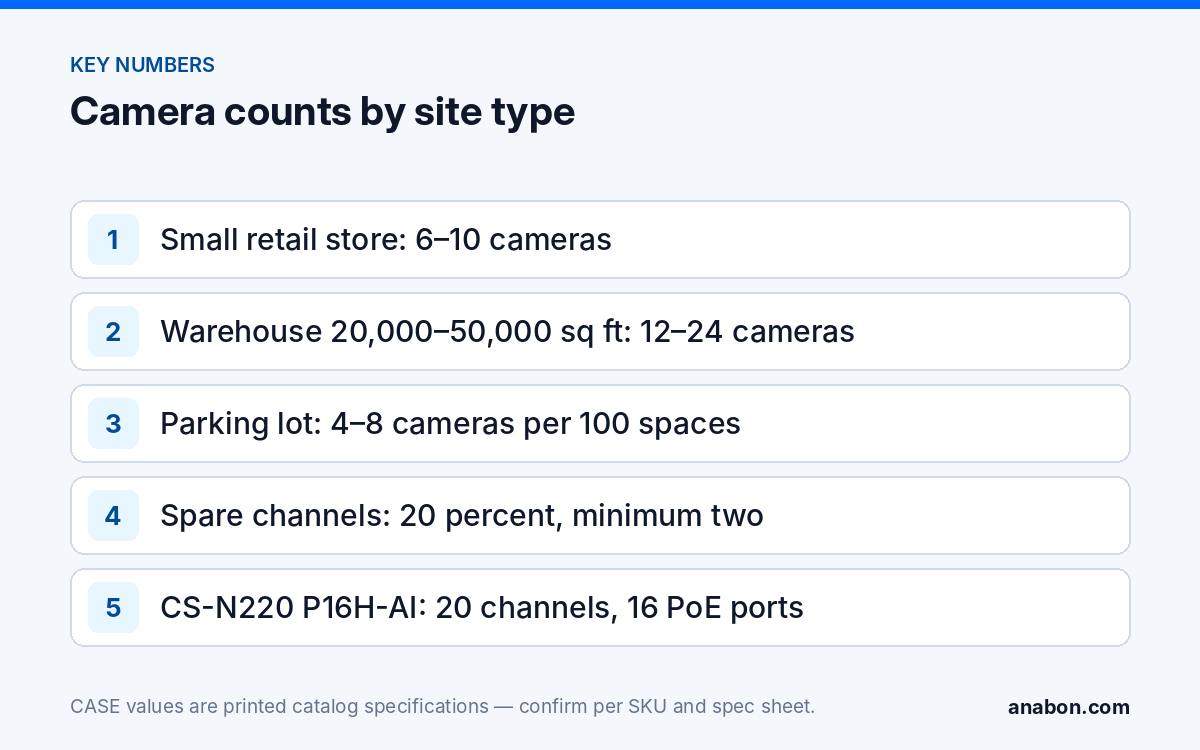
Then add spare channels: 20 percent, minimum two. Almost every customer adds cameras in the first year, and a recorder with no free channel turns a small addition into a recorder replacement; see upgrading from 8 to 16 or 32 channels for what that costs in labor.
Rules of thumb by site type
Counts assume a single building of the stated size with the usual layout; the mix is the typical split of the count. Every row is a starting point for the conversation, not a promise of coverage.
| Site type | Typical size | Camera count | Typical mix | Recorder starting point |
|---|---|---|---|---|
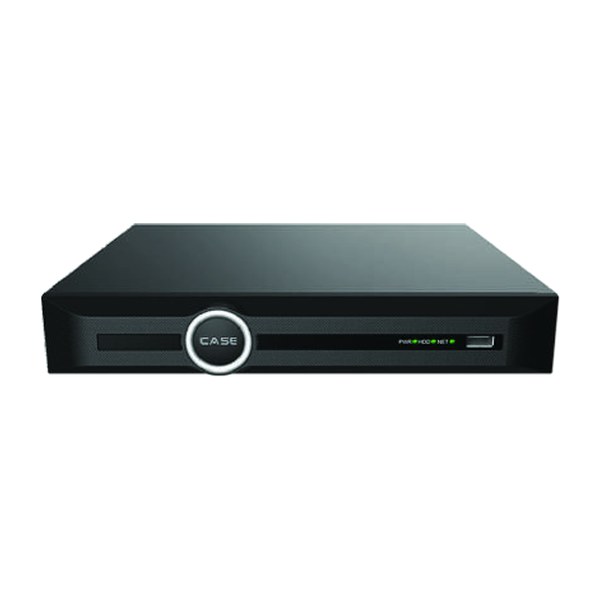
| Small retail store | 1,500–3,000 sq ft (140–280 m²) | 6–10 | Entrance, each POS, stockroom door, back door, sales-floor overview, exterior front and rear | CS-N110 P8H-AI (10 channels, 8 PoE) up to 8 cameras; CS-N220 P16H-AI above that |
| Office, one floor | 5,000–15,000 sq ft (460–1,400 m²) | 6–12 | Main entrance, reception, each secondary door, server room, corridor overviews, parking | CS-N110 P8H-AI or CS-N220 P16H-AI |
| Warehouse | 20,000–50,000 sq ft (1,860–4,650 m²) | 12–24 | Each dock door, shipping and receiving desk, aisle ends, mezzanine, yard gate, exterior walls | CS-N220 P16H-AI (20 channels, 16 PoE) or CS-N440 P16H-AI |
| Parking lot | 50–200 spaces | 4–8 per 100 spaces | Entrance and exit lanes, corner-mounted overviews, pay station, pedestrian routes; 180° units on corners | Depends on the building it serves |
| Workshop or auto repair | 3,000–10,000 sq ft (280–930 m²) | 8–14 | Customer entrance, each bay door, parts counter, tool storage, key cabinet, exterior lot overview | CS-N110 P8H-AI or CS-N220 P16H-AI |
| Restaurant or bar | 2,000–5,000 sq ft (190–460 m²) | 8–14 | Entrance, each POS, bar, kitchen pass and back door, dining overview, patio, dumpster area | CS-N110 P8H-AI or CS-N220 P16H-AI |
| Multi-building or campus | Two or more buildings | 30–80 | Each building counted separately, plus roads, gates and perimeter | CS-N440 M-AI (40 channels) or CS-N880 H-AI (80 channels) |
Two reading rules. First, the mix is where the count comes from: if the store has four POS lanes instead of two, the count goes up by two before anything else is discussed. Second, the recorder column is a channel-count match, not a design; the warehouse and parking lot guides cover what each camera in those rows is actually for.
Which CASE NVR does the count point to?
Take the surveyed count, add the spare channels, and read the first recorder whose printed channel count covers it. Where a recorder has fewer PoE ports than channels, the remaining cameras connect through an external PoE switch such as CS-POE33108PF or CS-POE33024PF.
| CASE NVR | Channels / PoE ports (as printed) | Incoming bandwidth (as printed) | Fits a surveyed count of |
|---|---|---|---|
| CS-N105 P4H-AI | 5 / 4 | 100Mbps | up to 3 (4 with one spare channel) |
| CS-N110 P8H-AI | 10 / 8 | 100Mbps | 5–8 |
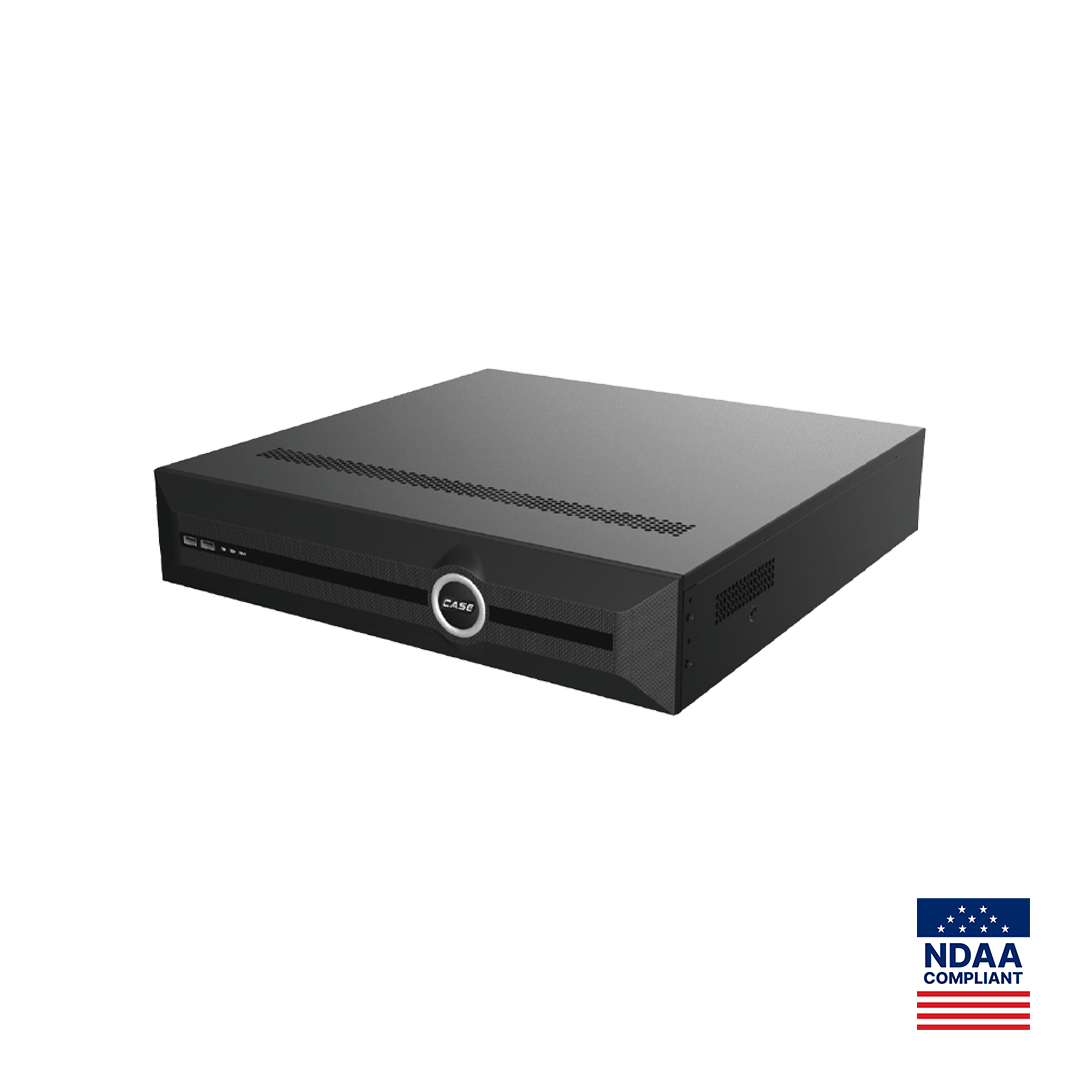
| CS-N220 P16H-AI | 20 / 16 | 160Mbps (AI on: 120Mbps) | 9–16 |
| CS-N440 P16H-AI | 40 / 16 | 400Mbps (AI on: 200Mbps) | 17–32 |
| CS-N440 M-AI | 40 / none | 400Mbps (AI on: 200Mbps) | 17–32, all cameras on external switches |
| CS-N880 H-AI | 80 / none | 400Mbps (AI on: 320Mbps) | 33–64 |
The “fits” column leaves the 20 percent spare. Bandwidth is the second check: 16 cameras at 4 Mbps each is 64 Mbps, inside the 120 Mbps AI-on figure of CS-N220 P16H-AI; 32 cameras at 6 Mbps is 192 Mbps, close to the 200 Mbps AI-on figure of CS-N440 P16H-AI, so the bitrates would be reviewed before quoting. All of these recorders print AI by NVR and VCA Search, with the list differing by model; features are confirmed per model, firmware and project configuration. CASE NVRs carry a 6-year warranty. For the full recorder decision, including PoE NVR versus external switch, see choosing the right CASE NVR.
From the table to a site survey
The table gets you to the first meeting with a range and a recorder family. The survey replaces the range with a number and a camera schedule. Walk the site with the four counting steps and record, per proposed camera:
- Purpose (identify, recognize, observe, detect) and the distance to the target in feet and meters.
- Mounting point, height, and what the camera will look into at night: a dark lot, a floodlight, headlights at a gate.
- Cable route length to the nearest recorder or switch location, against the 295 ft (90 m) permanent-link limit.
- Anything the customer must not record, and any audio requirement, for the legal check.
- Where the customer will watch: a desk monitor, a phone on mobile data, a guard company. This decides sub-stream and bandwidth planning.
The site survey guide has the full capture list. When the survey count lands above the table, say so and explain which step added the cameras; customers accept “you have five doors, not three” far more readily than a number that simply grew. Where the site is unusual, a yard with no power, a hazardous area, a campus with a dozen buildings, bring the opportunity to a project review before you say no; those sites are quoted per project.
What to tell your customer
“The number of cameras comes from your building, not from a catalog: one for each door, one for each place money or stock changes hands, one for each way onto the property, plus overviews. For a site like yours that is usually between eight and twelve. We confirm the exact count on the walk-through, and we size the recorder with spare channels so adding a camera later is a small job, not a new system.”
FAQ
How many security cameras does a small business need?
Most small retail, office and service businesses land between 6 and 12 cameras: one per entrance and exit, one per point of sale or cash office, one per approach to the building, plus one or two overviews. The number moves with the count of doors and cash points, not with the square footage, and the site survey sets the final figure.
How many cameras does a warehouse need?
A 20,000–50,000 sq ft (1,860–4,650 m²) warehouse typically needs 12–24 cameras: one per dock door, shipping and receiving desks, aisle ends, the mezzanine, the yard gate and the exterior walls. Racking height and aisle length decide how many aisle cameras are needed, which is why the survey often adds to the table figure.
Should I quote spare channels on the recorder?
Yes: 20 percent, and never fewer than two. Nearly every customer adds cameras in the first year, and a recorder with no free channel turns a one-camera addition into a recorder replacement with new drives and a settings migration. Spare channels are the simplest insurance in the proposal and should be named as such.
Can one 180° camera replace two fixed cameras?
Often, on a wall or corner where two cameras would have looked left and right. CS-I86V I-180 prints 8MP (4+4) stitched imaging at 4640×1728@25fps with a 2.8mm fixed lens, IR 98 ft (30 m) and white light 98 ft (30 m), so one mounting point covers both directions. It does not replace a dedicated identification camera at a door.
Which CASE NVR fits a 14-camera site?
CS-N220 P16H-AI, which prints 20 channels, 16 PoE ports and 160 Mbps incoming (120 Mbps with AI on): 14 cameras leave six spare channels and two spare PoE ports, and 14 cameras at 4 Mbps use 56 Mbps of the AI-on figure. If the survey pushes the count past 16, step up to CS-N440 P16H-AI rather than filling every port.