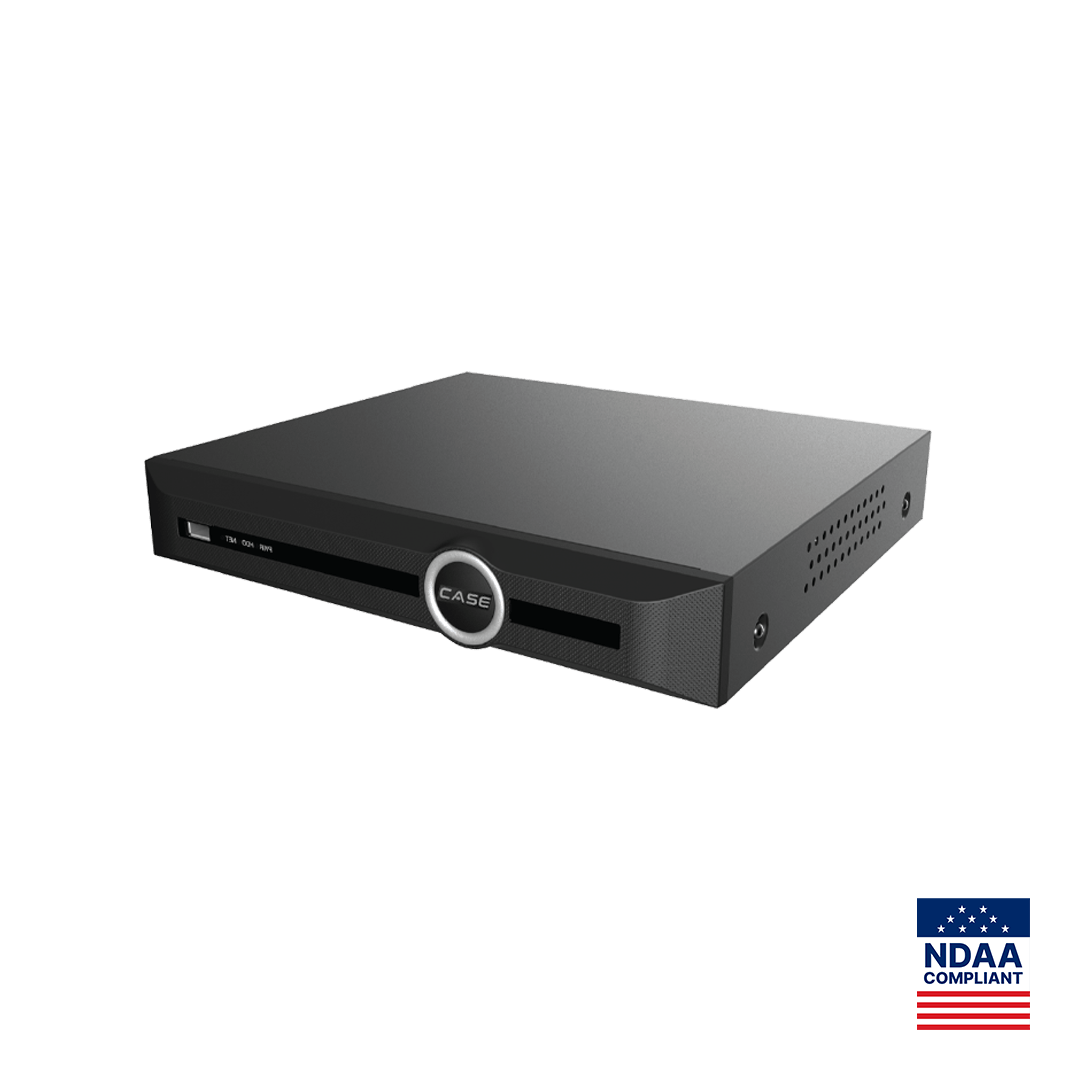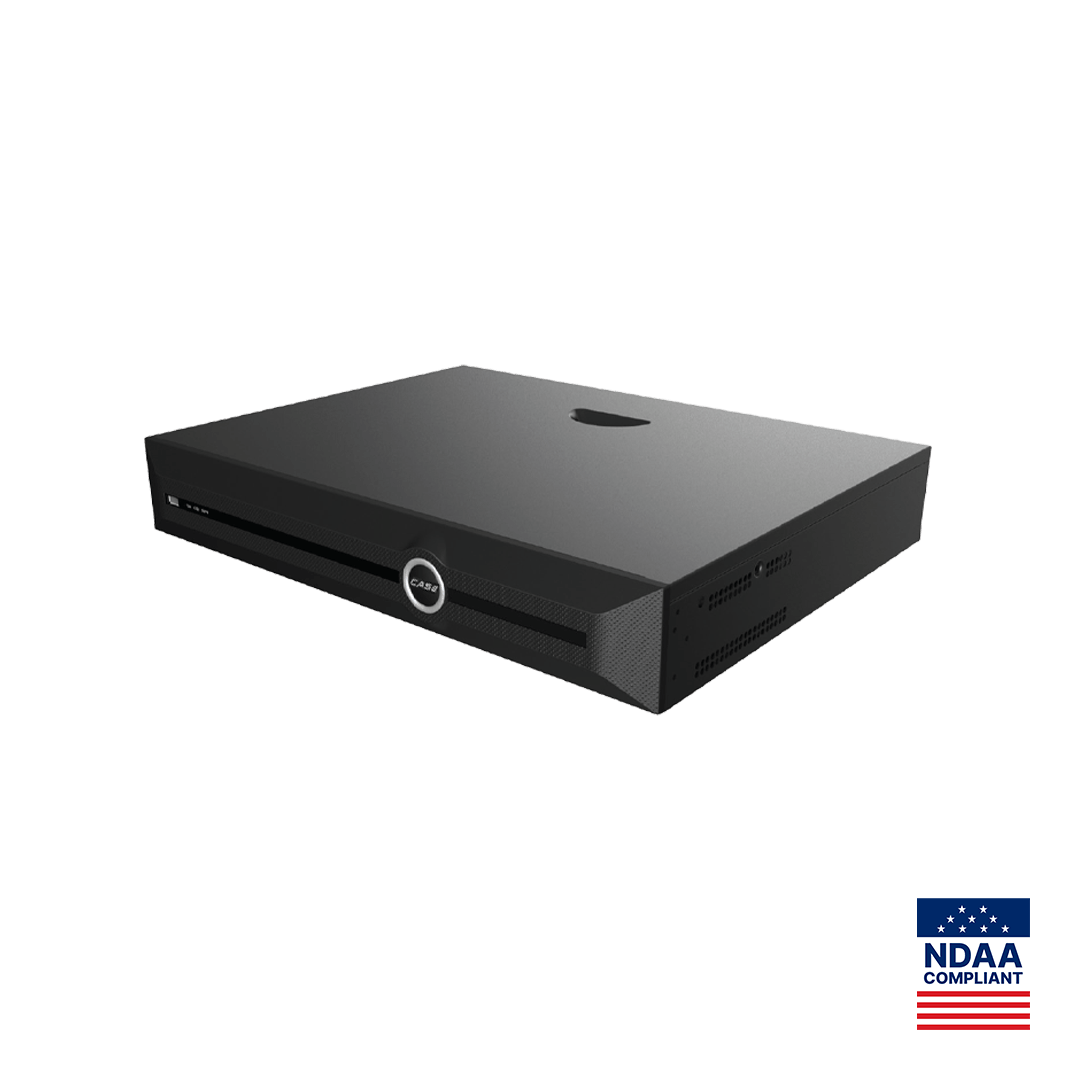
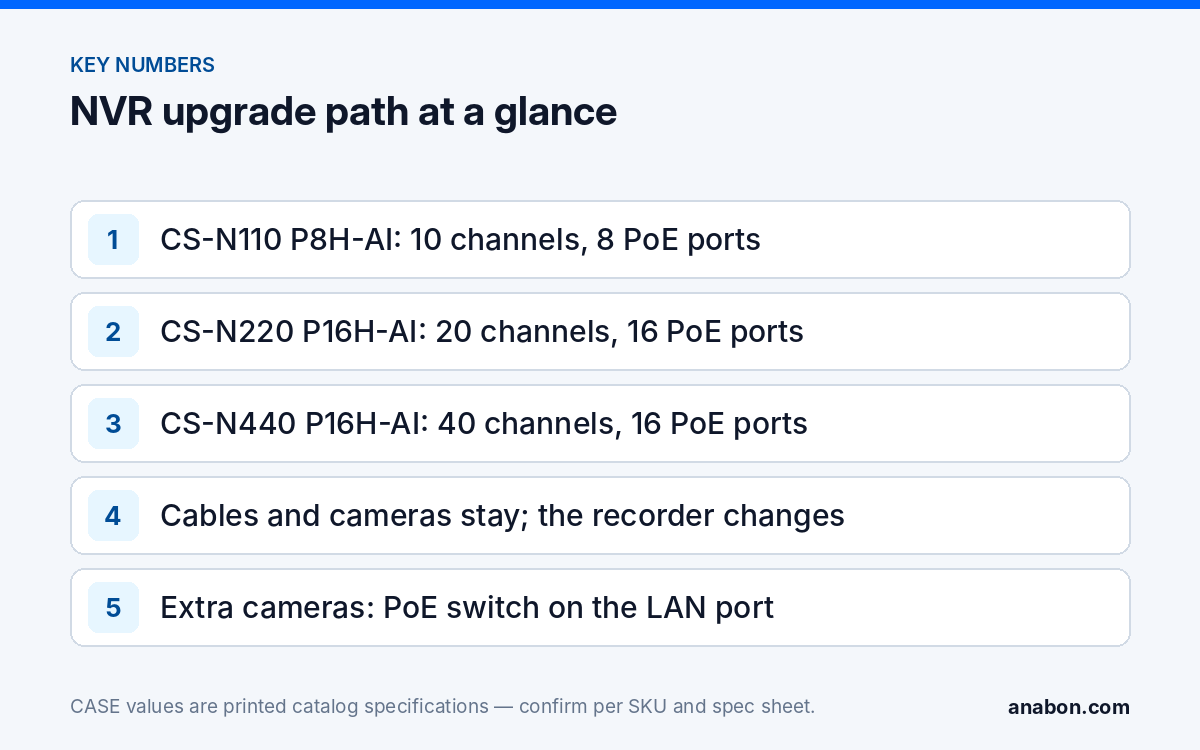
Quick answer: To upgrade an NVR to more channels without re-cabling, keep every camera run, box and patch panel and change only the head end. If the recorder still has free channels but no free PoE ports, add an external PoE switch on its LAN port. If the channels themselves are full, replace the recorder along the CASE path CS-N110 P8H-AI (10 channels, 8 PoE ports) to CS-N220 P16H-AI (20 channels, 16 PoE ports) to CS-N440 P16H-AI (40 channels, 16 PoE ports), move the existing cables to the new ports, and re-create users, schedules and CASE Connect access on the new unit.
Which upgrade fits: an external switch or a new recorder?
Two different numbers are printed on every CASE NVR page, and the upgrade path depends on which one is full. “IP Video Output” is the channel count: how many cameras the recorder can record. “PoE Port” is how many of those cameras can be powered and connected directly on the back of the unit. On CASE PoE recorders the channel count is higher than the PoE count, which is the spare capacity this article is about.
| Installed recorder | Channels / PoE ports (as printed) | Cameras added | Upgrade |
|---|---|---|---|
| CS-N110 P8H-AI with 8 cameras | 10 / 8 | 1–2 | External PoE switch on the LAN port; recorder stays |
| CS-N110 P8H-AI with 8 cameras | 10 / 8 | 3–12 | Replace with CS-N220 P16H-AI; move the 8 cables; cameras 17–20 via switch |
| CS-N220 P16H-AI with 16 cameras | 20 / 16 | 1–4 | External PoE switch on the Gigabit port; recorder stays |
| CS-N220 P16H-AI with 16 cameras | 20 / 16 | 5–24 | Replace with CS-N440 P16H-AI; move the 16 cables; the rest via switches |
| CS-N440 P16H-AI with 16 on PoE | 40 / 16 | up to 24 | External PoE switches; recorder stays |
The title says 8, 16 and 32 because that is how installers describe the jobs; the CASE recorders print 10, 20 and 40 channels, so each step carries two, four or eight spare channels beyond the 8, 16 or 32 cameras the job is named for. That spare is the reason the first few additions never need a new recorder. Which recorder suits a new site is covered in choosing the right CASE NVR; this article assumes one is already on the wall.
Channel mapping: what stays and what changes?
The cost of an upgrade is in the labor that touches ceilings and walls. Nothing in this procedure does. Make the inventory below before the visit and the day is predictable.
| Item | Stays | Changes or is re-created |
|---|---|---|
| Camera runs, junction boxes, patch panel, labels | Yes | Nothing; re-terminate only a cord that fails a test |
| Cameras | Yes | Firmware checked; re-added to the new recorder |
| Camera IP addresses | Only on the PoE ports | PoE-port cameras take addresses from the new recorder’s PoE subnet; switch-connected cameras get static or reserved addresses on the LAN |
| Channel order and names | No | Re-created; keep a printed channel sheet: old channel, new channel, camera name, location |
| Recording schedules, motion and AI rules | No | Re-created per channel; AI by NVR rules confirmed per model and firmware |
| User accounts and roles | No | Re-created; new admin password, customer roles as before |
| Hard drives and recordings | Per model | New drives sized for the new channel count; drive reuse confirmed per model before it is relied on |
| CASE Connect access | No | New device added to the customer’s account; old device removed |
| Rack, UPS, network uplink | Usually | UPS capacity and a Gigabit uplink checked against the new unit |
The printed channel sheet is the single document that prevents a 30-minute upgrade from becoming a two-hour hunt for “which camera is the back door”. Photograph the old recorder’s rear panel and its channel list before anything is unplugged.
How do added cameras connect through an external PoE switch?
A CASE PoE recorder has two networks: the PoE ports on the back, which form their own subnet for plug-and-play cameras, and the LAN port, which connects to the customer’s network and the internet. Cameras beyond the PoE count connect to the LAN side through a PoE switch and are added to the free channels by discovery or by IP address. CS-N220 P16H-AI prints one 10/100/1000 Mbps RJ-45 port plus 16 10/100 Mbps PoE ports, so its four spare channels arrive through the Gigabit port; CS-N440 P16H-AI prints 40 channels, 16 PoE ports and one 10/100/1000 Mbps RJ-45 port, so up to 24 cameras arrive the same way.
- Switch choice: CS-POE33108PF prints 8 Gigabit PoE ports, IEEE 802.3af/at, 30 W per port and a 130 W / 250 W budget; CS-POE33024PF prints 24 Gigabit PoE ports, 30 W per port, a 400 W / 600 W budget and 2×1000M SFP fiber ports for a far wing or a second building. CASE accessories carry unlimited warranty.
- Addressing: give switch-connected cameras static addresses or DHCP reservations on the LAN subnet, outside the recorder’s PoE range, and record them on the channel sheet. Address conflicts are the most common reason an added camera shows offline; see NVR not showing cameras.
- Bandwidth: every camera, PoE or switch, counts against the printed incoming figure: 160 Mbps (120 Mbps with AI on) on CS-N220 P16H-AI, 400 Mbps (200 Mbps with AI on) on CS-N440 P16H-AI. Twenty cameras at 4 Mbps is 80 Mbps, inside the CS-N220 P16H-AI AI-on figure; forty at 5 Mbps is 200 Mbps, exactly at the CS-N440 P16H-AI AI-on figure, so bitrates are reviewed before the fortieth camera is promised.
- PoE budget: sum the added cameras’ spec-sheet draw against the switch budget, not the port count; the PoE budget calculator has the method.
- Network separation: if the switch sits on the customer’s business LAN, put the cameras on their own VLAN with the IT team’s agreement; the recorder’s LAN port is the only thing the business network needs to reach.
Migrating settings, users and recordings
Treat the new recorder as a new system that happens to use the old cables. Configuration export and import between two different CASE models is confirmed per model and firmware before the visit; where it is not available, the channel sheet and a screenshot of each schedule page are the migration.
- Before the visit: export any clips the customer still needs from the old recorder, confirm retention days with them, and size new drives for the new channel count with the storage calculator. Hard drives are supported through back-to-back manufacturer warranty.
- Bench the new recorder in the shop: latest firmware, admin password set, time zone and NTP, drives installed and formatted, the customer’s user roles created from the old list.
- Keep the old recorder powered as an archive for the retention period, disconnected from the cameras but reachable on the LAN, so last month’s footage is still searchable if something comes up.
- Re-create per channel: name, recording schedule, motion or AI rule, sub-stream settings for remote viewing, privacy masks where they existed.
- CASE Connect: add the new device to the customer’s account, confirm live view and playback on a phone on mobile data, then remove the old device from their list. App features and remote access options should be confirmed by model, software version, and project configuration.
- Hand over a new one-page record: channel sheet, addresses, admin custody, retention, and the date of the firmware. The user roles and permissions guide covers what the customer gets and what stays with you.
CASE NVRs carry a 6-year warranty, supported through your company as the installer.
Upgrade-day sequence
- Photograph the rear panel and channel list of the old recorder; confirm the printed channel sheet against it.
- Power down the old recorder; move the camera cords one at a time from old port to the matching new port, ticking the sheet.
- Connect the LAN uplink and any external switch; power the new recorder; confirm every PoE camera comes up plug-and-play.
- Add switch-connected cameras by address; check each shows live video, correct time and the right name.
- Confirm recording on every channel, then play back five minutes on each; test one export to USB.
- Walk the site with the customer’s phone on mobile data, open each camera, and have them sign the channel sheet.
- Label the new recorder, update the rack label and the as-built, and leave the old unit as the archive with a dated note.
What to tell your customer
“Your cables, mounts and cameras stay exactly where they are; we change the recorder, which is the part that has run out of room. The new recorder has spare capacity for the next additions, your old footage stays available on the old unit for the retention period, and your phone access is moved to the new system before we leave. The whole change happens at the equipment rack, not on your ceilings.”
FAQ
Can I add cameras to an NVR that has no free PoE ports?
Yes, as long as it has free channels. On CS-N220 P16H-AI the printed figures are 20 channels and 16 PoE ports, so four more cameras connect through a PoE switch on the recorder’s Gigabit LAN port and are added by discovery or IP address. When the channels themselves are full, the recorder is replaced and the cables move to the new unit.
Do I have to re-run cables when I replace the NVR?
No. Camera runs end at a patch panel or at the recorder’s rear ports; the upgrade moves cords from the old ports to the new ones, one at a time against a channel sheet. Only a cord that fails a link test is re-terminated. The ceiling and wall work that made the original installation expensive is not repeated.
Can I move the old hard drives into the new NVR?
Drive reuse between models is confirmed per recorder model and firmware before the visit, and a recorder may need to format drives it adopts, so plan new drives sized for the new channel count and keep the old recorder powered as an archive for the retention period. Hard drives are supported through back-to-back manufacturer warranty.
Do the camera IP addresses change?
Cameras on the recorder’s PoE ports normally take addresses from the new recorder’s own PoE subnet; confirm the plug-and-play behavior per model and firmware. Cameras added through an external switch live on the LAN subnet and should get static addresses or DHCP reservations outside the recorder’s range; record every address on the channel sheet so a later technician can find them.
Which CASE NVR is the step up from CS-N110 P8H-AI?
CS-N220 P16H-AI, which prints 20 channels, 16 PoE ports, 160 Mbps incoming (120 Mbps with AI on) and a Gigabit LAN port; the eight existing cables move to its PoE ports and twelve channels remain. The step after that is CS-N440 P16H-AI with 40 channels, 16 PoE ports and 400 Mbps incoming (200 Mbps with AI on), with the extra cameras on external switches.