Quick answer: A forgotten admin password on a CASE camera or NVR is recovered through the official path for that model and firmware: a self-service recovery option if one was configured at setup, otherwise a support-assisted reset completed by Anabon technical support with the installer or business account responsible for the system, after verifying who is asking. No reset code or workaround is published here. Prevention is faster: a credential record, separate accounts and a password policy agreed at handover.
Which lockout do you actually have?
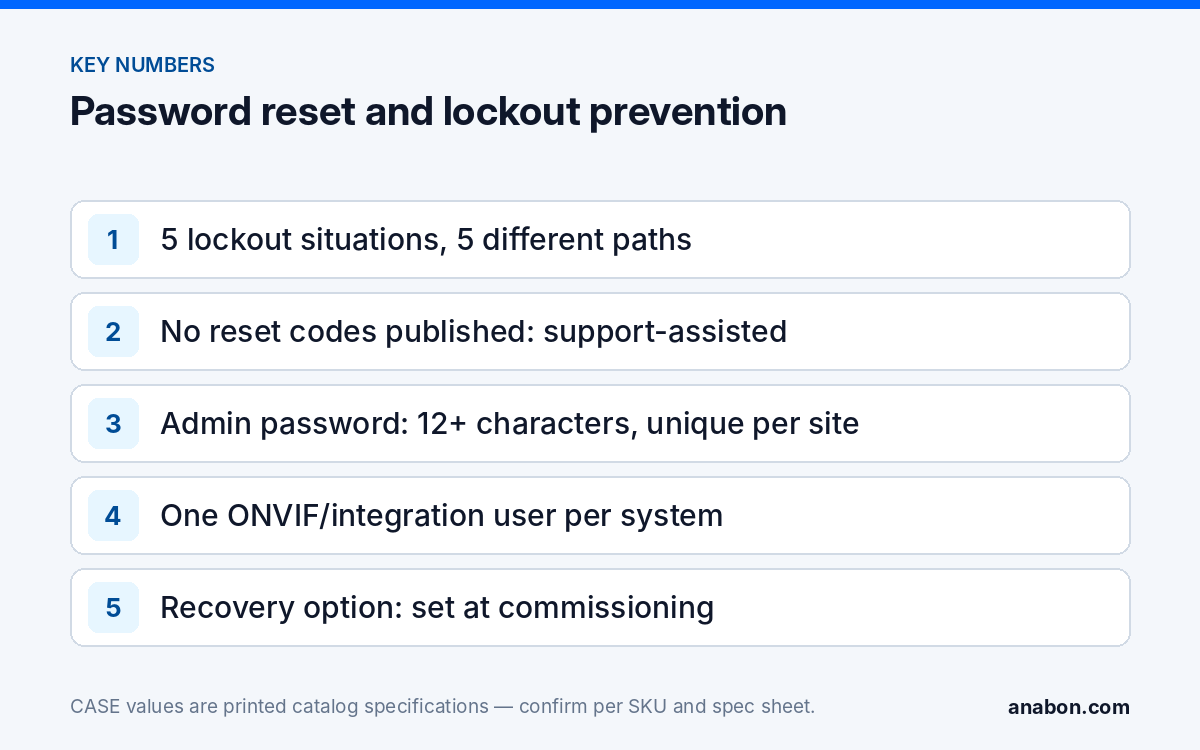
“Locked out” covers five situations, each with a different fix. Identify yours before you touch the device: a factory reset on a commissioned NVR turns a short call into a re-commissioning visit. Lock timers and recovery prompts are set per model and firmware.
| Situation | What still works | Path | Risk |
|---|---|---|---|
| Operator or viewer account forgotten; admin known | Admin login | Admin resets that user in the user menu | None |
| Admin forgotten; recovery option configured at setup | Recovery prompt on the login screen, where the firmware offers one | Self-service recovery, then a new admin password | None |
| Admin forgotten; nothing configured | Nothing | Support-assisted reset through Anabon technical support, with ownership verification | Configuration loss if you factory-reset instead |
| Camera on an NVR PoE port reports a wrong password | NVR admin login | Correct the credential the NVR holds for that channel | None |
| Too many failed attempts | Everything, after the lock timer | Stop, note the time, retry after the lock clears | Each attempt can restart the timer |
The fourth row wastes the most site time. The NVR holds a credential for every PoE channel; whether it also pushes a password into the camera depends on the NVR model and firmware. If a channel reports “wrong password” after someone changed the camera from its own web page, fix the channel credential on the recorder first; resetting the camera does nothing for a mismatch that lives on the NVR. The same applies to a third-party system that stopped authenticating: see ONVIF camera not connecting to the NVR.
What is the official reset path for a CASE camera or NVR?
CASE cameras and NVRs do not share one universal reset routine: the login-screen options and what a hardware reset erases are set by model and firmware, so the exact sequence is confirmed with Anabon technical support for your SKU and firmware version. The outline below deliberately contains no reset code or workaround; publishing one would weaken every site running the same firmware, including your customers’ sites.
Step 0: identify the device exactly
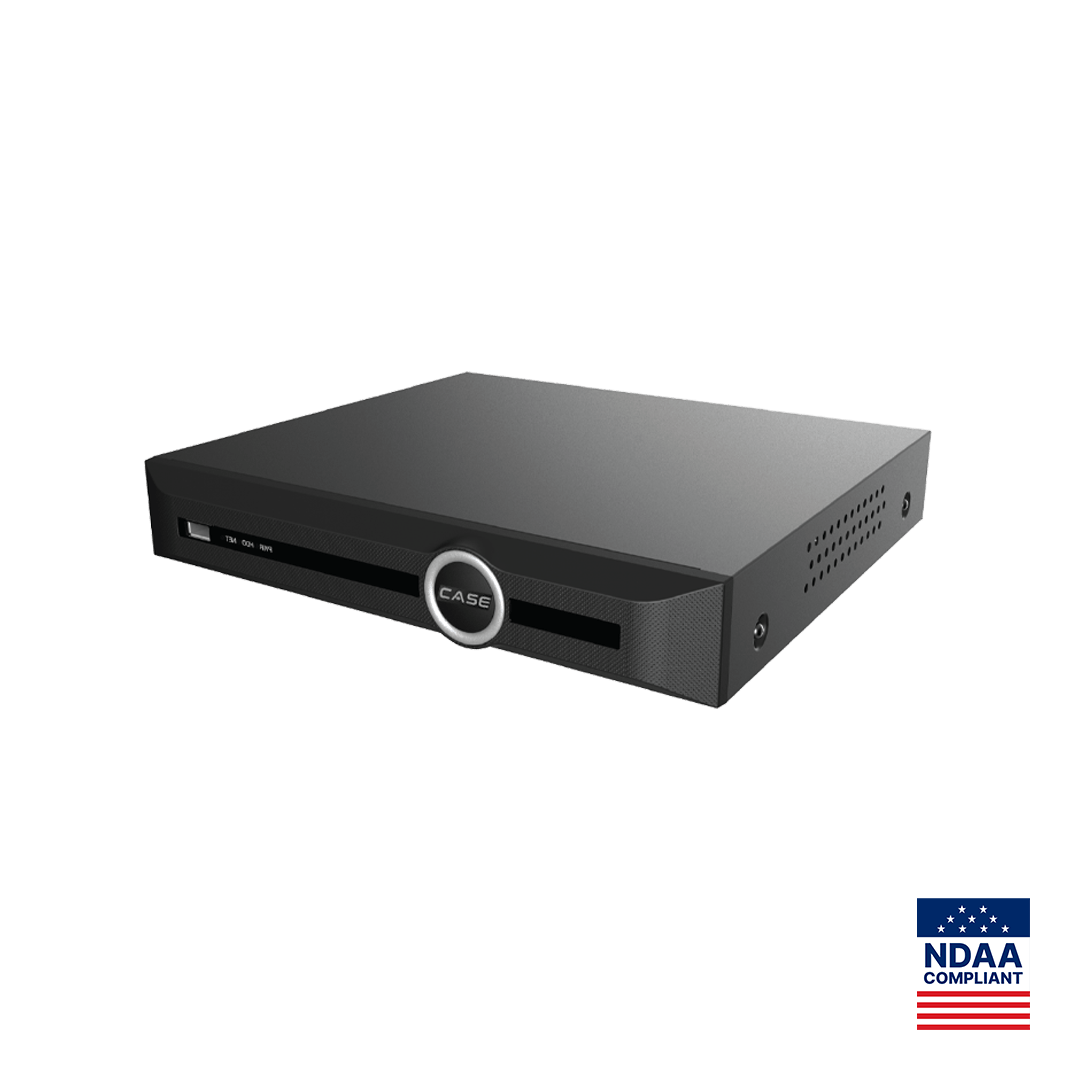
Record the full SKU with its series letter (CS-N220 P16H-AI, not “the 16-port NVR”), the serial number from the label and the firmware version if the login page shows it. If you cannot log in to a camera, the Search Config Tool can still discover it on the LAN so you know which unit at which address you are dealing with.
Path A: self-service recovery, if it was configured
Some firmware versions offer a recovery option on the login screen that is set up at first login, such as a recovery contact or security questions; whether your model has one is confirmed per model and firmware. If nobody set it up at commissioning, it cannot be created from outside the device afterwards, which is why it belongs on the commissioning checklist, not the troubleshooting list.
Path B: support-assisted reset
When no recovery option exists, the reset runs through Anabon technical support. Support works with the installer, dealer or approved business account responsible for the system, not with the end user, and verifies that the request comes from the party entitled to control the device. The reset applies to that unit only. An end user who contacts Anabon directly receives the redirect: “For warranty and service, please contact the installer or company that supplied your system.”
Path C: factory reset, the last resort
A factory reset, where the model has one, returns the device to its out-of-box state: on a camera the password, network, image and analytics settings; on an NVR the channel list, schedules, accounts and network configuration, with the fate of recordings depending on the model. The location, hold time and scope of a reset control are in the quick-start guide or spec sheet for that SKU; do not follow a video made for a different model.
What will technical support ask you for?
A reset hands control of a device that may hold months of video to whoever requests it, so support treats it as a security-sensitive operation. Verification protects your customer: it stops a former employee or an unhappy tenant from taking over a recorder with a plausible email. Have the following ready; the exact list varies by model and firmware.
- Your business account or company name and your role on the job.
- The full SKU with the series letter and the serial number from the label.
- The firmware version, if the login screen or system information menu shows it.
- A photo of the label and, if asked, of the login screen as it appears now.
- The site name or address and when the device was commissioned.
- How you are connected: on the LAN, through CASE Connect, or through CASE Cloud remote configuration.
- Whether the device sits on an NVR PoE port or directly on the customer’s network.
Video of identifiable people can be personal information under state privacy laws (in Canada: PIPEDA and provincial statutes such as Quebec Law 25), so log who requested and approved the reset, and when; verify obligations with counsel where a customer asks.
How do you prevent the next lockout at handover?
Almost every lockout traces back to one gap: the admin password lived in one person’s head or on one phone. The fixes cost ten minutes on commissioning day.
- Credential record. One page per site listing every device (full SKU, serial, IP address, MAC), its accounts and who holds each password. The passwords themselves live in a password manager or a sealed envelope held by the customer’s designated contact.
- Decide who holds admin. The customer owns the system, so their designated person holds the admin credential; a service account for you exists only with written consent recorded in the handover pack.
- One account per role, one per person. Admin for configuration only; operators and viewers for daily use; a dedicated integration user for any third-party platform; a separate account for your service visits.
- Configure the recovery option on commissioning day wherever the model and firmware offer one, and note who can answer it.
- Change passwords on staff change, not on a calendar. A departing manager who knew the admin password is a common trigger for a lockout and for an unwanted login.
- Never reuse one password across customers, and record the lock duration where the device locks after repeated failures.
After any reset, run the list again: new admin password recorded, individual accounts re-created with minimum rights (see user roles and permissions on CASE NVRs), a dedicated integration user for any third-party platform (ONVIF profiles supported are S, T, and G, with M on pinhole models; third-party behavior is confirmed per platform and project), CASE Connect viewing on a viewer-level account (app features and remote access options are confirmed by model, software version and project configuration), and the event logged with date, requester and approver. The wider steps are in Hardening a CASE NVR and the customer handover cybersecurity checklist.
Password policy template for customers
Copy this table into your handover document and agree each line with the customer before you leave. It is written so a non-technical office manager can follow it; the same policy covers cameras and the NVR.
| Item | Recommended setting | Notes |
|---|---|---|
| Admin password | 12 characters or more; a phrase is fine | Length beats forced symbol rules; avoid the company name, address or year |
| Uniqueness | Different for every device and site | The NVR and each camera with its own login get their own password |
| Admin account use | Configuration only | Never for daily viewing, never on a phone |
| Viewer and operator accounts | One per person, least privilege | Named after the person, so a departure means removing one account |
| Integration user (ONVIF, RTSP, third-party platform) | Dedicated account, lowest rights that work | Named after the system that uses it; removed with that system |
| Recovery option | Configured at commissioning where the firmware offers it | Who can answer it is in the credential record |
| Credential record | Held by the customer’s designated contact | Installer copy only with written consent |
| Rotation trigger | Staff change, suspected compromise, any support-assisted reset | Not calendar-forced |
| Failed-attempt lockout | Left enabled where the model offers it | Lock duration noted in the record |
| Review | At every service visit | Remove stale accounts; confirm the record matches the devices |
What to tell your customer
“The administrator password for your recorder and cameras belongs to you, and your designated contact holds it. We keep a service account only with your written consent, and everyone else has an individual viewing account. If the administrator password is ever lost, the reset runs through us and our distributor’s technical support, which verifies the request first; that step protects your video.” For end users who land here: for warranty and service, please contact the installer or company that supplied your system.
FAQ
Can I reset a CASE camera password without calling support?
Only if the firmware on that model offers a self-service recovery option and it was configured at setup; the login screen then walks you through it. Otherwise the official route is a support-assisted reset through Anabon technical support, with ownership verified. A factory reset also clears the password but erases the configuration.
Does Anabon reset passwords for end users who call directly?
No. Anabon supports warranty and technical service through its installer, dealer and business-account network, so the reset is completed with the installer or company responsible for the system, which also confirms that the person asking is entitled to control the device. End users are asked to contact the installer or company that supplied their system.
Will a factory reset delete the recordings on an NVR?
It depends on the model and firmware, which is why you confirm before pressing anything. A factory reset returns the configuration to its out-of-box state: accounts, channels, schedules, network and time settings. Whether video on the drives is kept or cleared differs by model, so export the clips that matter first and verify them on another machine.
The camera says wrong password after I changed it, but it is on an NVR PoE port. Why?
The NVR holds its own credential for each PoE channel and uses it to log in to the camera. If you changed the password on the camera’s own web page, the recorder is still presenting the old one. Correct the channel credential on the NVR, or remove and re-add the channel, before resetting the camera. Whether the NVR pushes passwords to cameras is per model and firmware.
The device locked after several failed attempts. What now?
Stop entering passwords. Many models lock the account or the address for a set time after repeated failures, and every further attempt can restart that timer; the duration is set per model and firmware. Note the time, wait it out, then try once with the password from the credential record. If that fails, move to the recovery option or the support-assisted reset.