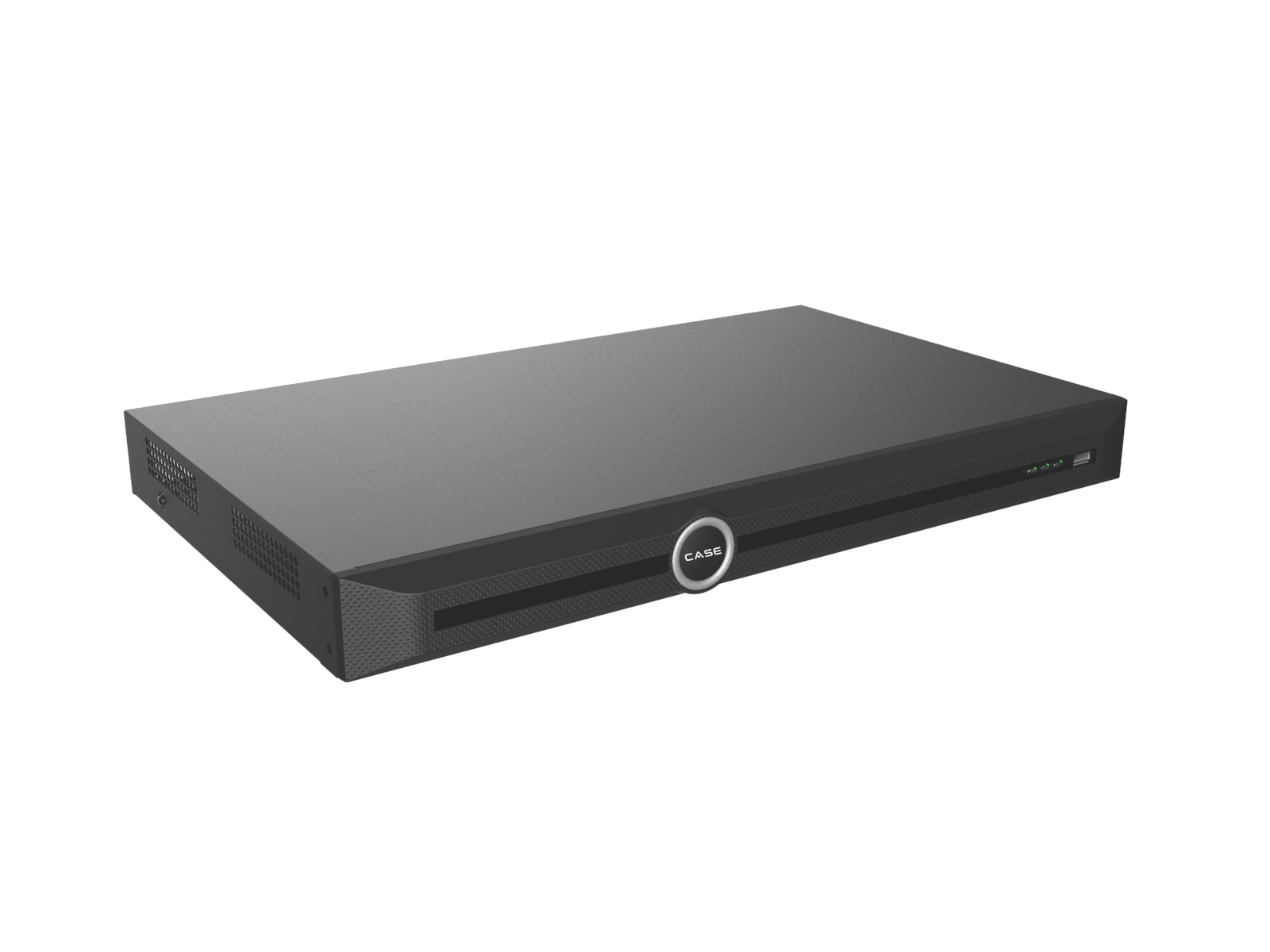
Quick answer: An NVR provides a recording layer; desktop video software can provide an operator/viewing layer. Decide from the required tasks, not the number of buildings alone. CASE Station is catalog-described for desktop monitoring, playback, export and multi-site viewing; broader management or server capabilities need their own confirmation.
On this page
Ask what the operators need to do
Write the camera count, sites, users, required views, search/export tasks and acceptable outage behavior. “One screen for two buildings” could mean selecting two recorders, while “one control room” may require simultaneous layouts, shared permissions and managed workstations.
Do not assume that adding desktop software changes where video is recorded. Identify each recording destination, the equipment responsible and the behavior when a site or WAN link fails.
| Layer | Questions before specification |
|---|---|
| Local recorder | Channels, incoming/outgoing bandwidth, storage, required analytics, I/O and local operation. |
| Viewing workstation/software | Operators, layouts, simultaneous streams, playback/export and workstation/network requirements. |
| Central management | Required permissions, search, health monitoring, failover and device/version integration; obtain a written scope. |
| Remote/mobile access | Supported devices/functions, authentication, data path and customer policy. |
Keep the NVR’s recording requirements clear
Choose the recorder against channels, stream load, supported storage, required analytics and interfaces. Incoming bandwidth, decoding and outgoing viewing load are different constraints. Spare channels do not guarantee spare AI processing, PoE power or drive capacity.
A local recording design can have advantages when a WAN connection is unavailable, but continuity depends on the cameras, recorder, storage, power and local services actually required. Test that scenario instead of promising every local system records through every network outage.
The CASE NVR selection guide and recording/access/storage guide help document that layer.
What is established for CASE Station?
The current catalog describes CASE Station on Windows/macOS for monitoring, playback, video export and viewing multiple sites in one interface. It states no per-camera licensing for that described offering. Confirm the current software version and terms rather than extending that statement into a promise that every feature or service is free forever.
The catalog does not provide a complete workstation specification, supported device list, monitor count or central-management capacity. Obtain the actual requirements for the streams, resolution, layouts and concurrent tasks the operators need.
CASE Connect remains the primary CASE software direction for camera control, while CASE Cloud is separately described for remote NVR configuration. Do not imply that the three products have identical functions or roles.
When does a project need more review?
Requirements such as centralized permissions, search across many recorders, failover, a health dashboard or an integration with access control must be explicitly supported. A multi-site viewing sentence is not proof of those management functions.
Confirm exact recorder/camera models, firmware, software versions, required ONVIF profiles and functions. Where official conformance is required, check the product record and then test the actual combination. A stream appearing once is not a full integration test.
The older CS-MS2000 is retired from the active offering; residual stock may exist. Do not quote it as an active 2000-channel management server or transfer that historical capacity to CASE Station or CASE Connect. No like-for-like current server replacement is established by the current catalog.
Size and test the viewing system
- List normal and peak viewing/playback/export workloads.
- Confirm supported workstation hardware, operating system and display arrangement.
- Check recorder outgoing bandwidth, site upload and WAN latency/reliability where relevant.
- Test the intended simultaneous layouts and operations using representative streams.
- Test named account restrictions and approved remote access.
- Record outage/recovery behavior and limits before acceptance.
Do not equate installed camera count with the number of streams a workstation can decode smoothly. Main streams, sub-streams, multi-view layouts and export tasks can create different loads.
Hand over a diagram of responsibilities
Record what stores video, what displays it, what manages accounts and what depends on an external service. Include supported versions, licenses/terms, administrators, maintenance owners and open items.
Use the monitor-output guide, user-permissions plan and export workflow for the actual operator tasks. Train users on the installed and tested functions rather than a generic brochure list.
FAQ
Does a second building automatically require a management server?
No. Define the recording, viewing and management tasks, then confirm the simplest supported design that meets them.
Does no per-camera licensing mean no project costs?
No. Confirm software terms and any hardware, operating-system, integration or service requirements.
Can I quote the old CS-MS2000?
It is retired from the active offering. Ask Anabon to review a current project requirement; do not assume an equivalent replacement or its capacity.
Review NVR options and submit the operator/workstation requirements to Anabon technical support before promising a central system.