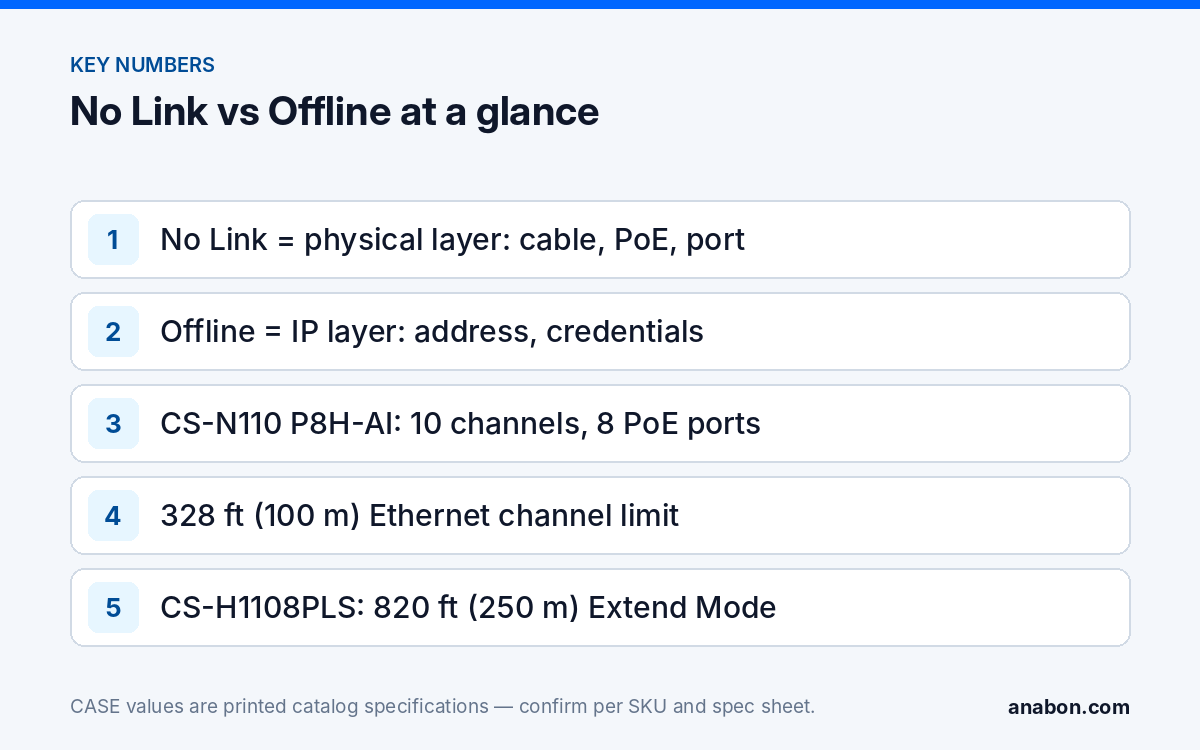
Quick answer: “No Link” and “Offline” on an NVR PoE channel are different failures. No Link means the port sees no Ethernet partner: cable, connector, PoE power or the port itself. Offline means the link is up but the NVR cannot talk to the camera: wrong address, wrong credentials or a camera that moved subnets. Fix the physical layer first with a port-and-cable swap and a PoE tester, then the IP layer from the NVR’s channel settings.
No Link vs Offline: which layer is failing?
Each status word the recorder shows points at one layer; read the word before you touch a cable. Exact labels differ by NVR model and firmware, but the two families are constant: a physical-layer failure (no electrical link on the port) and an IP-layer failure (link present, no usable conversation with the camera).
| What the channel shows | Layer | Typical causes | First test |
|---|---|---|---|
| No Link, port LED dark | Physical | Open or miswired pair, bad RJ45 crimp, water in a connector, camera not powered, port fault | Swap test with a known-good cord and camera |
| Link flaps: comes and goes, LED blinks irregularly | Physical / power | Marginal PoE at the camera end, run over 328 ft (100 m), copper-clad aluminum cable, loose termination | PoE tester at the camera end; measure cable length |
| Offline, link LED steady | IP | Camera on the wrong subnet, duplicate address, static IP left from a bench test, DHCP not received | Read the channel’s address and the camera’s actual address |
| Offline with a credential or password error | IP (authentication) | Camera password changed on its own web page, NVR channel still holds the old one | Correct the channel credential on the NVR |
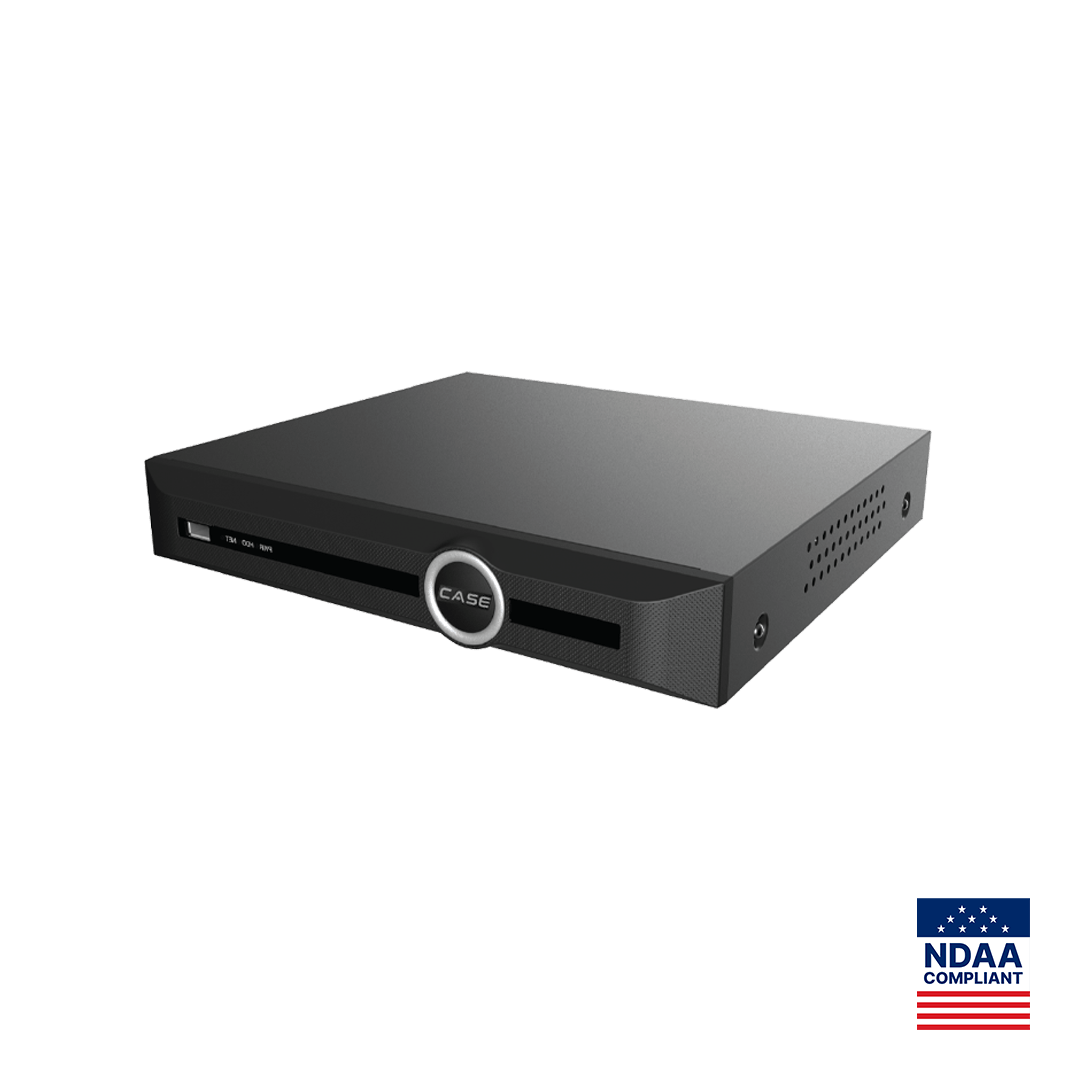
One status is often misread: an unassigned channel. A CS-N110 P8H-AI prints 10 channels and 8 PoE ports, so channels 9 and 10 are never “offline on a PoE port”; they exist only as network channels through the uplink. The same applies to channels 17 to 20 on a CS-N220 P16H-AI (20 channels, 16 PoE ports, as printed).
How do you run the swap test on port and cable?
The swap test isolates three suspects, camera, cable and port, with a short patch cord and a camera you trust. Each step eliminates one variable.
- Known-good camera on the suspect port. Plug a camera that works elsewhere into the failing PoE port with a 3 ft (about 1 m) patch cord. Link comes up: the port and its PoE are fine. No link: try one more port; if that works, mark the original port as suspect.
- Suspect camera on a known-good port. Plug the failing camera into a port that just proved itself, with the short cord. Link comes up: the camera is fine and the field cable is the problem. No link: the camera or its pigtail is at fault; check the pigtail connector for moisture before you condemn the camera.
- Field cable on a known-good port and camera. Only now test the long run. Flapping or no link here means termination, length, cable grade or damage along the route.
Read the port LED while you do this. Behavior is per NVR model, but a dark LED with a camera attached means no electrical link, while a steady or regularly blinking LED means the physical layer is up and the problem has moved to the IP layer. Write the result of each step on the as-built: “port 5 fails with a known-good camera and cord” is a repair order; “camera 5 fails on every port” is an RMA conversation through your business account.
What does the PoE check tell you?
An unpowered camera has no Ethernet transceiver to answer the port, so it shows No Link. A PoE tester at the camera end answers two questions: is power arriving, and at what class.
- No power at the camera end, power at the port: an open pair in the run, a connector that only has the data pairs made up, or a splice. Re-terminate the far end first; it is the quickest fix.
- Power present but the camera draws nothing: a camera-side fault, or a camera that needs 802.3at on an 802.3af port; check the camera’s class on its spec sheet against what the port supplies.
- Power at the camera but the link flaps at night: illuminators raise the draw after dusk. If the NVR’s total PoE budget, printed on its spec sheet, is near its limit, the last camera to light up drops; move a camera or two to an external switch.
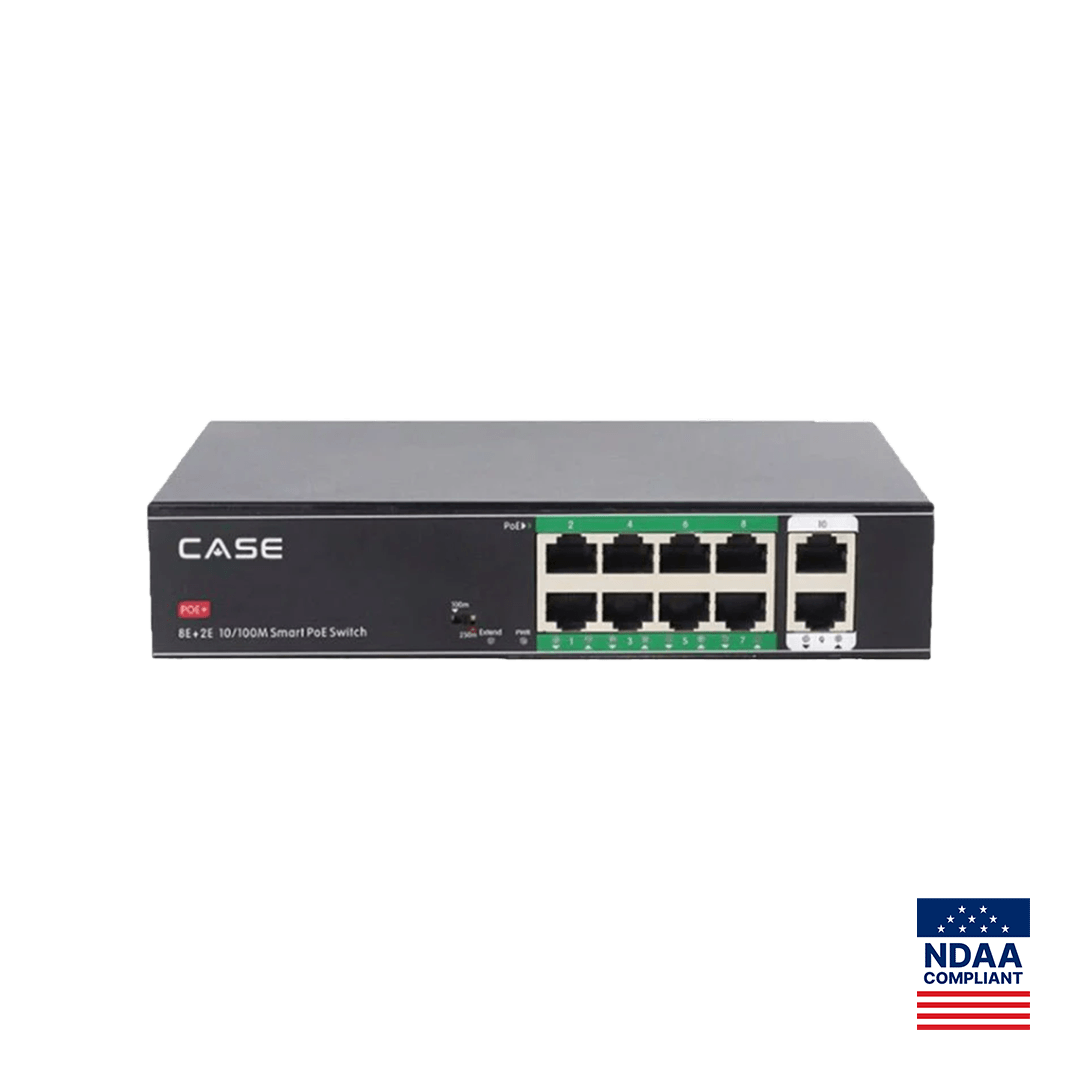
- Run longer than 328 ft (100 m): the ANSI/TIA-568 channel limit (CSA T568 in Canada; verify the local code) applies to an NVR PoE port like any other. For a longer run, bring the camera in through a switch with an extend mode, such as the CS-H1108PLS with its printed 328 ft (100 m) standard / 820 ft (250 m) Extend Mode, and add it to the NVR as a network channel through the uplink.
- Copper-clad aluminum cable: higher resistance, more voltage drop, brittle at the punch-down; not recognized under ANSI/TIA-568 (CSA T568 in Canada). Replace the run.
The budget math, class table and tester sequence are in PoE camera not working: budget, cable length and switch class; distance options are in PoE max distance and PoE extenders. An external switch in an unheated closet has its own limit: the CS-H1108PLS prints −4 °F to 131 °F (−20 °C to 55 °C).
Link is up but the camera is offline: IP and credentials
Once the LED is steady, cable and PoE are no longer suspects. The NVR’s PoE ports form an internal network that the recorder addresses itself, separate from the customer LAN; a camera on those ports is expected to take an address in that range. Four things break that expectation.
The camera kept a static address from somewhere else
A camera bench-tested on the shop network, or moved from an external switch, may still hold a static IP in another subnet; the NVR sees link but cannot reach it. Read the channel’s configured address, discover the camera’s real address with the Search Config Tool from a laptop on the same segment, and set the camera back to the range the NVR expects on its PoE ports (per model and firmware).
Two cameras share an address
Both become intermittent, each knocking the other offline, usually because a hand-set address collides with the NVR’s automatic assignment. Fix the plan rather than the symptom; the method is in IP address conflicts between cameras.
The channel holds the wrong credential
If someone changed the camera’s password on its own web page, the NVR keeps presenting the old one and the channel reports an authentication error while the link stays solid. Update the credential on the channel; do not reset the camera. The reset path, when it is needed, is in how to reset a CASE camera or NVR password.
The channel is simply pointing at nothing
A channel re-added by hand with a typed address stays offline if the address no longer matches. Re-run the NVR’s search and add the camera from the discovered list. The DHCP and addressing walk-through is in NVR not showing cameras: check IP addresses, DHCP and PoE first.
Channels, PoE ports and bandwidth: the printed limits that look like faults
Three printed numbers on every CASE PoE NVR decide what “offline” can mean on a given channel. Check them before you spend an hour on a channel that was never going to work on that port.
| SKU | IP video channels | PoE ports | Ethernet layout | Bandwidth in / out |
|---|---|---|---|---|
| CS-N105 P4H-AI | 5CH | 4 | 4+1 RJ45, 10/100 Mbps self-adaptive | 100 Mbps / 80 Mbps |
| CS-N110 P8H-AI | 10CH | 8 | 8+1 RJ45, 10/100 Mbps self-adaptive | 100 Mbps / 80 Mbps |
| CS-N220 P16H-AI | 20CH | 16 | 1×RJ-45 10/100/1000 Mbps uplink; 16×RJ45 10/100 Mbps PoE | 160 Mbps (AI on: 120 Mbps) / 80 Mbps |
| CS-N440 P16H-AI | 40CH | 16 | 1×RJ45 10/100/1000 Mbps | 400 Mbps / 400 Mbps (AI on: 200 Mbps / 200 Mbps) |
Two consequences. Channels above the PoE port count are network channels: they need an external PoE switch, and the camera’s address then lives on the customer LAN, so the IP checks above apply there. And the incoming bandwidth figure is shared by every channel; a camera that drops to offline and back under load may be a bandwidth problem, which is a design conversation, not a cable swap. The PoE ports print as 10/100 Mbps on the CS-N105 P4H-AI, CS-N110 P8H-AI and CS-N220 P16H-AI (the CS-N440 P16H-AI page prints only its 1×RJ45 10/100/1000 Mbps port); 100 Mbps is adequate for a single camera stream, so port speed alone does not explain a No Link.
What to tell your customer
“The recorder told us the camera had no electrical connection, which is a cable or power issue, not a camera failure. We tested the port, the cable and the camera separately, corrected the fault and confirmed the channel is recording again, and we have recorded the cause so a repeat is caught faster.” For end users who land here: for warranty and service, please contact the installer or company that supplied your system.
FAQ
What is the difference between No Link and Offline on an NVR?
No Link is a physical-layer status: the PoE port sees no Ethernet partner, so the cause is the cable, a connector, PoE power or the port. Offline means the link is up but the NVR cannot communicate with the camera, which points at the address, the subnet or the credentials. Labels vary by NVR model and firmware; the two layers do not.
Why does a camera show No Link only at night?
Illuminators switch on at dusk and raise the camera’s draw. If the NVR’s total PoE budget, printed on its spec sheet, is already near its limit, or the run is long enough that voltage at the camera is marginal, the camera browns out and the link drops. Put a PoE tester on the camera end through sunset, then shorten the run or move a camera to an external switch.
Can I use a PoE extender or an extend-mode switch on an NVR PoE port?
An NVR PoE port is bound by the same 328 ft (100 m) channel limit as any switch port. For a longer run, bring the camera in through a switch that prints an extend mode, such as the CS-H1108PLS with 820 ft (250 m) Extend Mode, and add it to the NVR as a network channel through the uplink rather than through a PoE port.
Channel 9 on my 10-channel NVR is offline. What should I check?
First the port count. A CS-N110 P8H-AI prints 10 channels and 8 PoE ports, so channel 9 cannot sit on a PoE port; it must be added as a network channel from a camera on the customer LAN through the uplink. Check that the camera is powered by an external PoE switch, holds an address on that LAN, and was added from the search list with the right credential.
The link LED is steady but the channel says offline. Is the cable still a suspect?
No. A steady link LED means the physical layer, including PoE power, is working. Compare the address the channel is configured for with the camera’s actual address, check for a duplicate, and confirm the channel credential matches the camera’s current password. A leftover static address from a bench test is the usual cause.