


NVRs, AI and Software
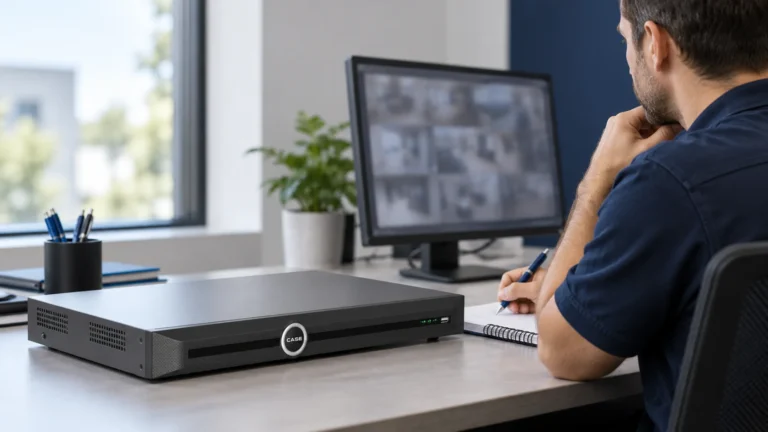
NVR Monitor Outputs: Plan the Views, Then Choose the Recorder
Check simultaneous and independent outputs, display resolution, operator tasks and viewing-system limits before specifying monitors or a video wall.
Anabon field guides
Practical guides for installers, integrators, low-voltage contractors and dealers: troubleshooting, system design, installation practice, camera technology, NVRs and software, compliance, vertical playbooks, bids, business growth and the CASE line — written to be used on the job and handed to your customer with confidence.
Need a manual or firmware? Visit the Download Center. For technical help on a live job, use Technical Support through your business account.
Check simultaneous and independent outputs, display resolution, operator tasks and viewing-system limits before specifying monitors or a video wall.
Plan customer, operator, installer and integration access; test restrictions and revocation on every supported interface before handover.
Match recorder terminals to documented sensor and load requirements, then test the complete event path before handover.
Prepare the approved firmware, recording interruption and recovery process, then verify the actual installation before closing the work order.
Turn a vague cloud request into a documented recording, access and recovery design with confirmed CASE software scope.
Confirm release and device support, agree customer access and demonstrate the actual CASE Connect functions before signing off handover.
Separate recording, desktop viewing and central-management requirements before specifying CASE NVRs or CASE Station.
Commission the supported event searches, narrow the incident window and verify the original video before exporting a clip.
Choose where analytics run, confirm the supported event chain and test processing capacity and useful results on the installed system.
Plan non-stitched dual-lens views with the actual recorder: verify channel and license use, count both streams, and test coverage, night detail, recording and export.